 Jinnoro
Guides
Get more done with Jinnoro
Short tutorials with real screenshots. Each one sets up a project you can copy: a semester, an exam, a job search, a move.
New to this? Start with a calm task system in Jinnoro, which explains the Inbox, Next Actions and Waiting For.
Students
Semesters, exams, assignments and applications.
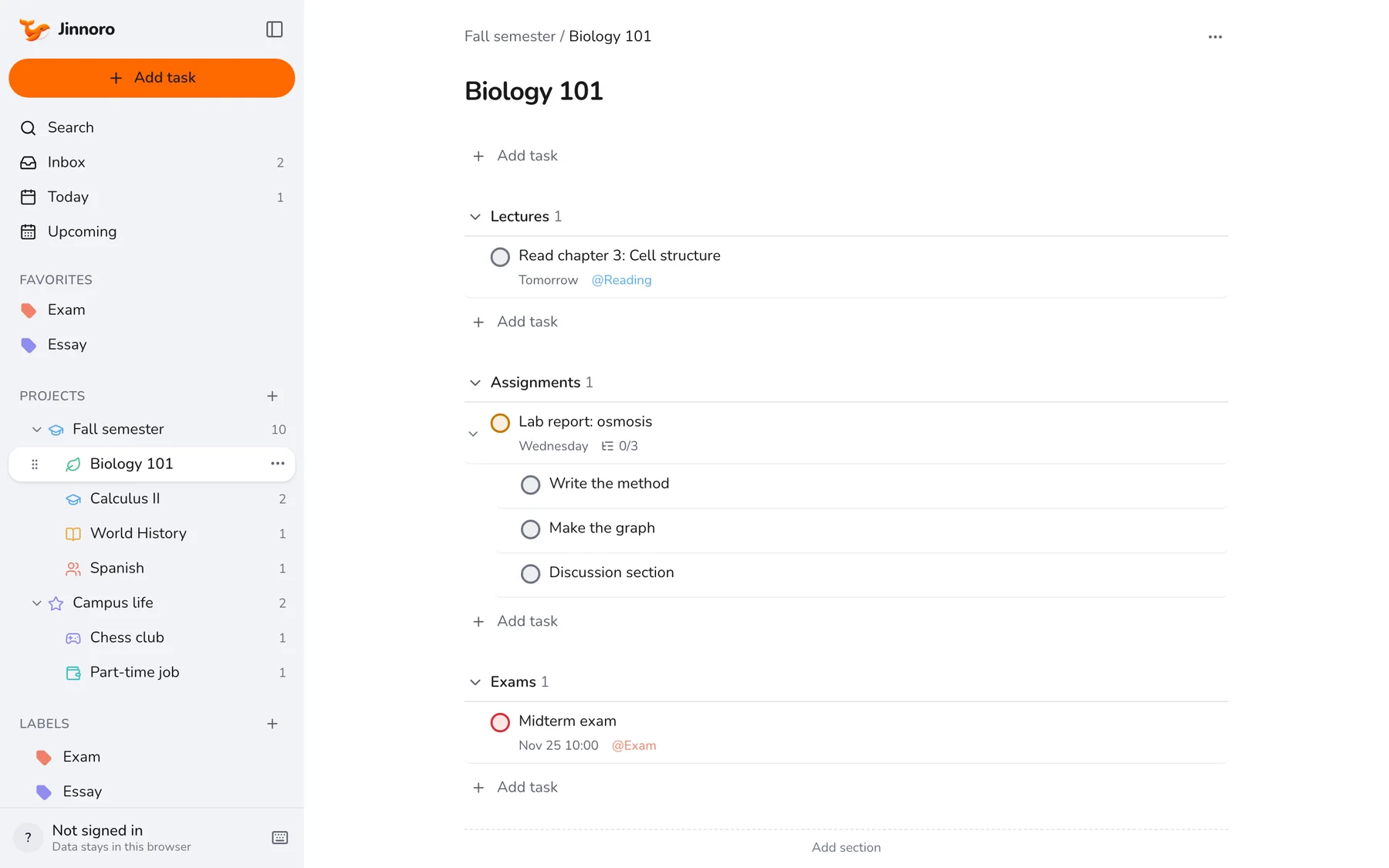
Students · 6 min
Set up a semester planner as a student
Turn a semester into a tidy tree of courses, with assignments, exams and campus life each in their place.
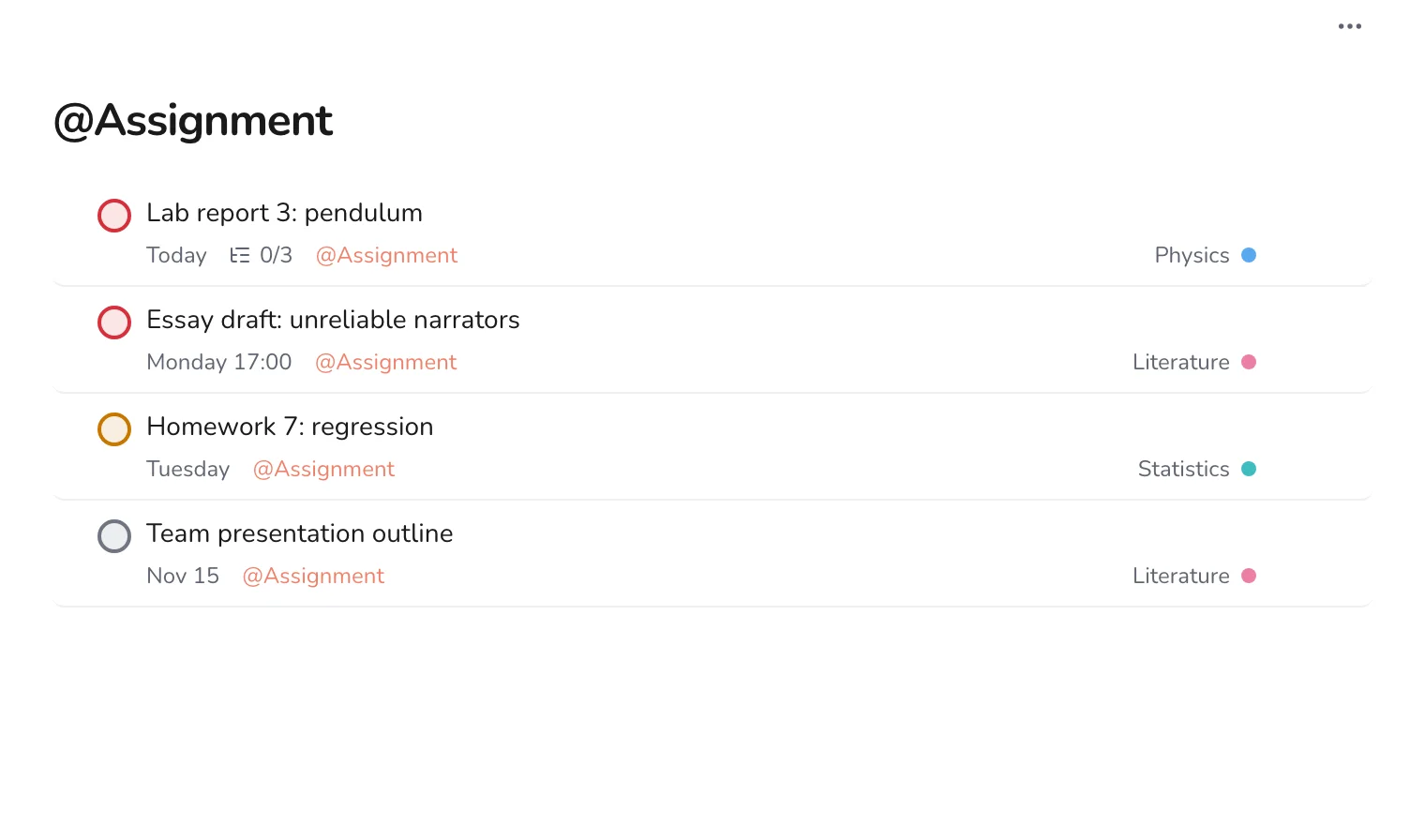
Students · 5 min
Track assignments and deadlines across every course
Use one label to see every assignment from every course in a single list, sorted by date.
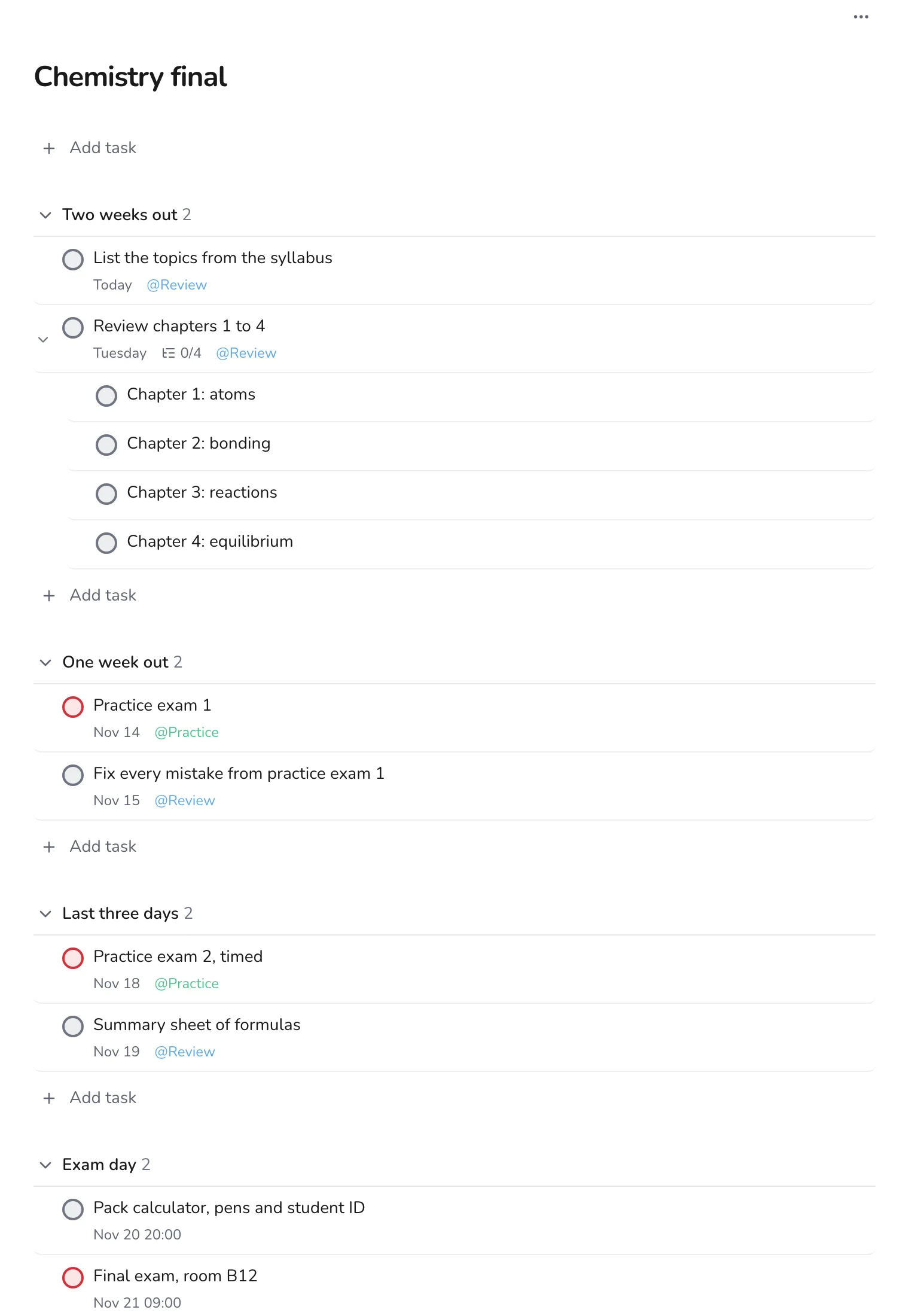
Students · 6 min
Build an exam study plan, working backwards from the date
Plan revision in stages, from collecting notes two weeks out to a packed bag the night before.
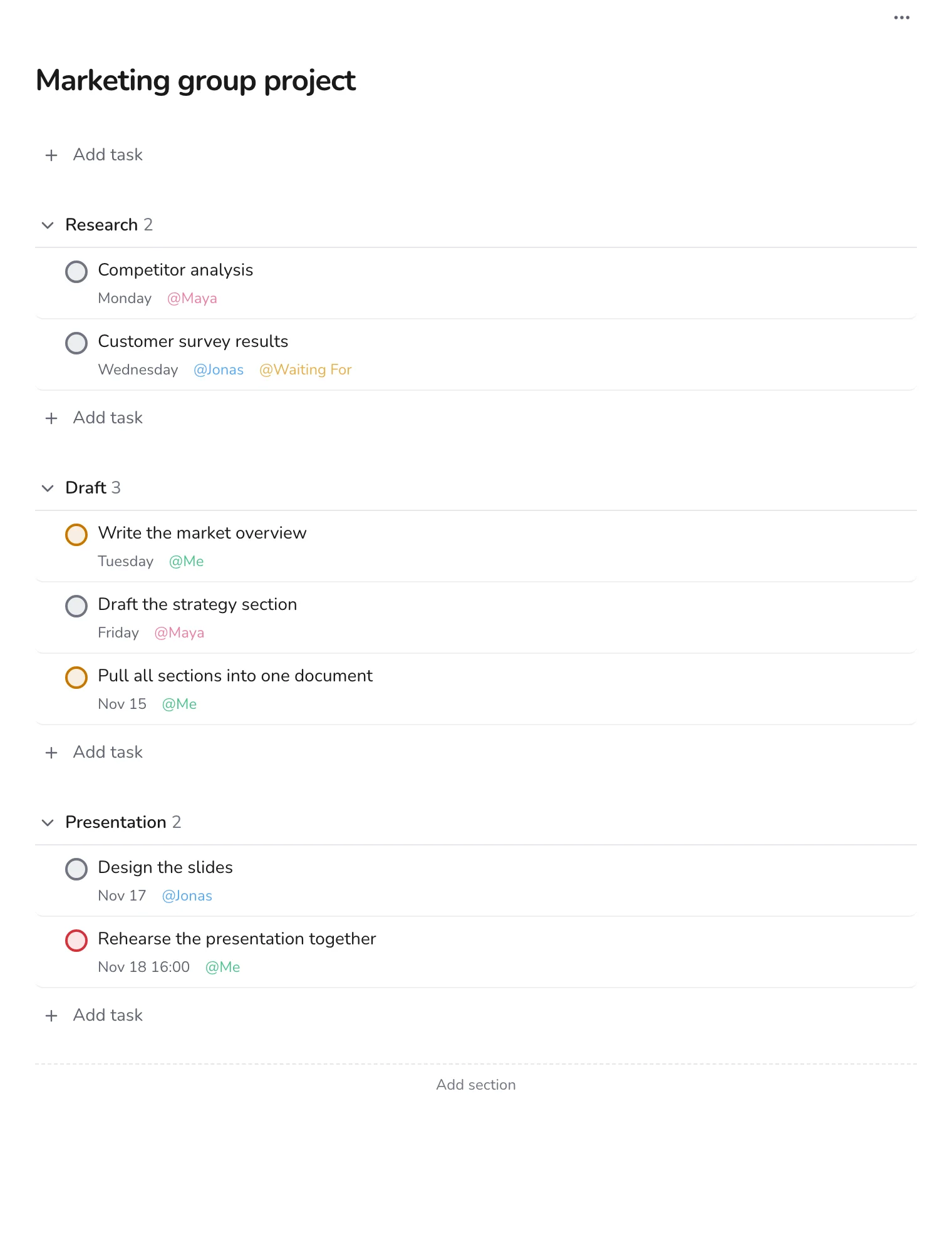
Students · 5 min
Plan your part of a group project
Keep track of who does what in a group assignment, using labels for people and a Waiting For label.
Students · 7 min
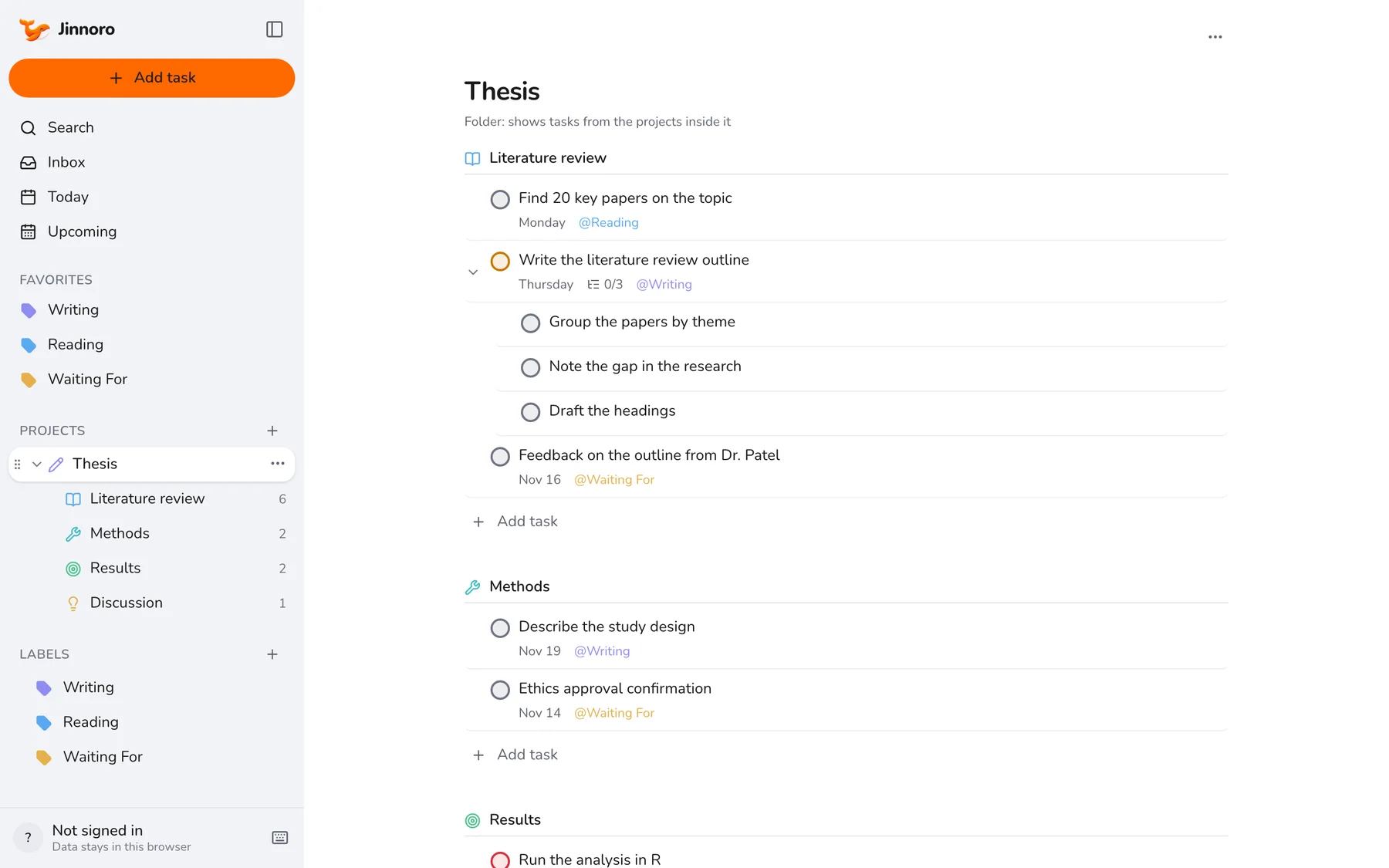
Write a thesis or research paper, one section at a time
Break a thesis into chapters as subprojects, with tasks, subtasks and a Waiting For list for supervisor feedback.
Students · 5 min
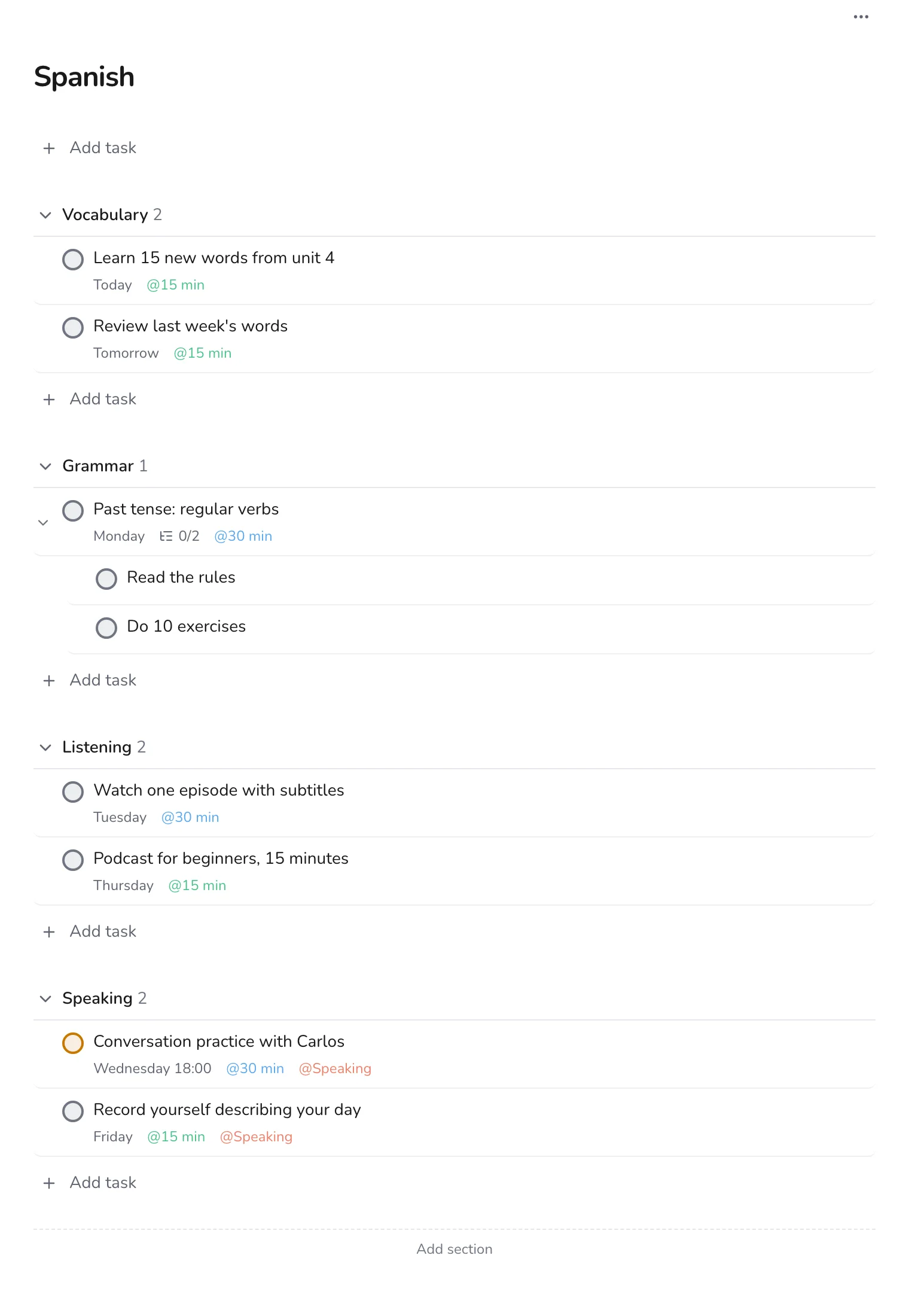
Learn a language with a weekly study routine
Plan short daily sessions across vocabulary, grammar, listening and speaking, and pick tasks by the time you have.
Students · 5 min
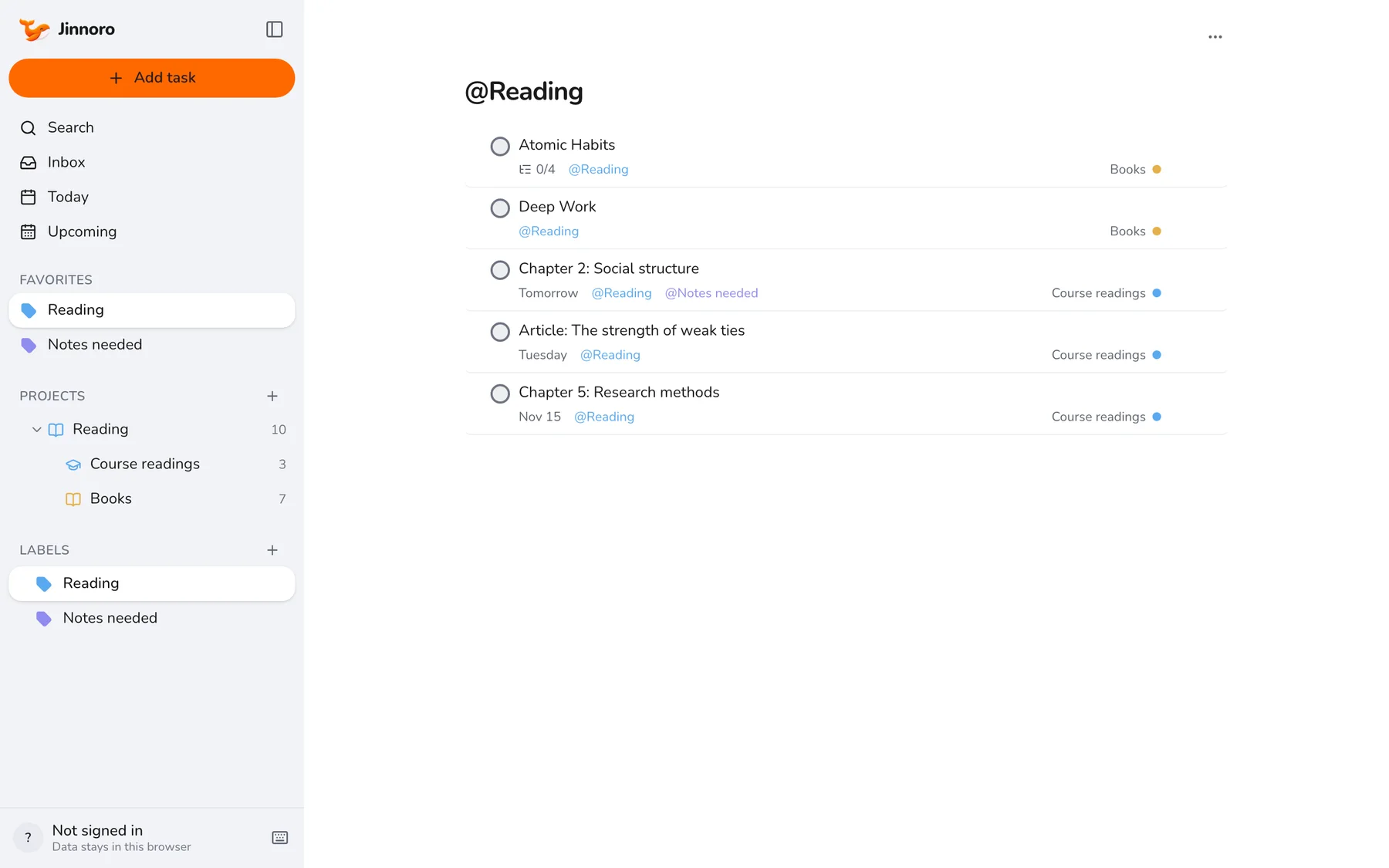
Keep a reading list and turn it into study tasks
Track course readings and books as projects, break books into parts, and use a label for notes you still need to write.
Students · 6 min
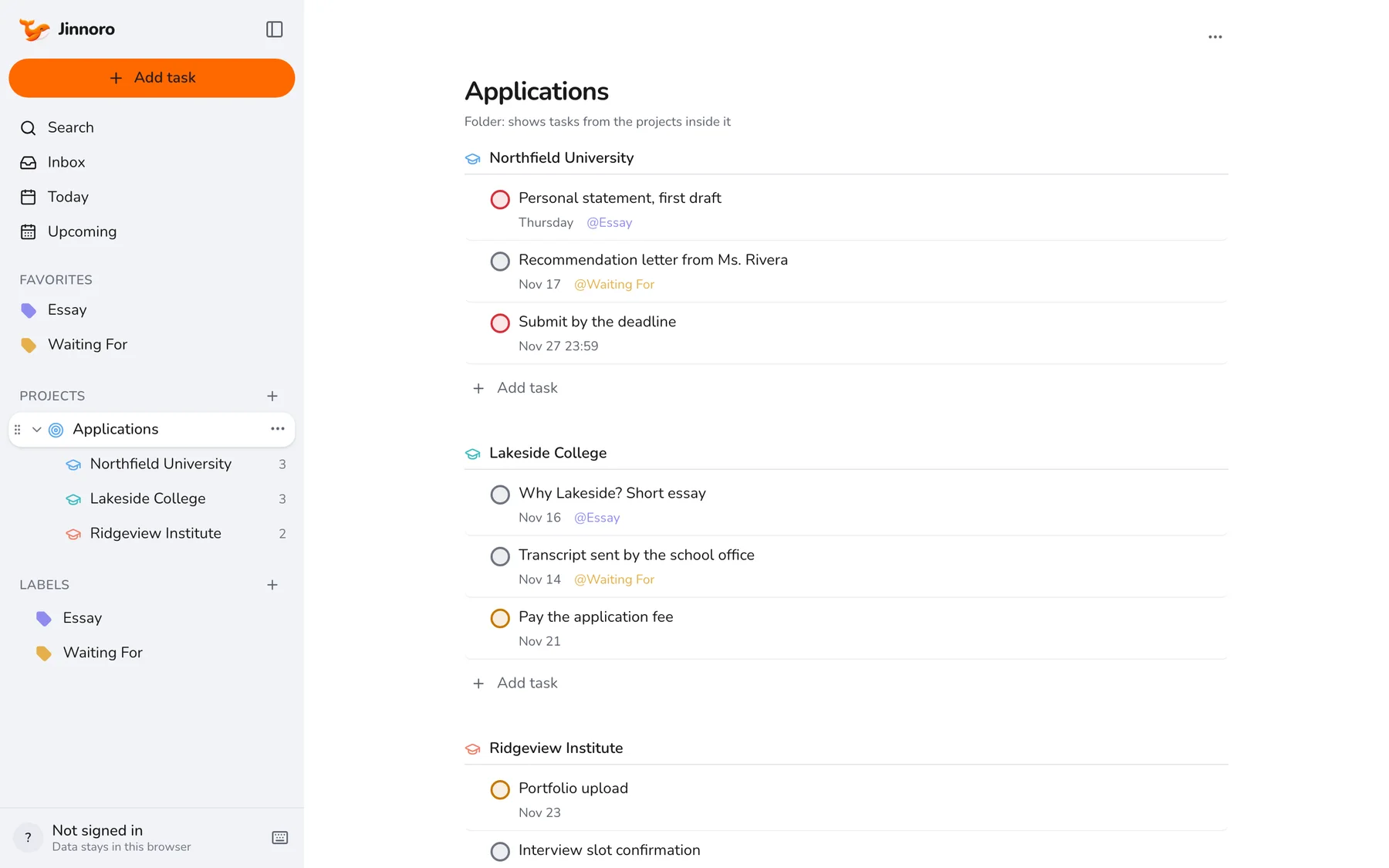
Track college applications and their deadlines
Keep every school's essays, recommendation letters and deadlines in one folder, with a Waiting For label for what others must send.
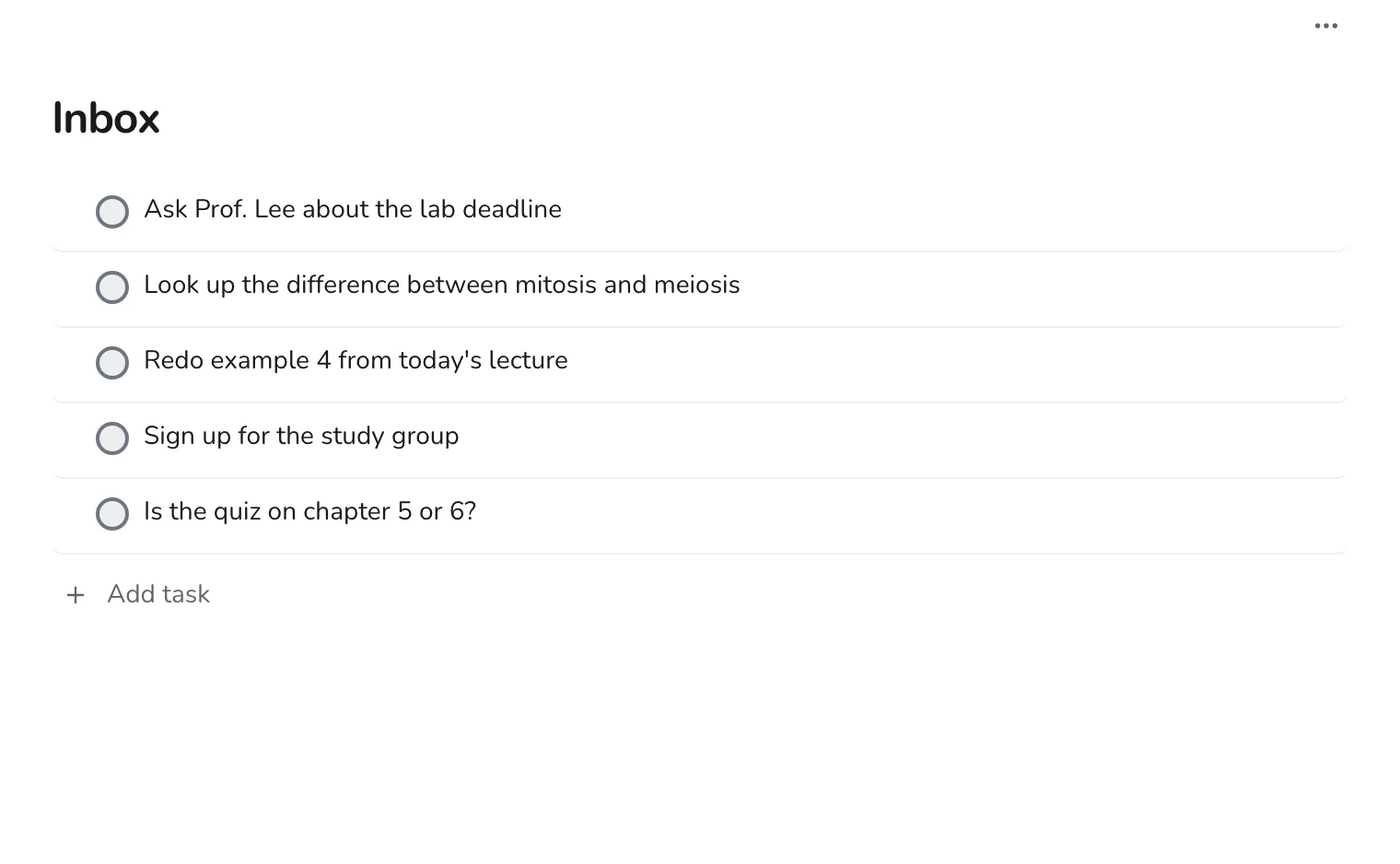
Students · 4 min
Catch lecture follow-ups in the Inbox before you forget
Capture questions and to-dos in seconds during class, then sort them into courses after.
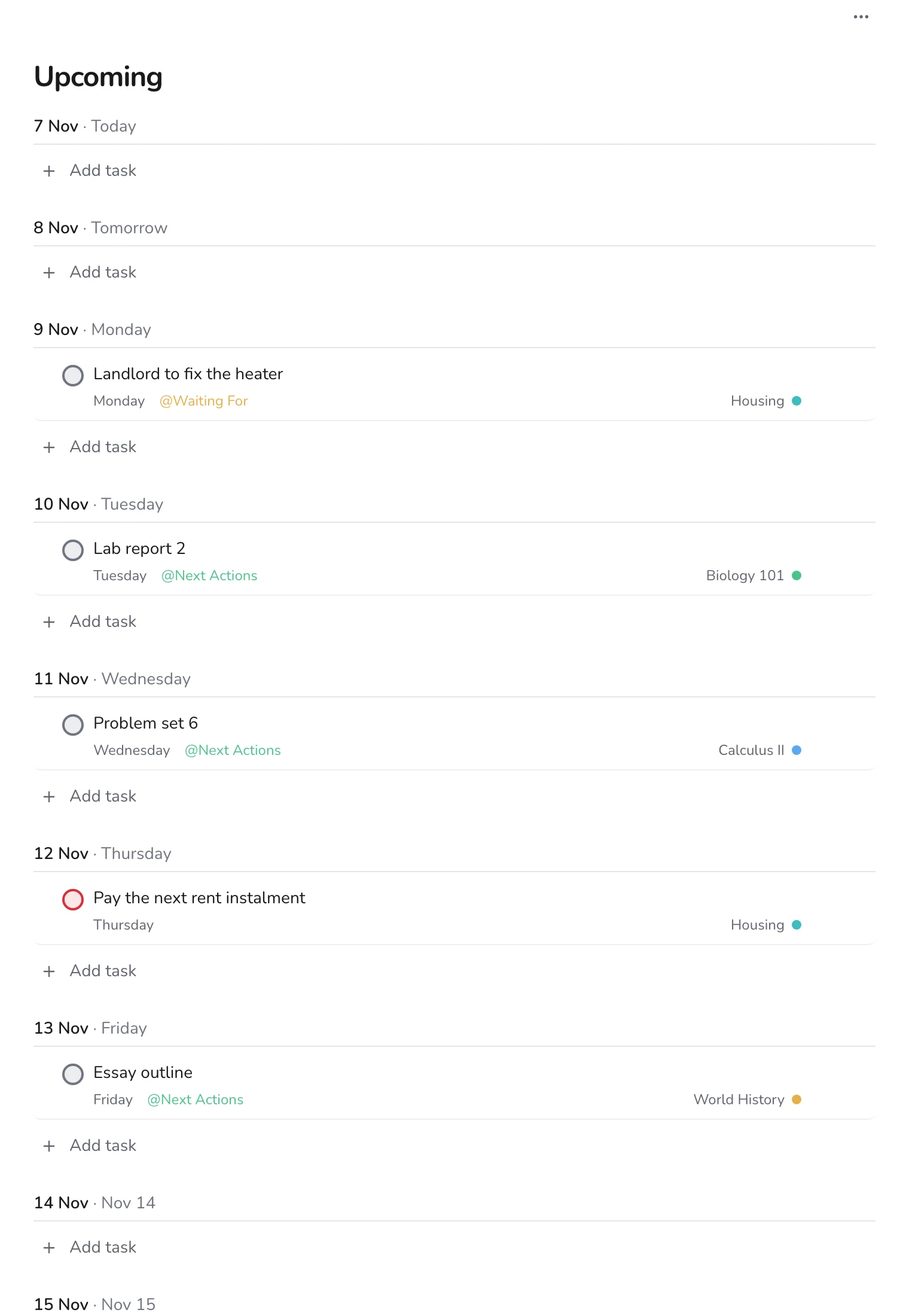
Students · 4 min
A 15-minute weekly review for students
Once a week, empty the Inbox, check Upcoming, and follow up on everything you are waiting for.
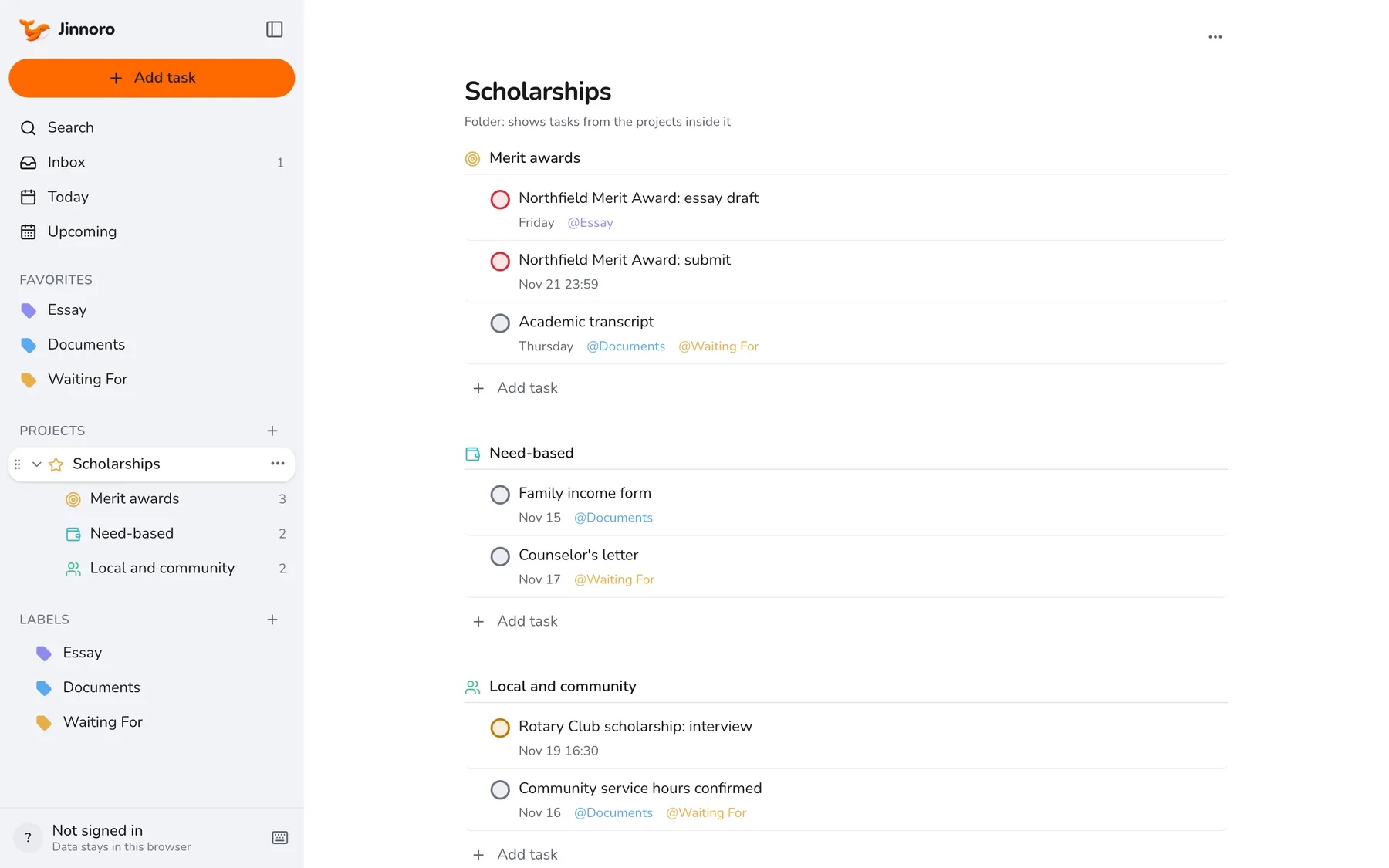
Students · 5 min
Track scholarships and funding deadlines
Keep every scholarship's essay, documents and deadline in one folder, so you never miss a form or a signature.
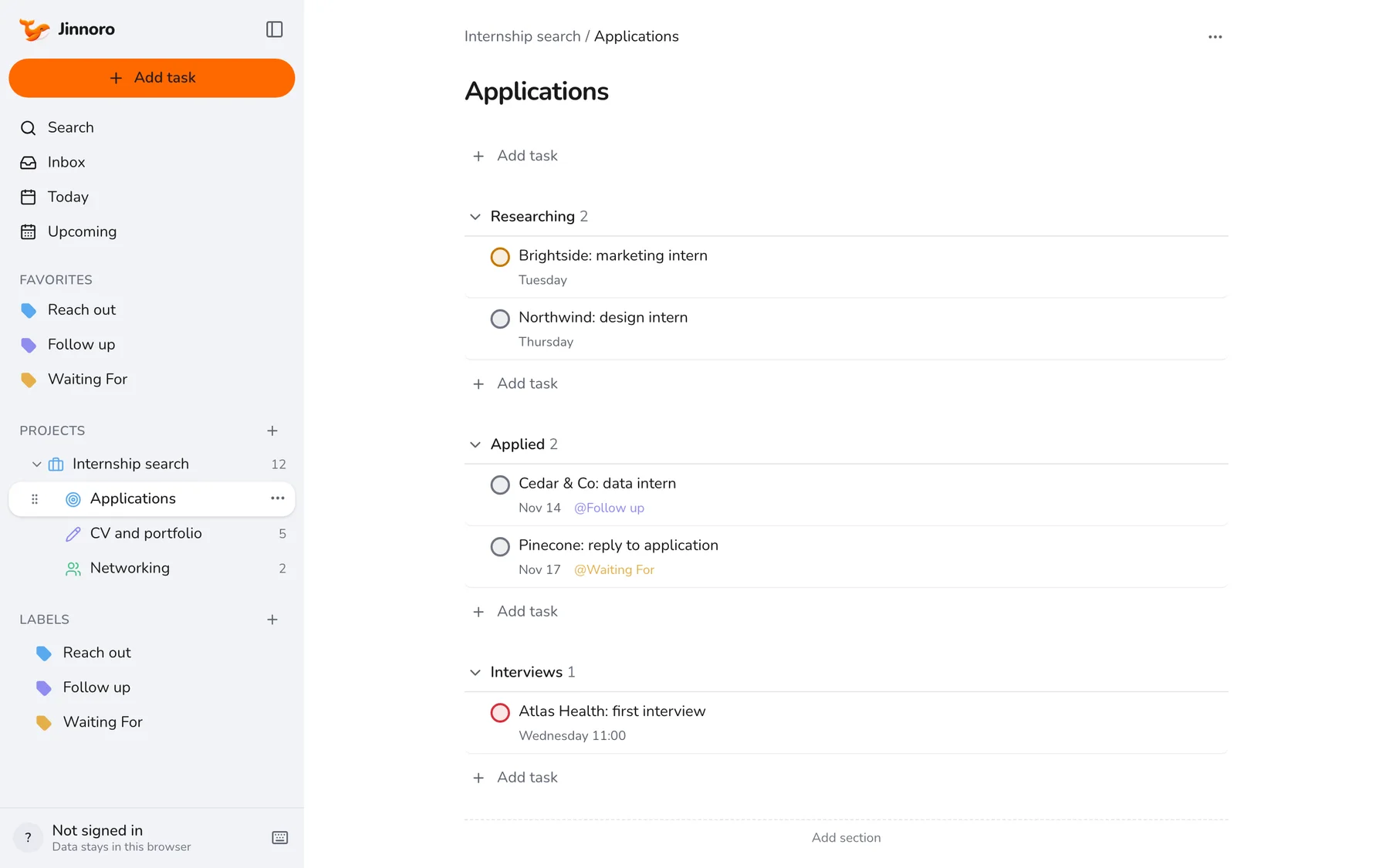
Students · 6 min
Plan an internship search while you study
Run applications, a CV, and networking side by side without letting the search take over your semester.
Students · 6 min
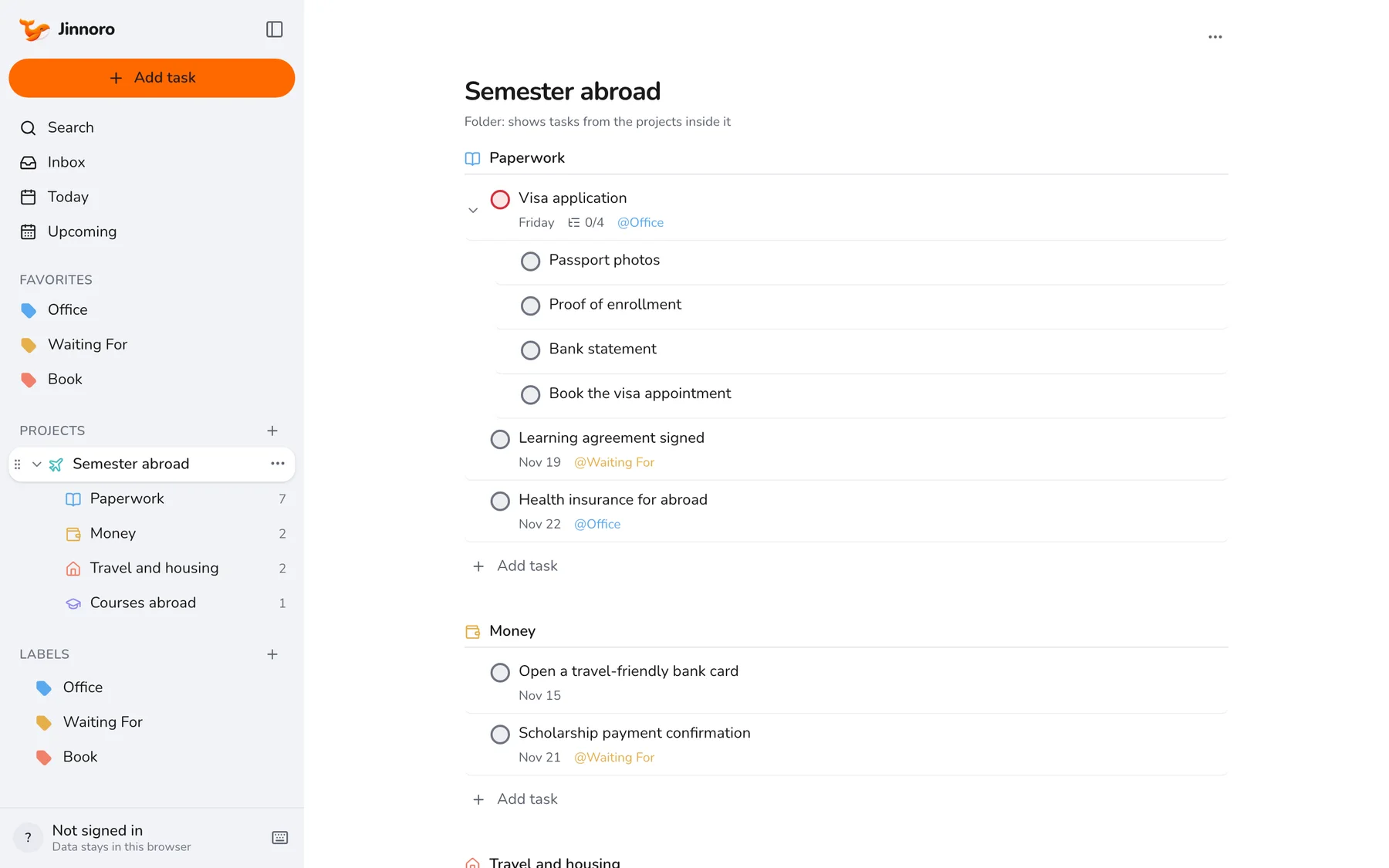
Prepare a semester abroad
Break a semester abroad into paperwork, money, travel and courses, with a Waiting For list for the offices you depend on.
Students · 5 min
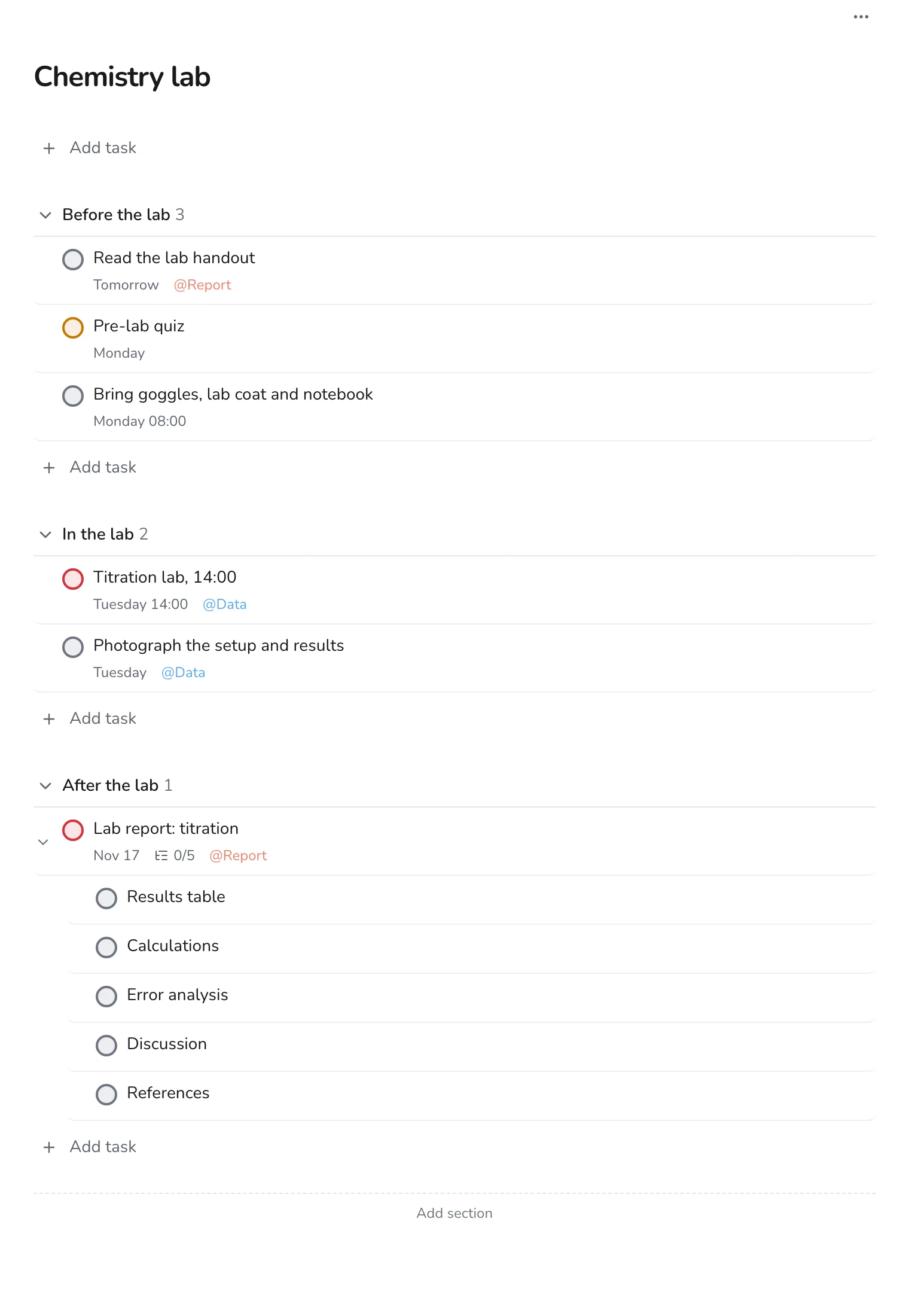
Manage lab work and lab reports
Plan each lab in three stages, before, during and after, so the report is never a last-minute scramble.
Students · 4 min
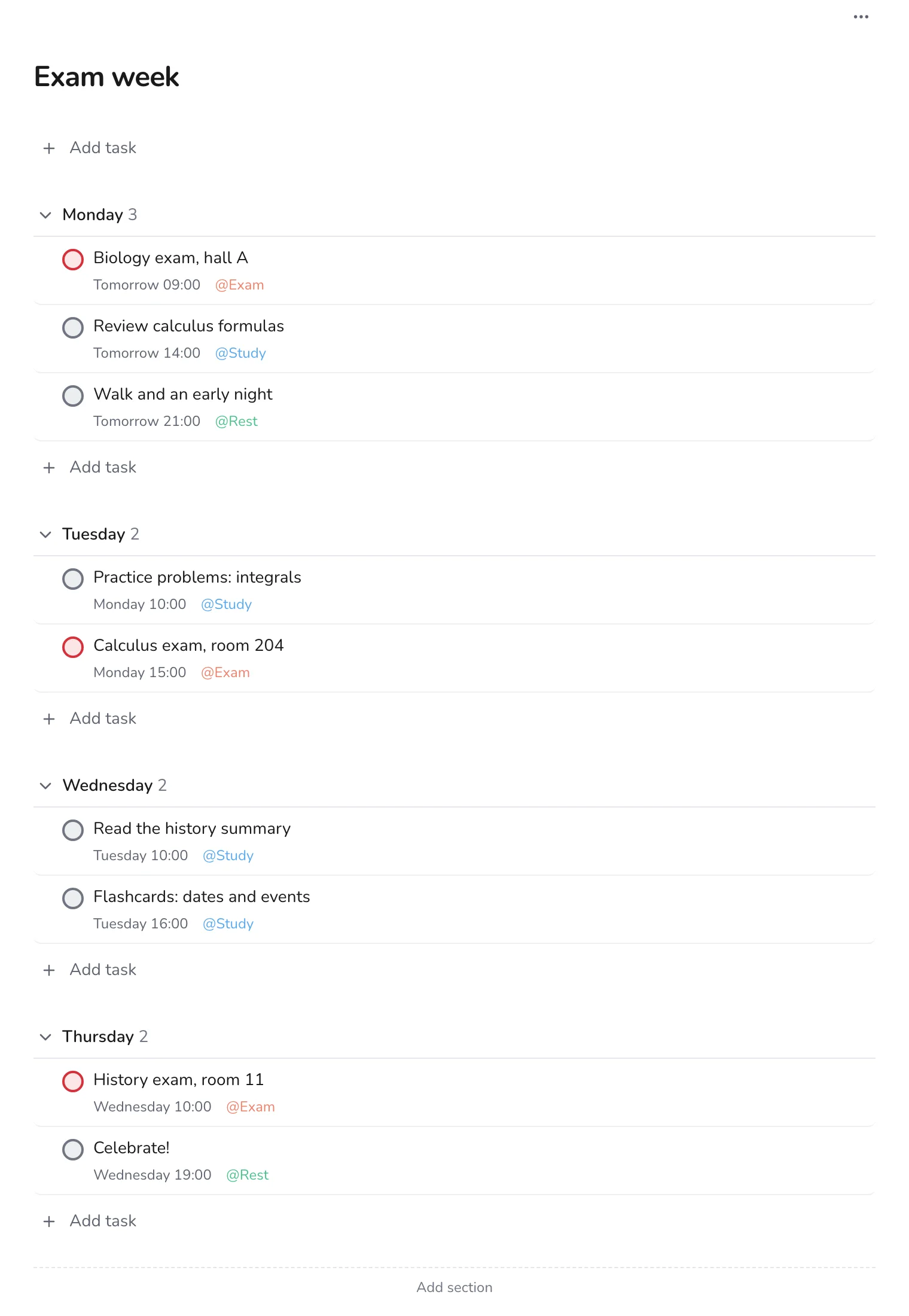
Survive exam week day by day
Lay out each day of exam week with the exam, the study blocks and the rest, so you always know what is next.
Students · 6 min
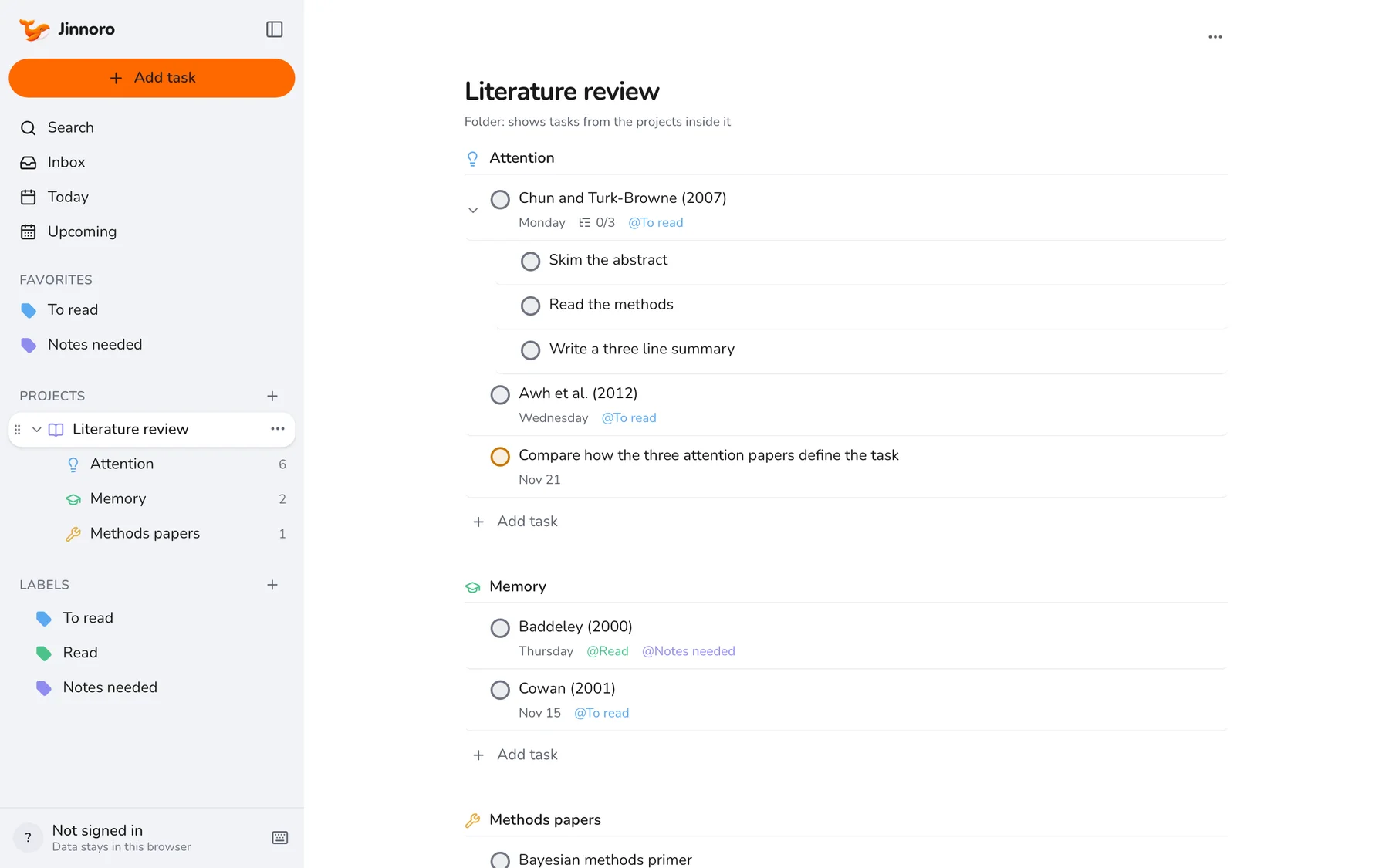
Plan literature reviews as a PhD student
Turn a mountain of papers into themes, reading steps and notes you actually write.
Teachers
Lessons, grading and course plans.
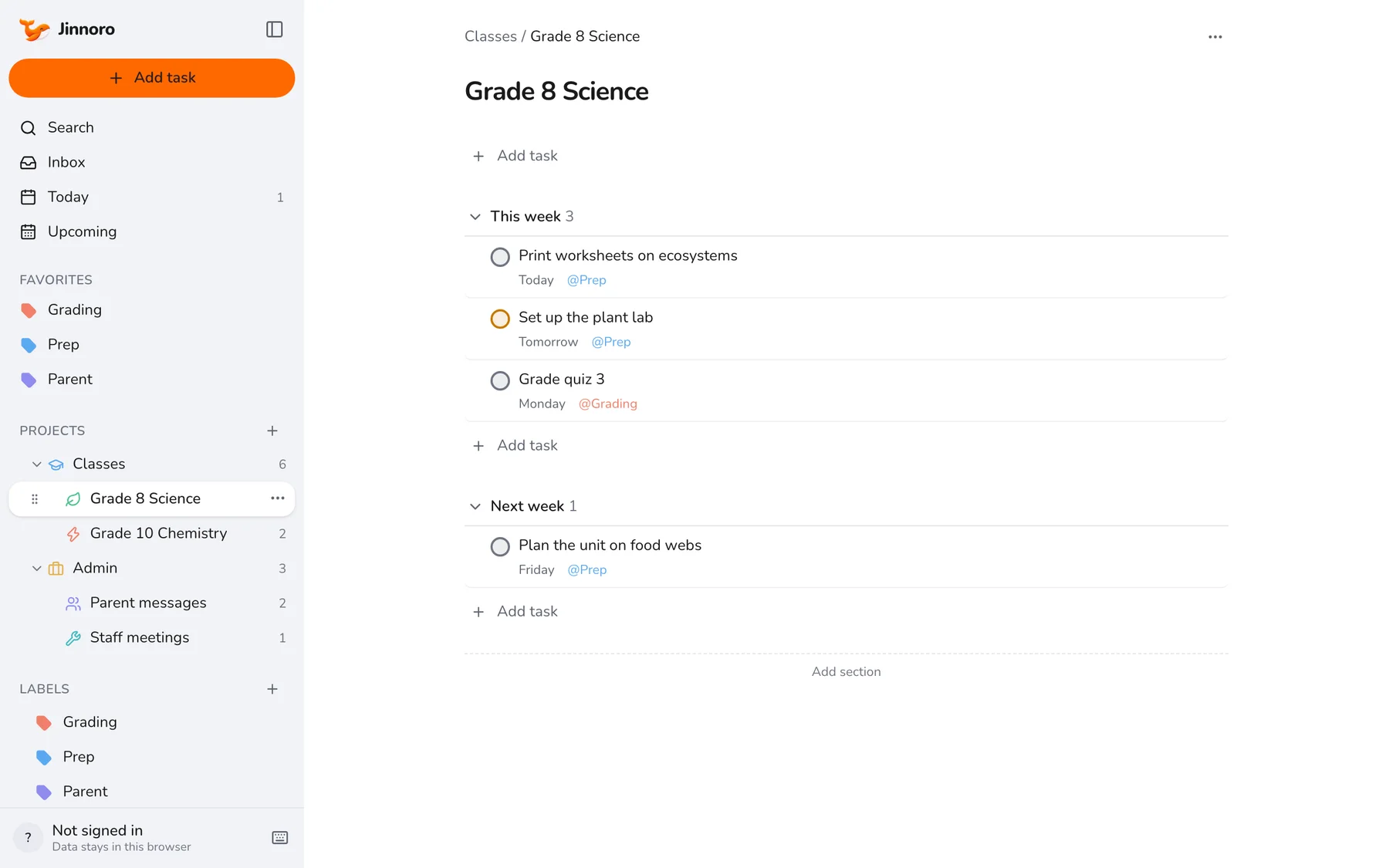
Teachers · 6 min
Plan lessons, grading and parent messages as a teacher
One structure for classes, admin and parent communication, with labels that group prep, grading and messages across everything.
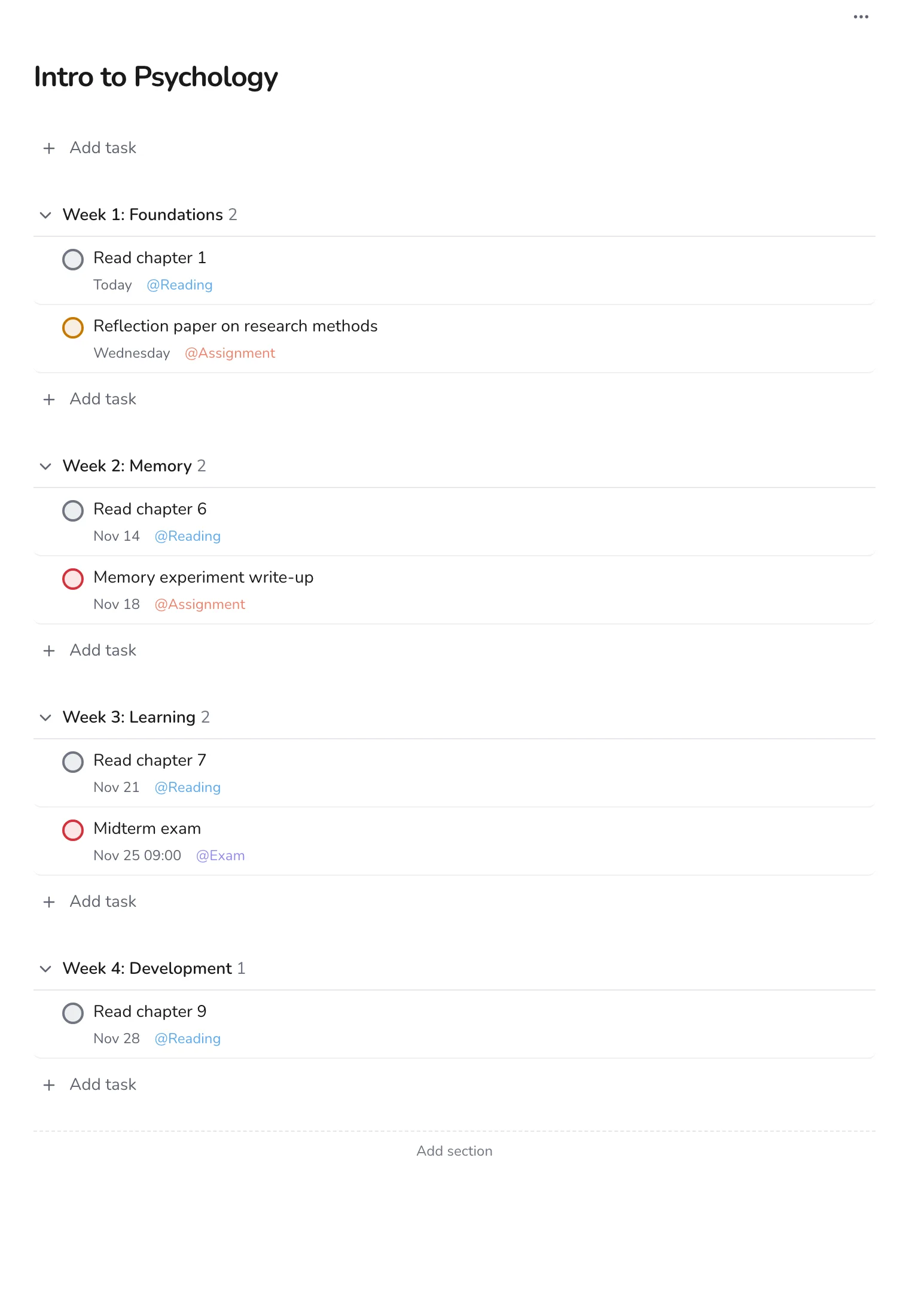
Teachers · 5 min
Turn a course syllabus into a week-by-week plan
Copy a syllabus into a project with one section per week, and use labels for readings, assignments and exams.
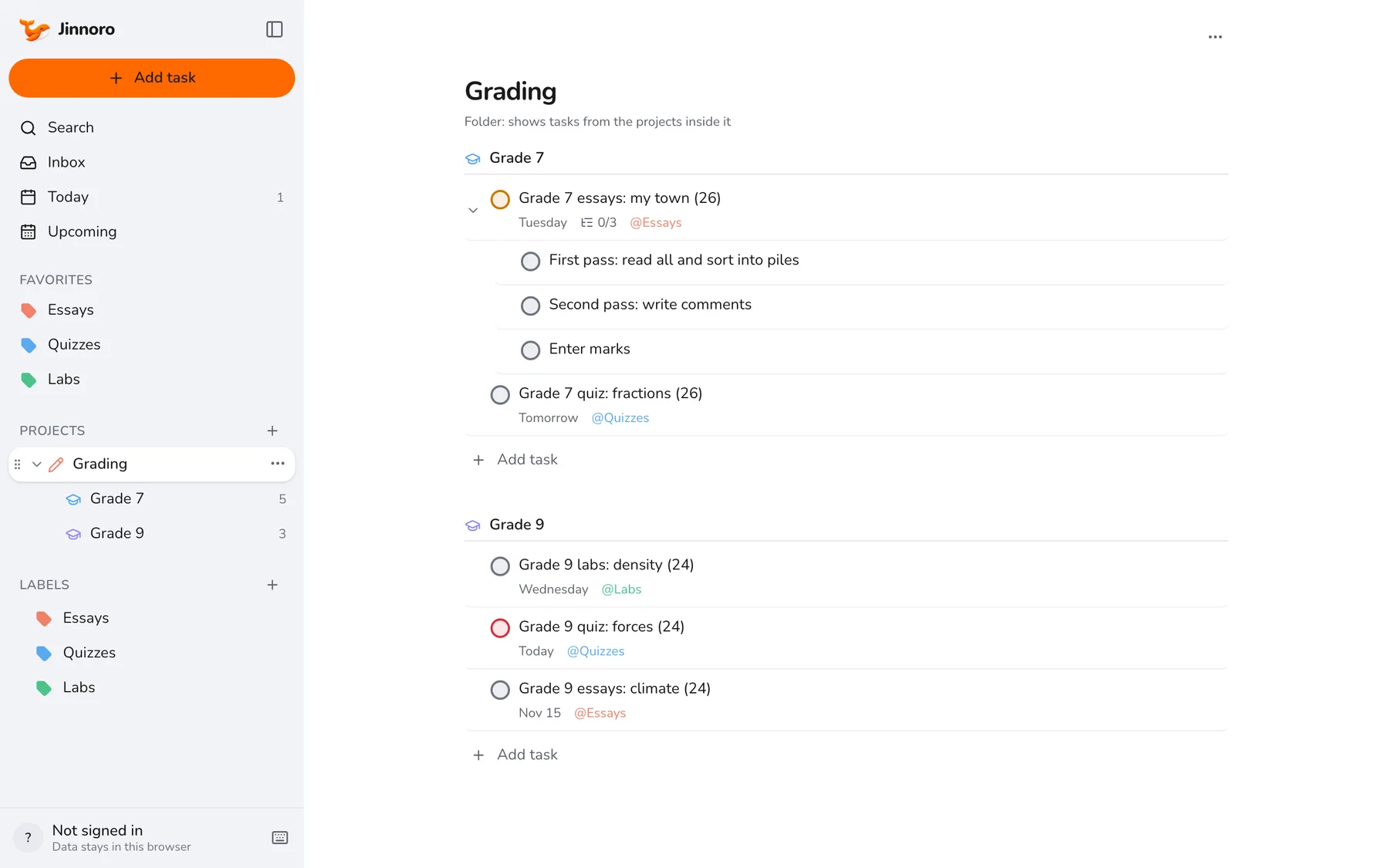
Teachers · 5 min
Keep a grading queue that never gets lost
Turn stacks of essays, quizzes and labs into a queue with dates, passes and a label for each type of marking.
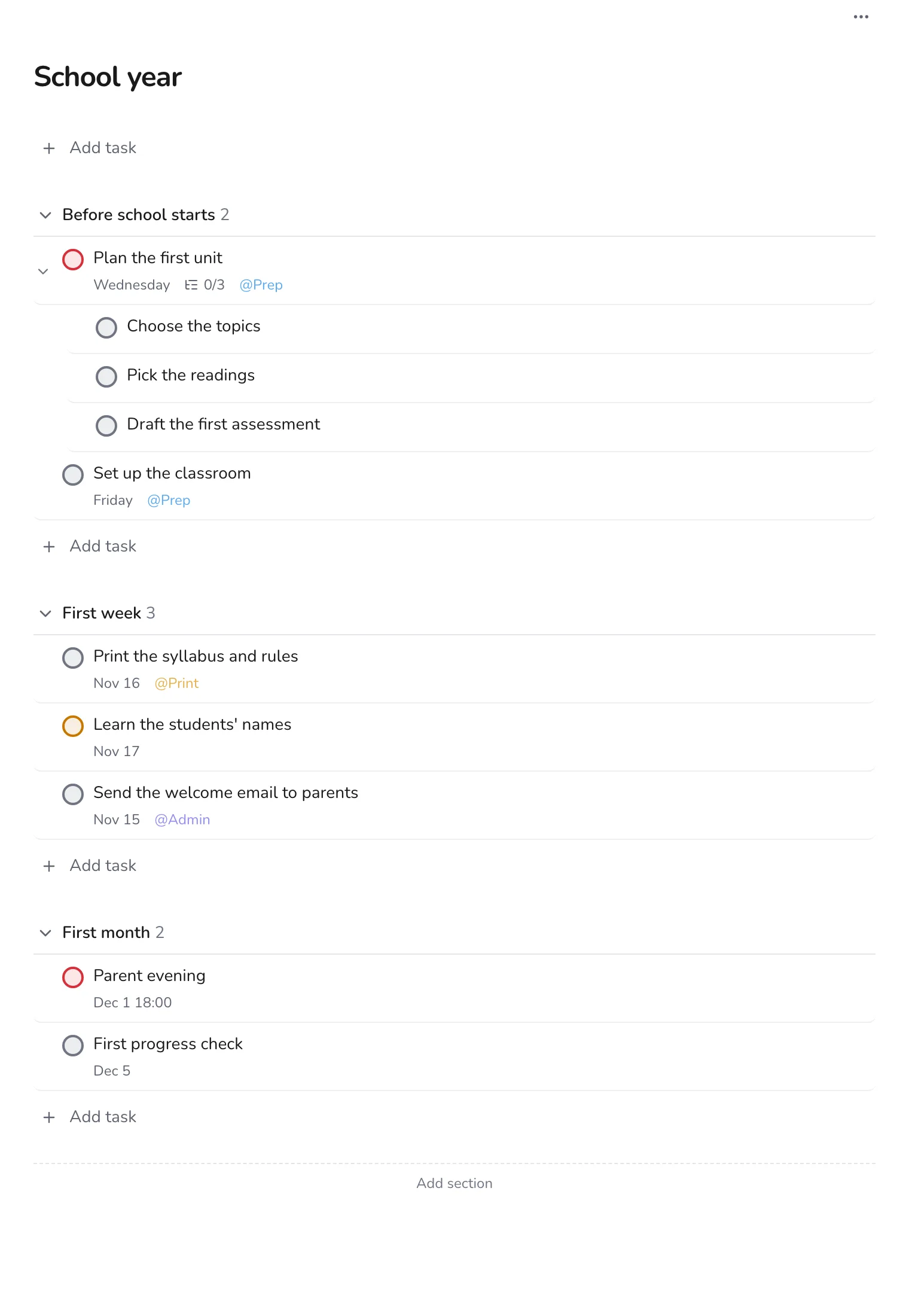
Teachers · 5 min
Set up the school year before it starts
Plan the weeks before school and the first month in one project, so the start of term is calm.
Teachers · 6 min
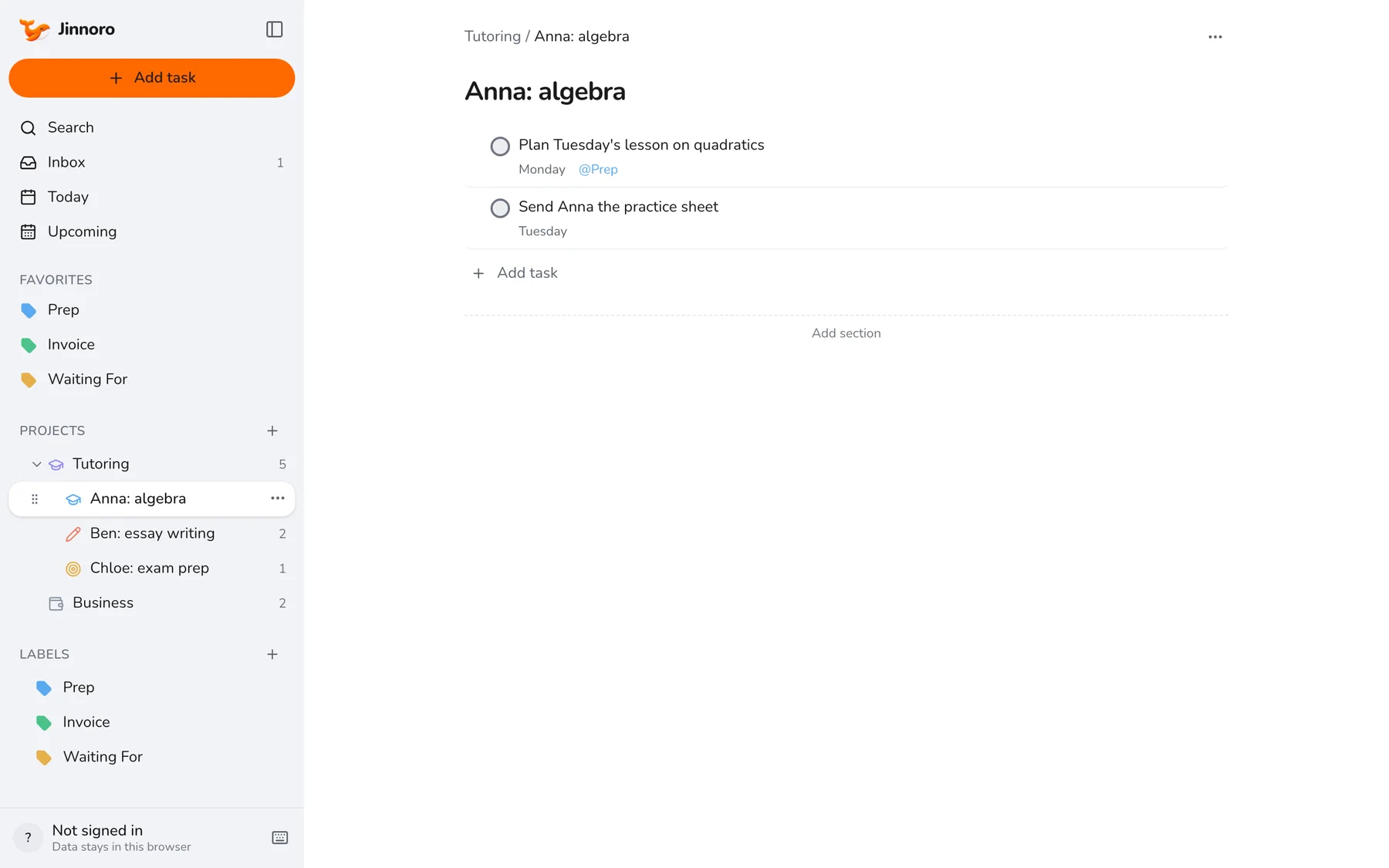
Run a private tutoring practice
Keep each student, each lesson plan and each invoice in one place, with labels for prep, invoices and waiting.
Teachers · 4 min
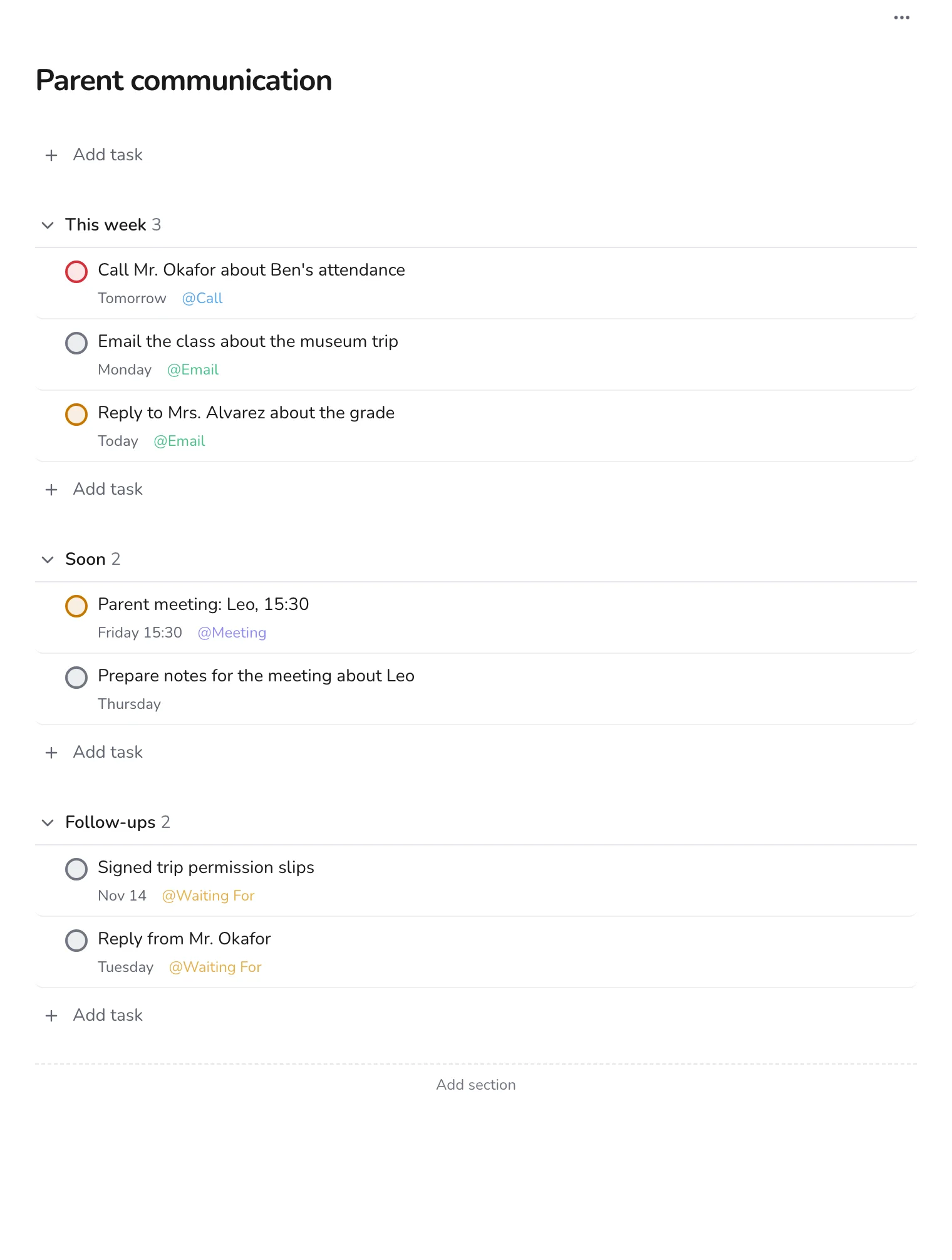
Keep track of parent communication
Plan calls, emails and meetings with parents, and keep a list of replies you are waiting for.
Personal
Reviews, goals, moves and trips.
Personal · 5 min
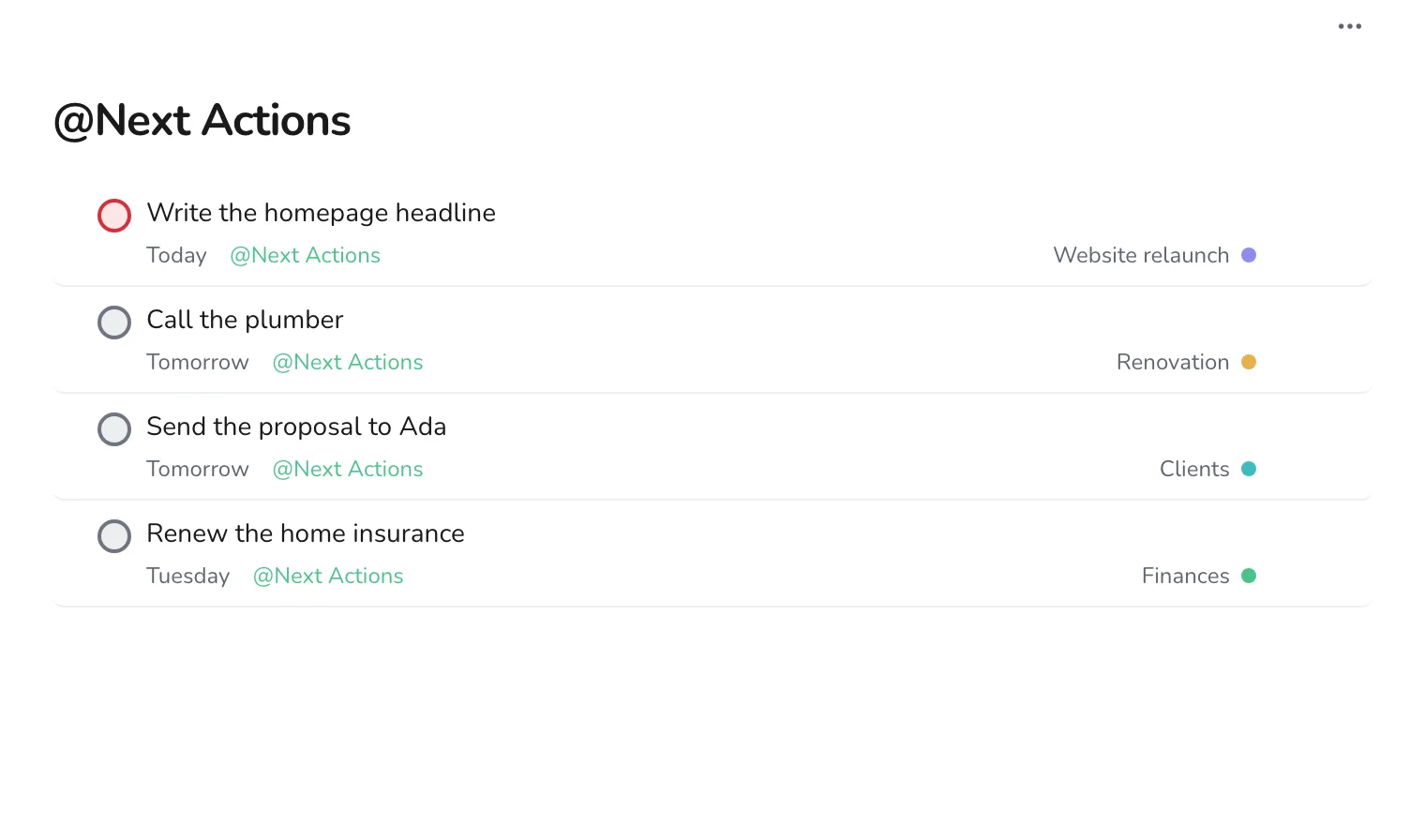
Run a weekly review that keeps everything current
A 20-minute routine to empty the Inbox, choose Next Actions, and follow up on what you are waiting for.
Personal · 5 min
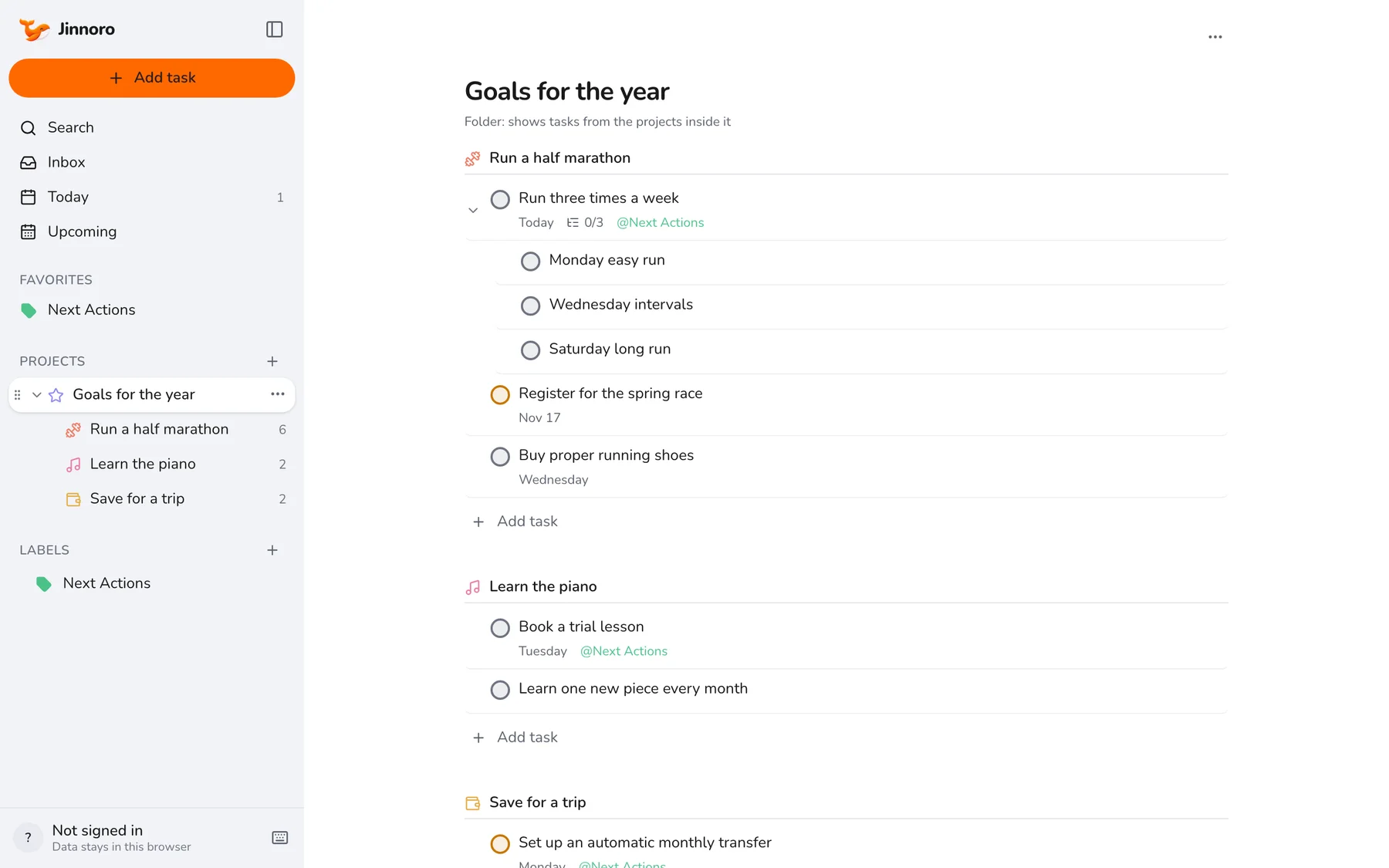
Break a yearly goal into projects and next steps
Turn big goals into projects with concrete first steps, and keep them moving with a Next Actions label.
Personal · 6 min
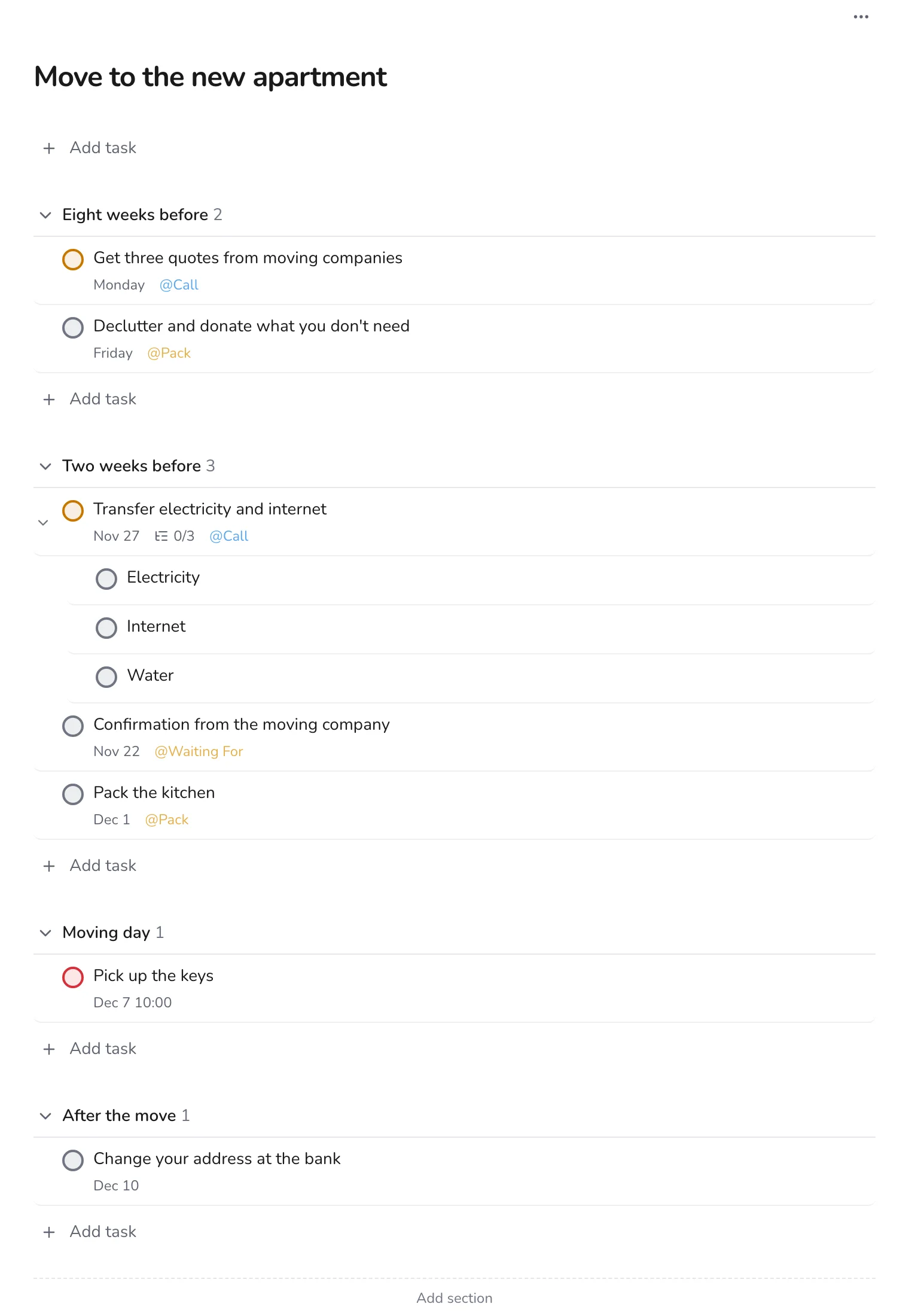
Plan a move from first box to last
Organize a move into time-based sections, with labels for calls and packing and a Waiting For list for confirmations.
Personal · 5 min
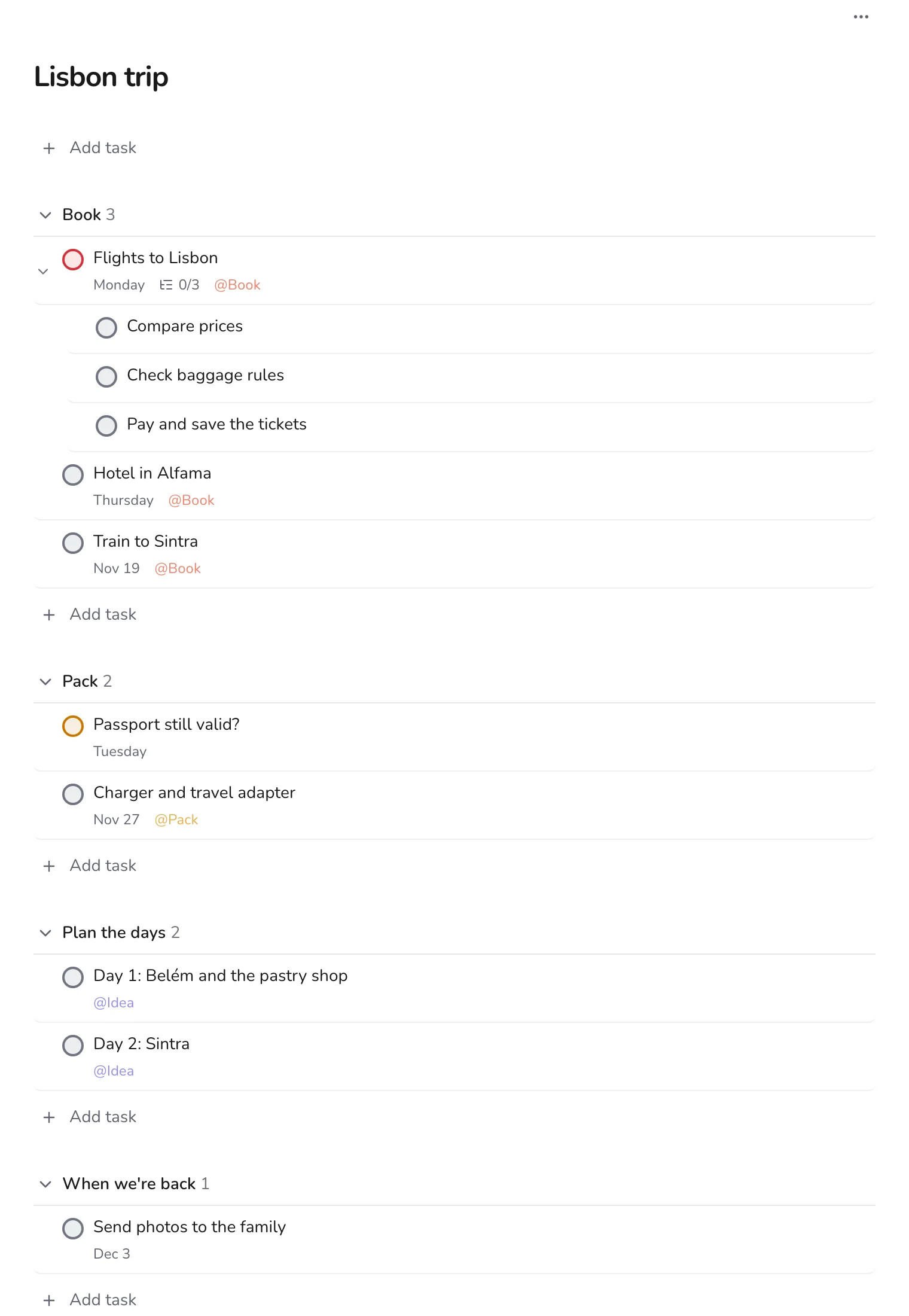
Plan a trip with sections for before, during and after
Book, pack and plan each day of a trip in one project, with labels for booking and packing.
Personal · 5 min
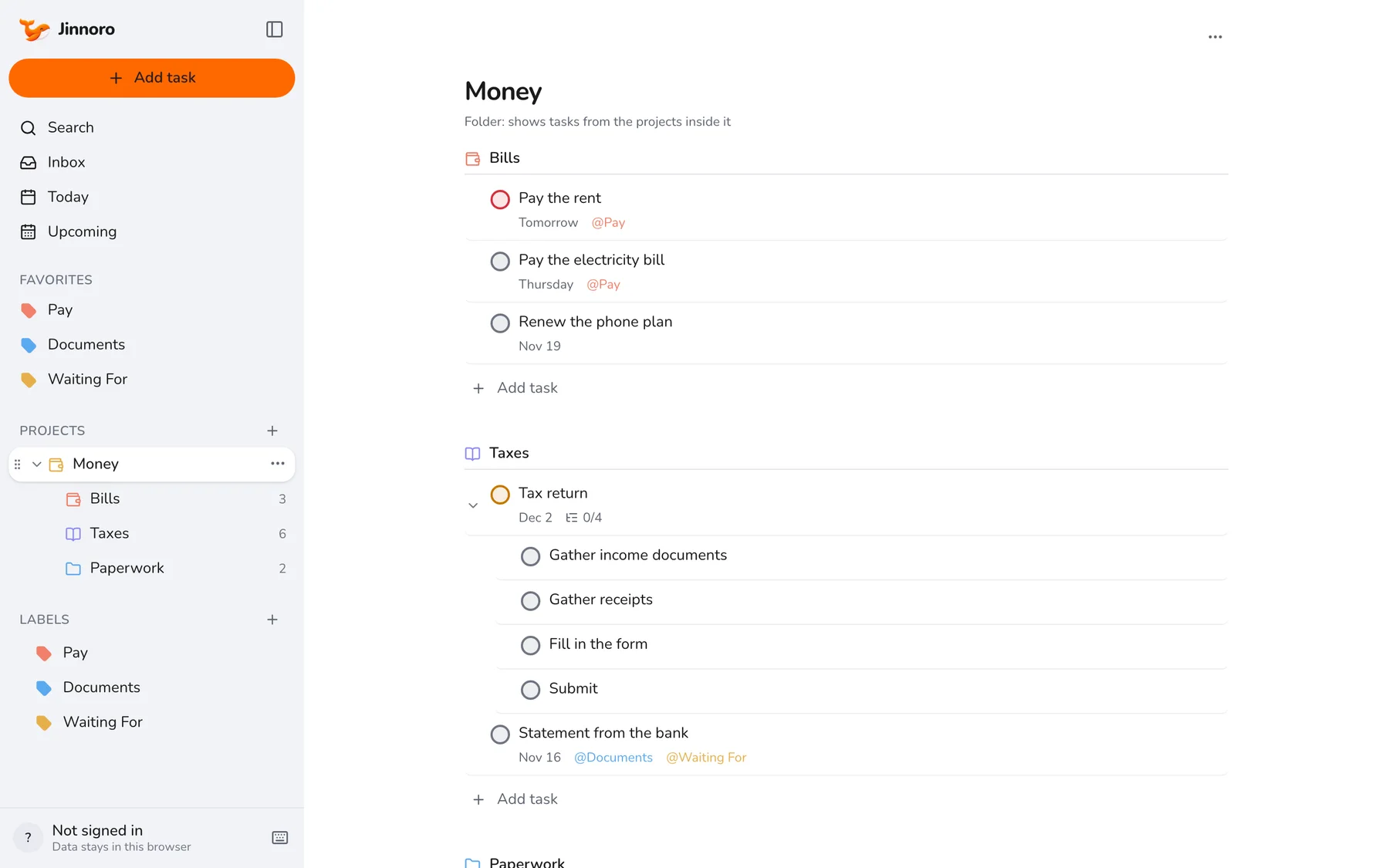
Keep on top of bills, taxes and paperwork
Know what to pay and when, prepare your taxes in steps, and keep a list of the documents you are waiting for.
Personal · 5 min
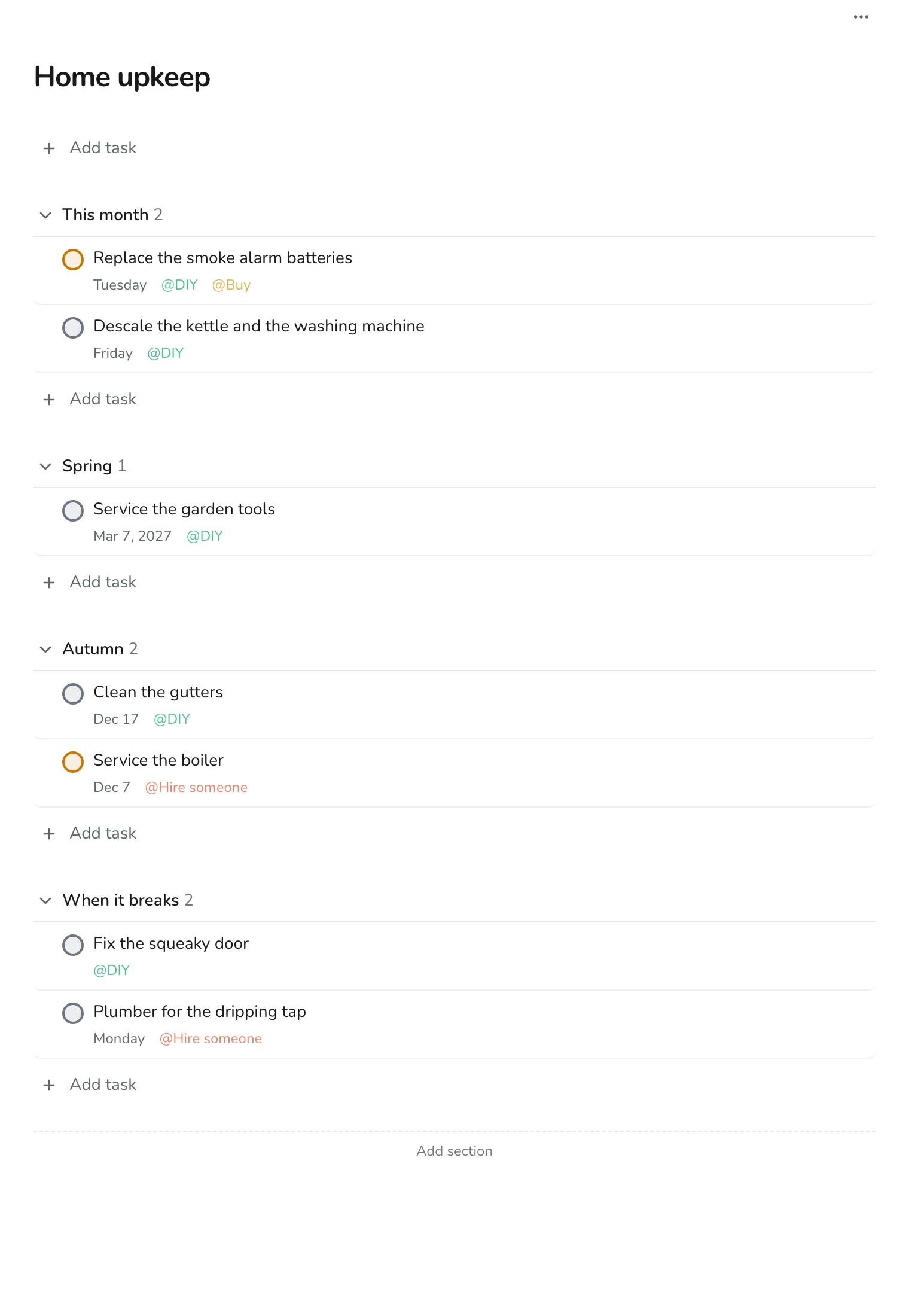
Keep a home maintenance checklist
Sort home jobs by season, mark what you can do yourself and what needs a professional, and schedule the next ones.
Personal · 4 min
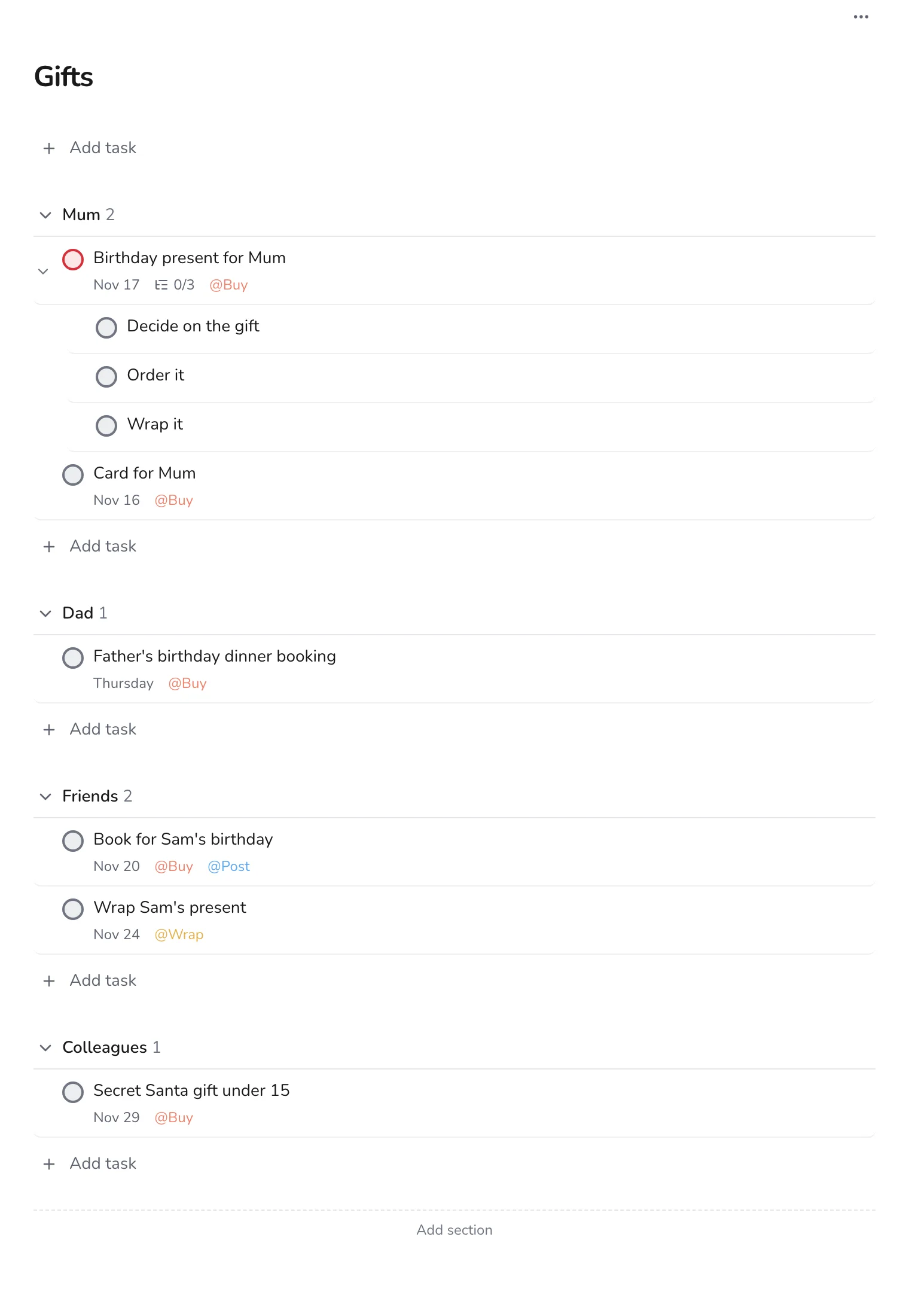
Never miss a birthday or gift deadline
Plan gifts by person, with dates for buying, wrapping and posting, so nothing arrives late.
Personal · 5 min
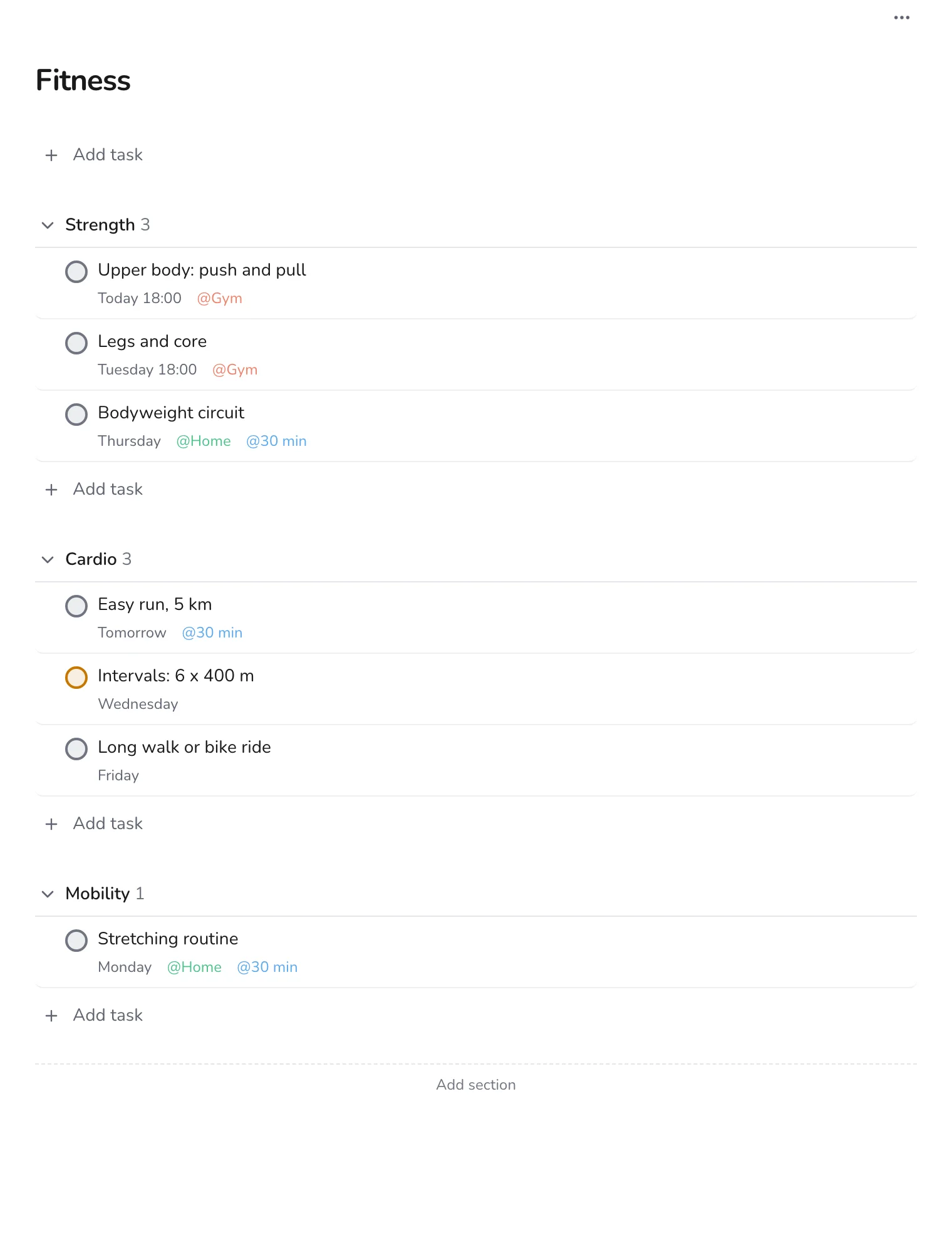
Build a fitness plan with weekly targets
Plan the week's workouts across strength, cardio and mobility, with labels for where you train and how long it takes.
Personal · 5 min
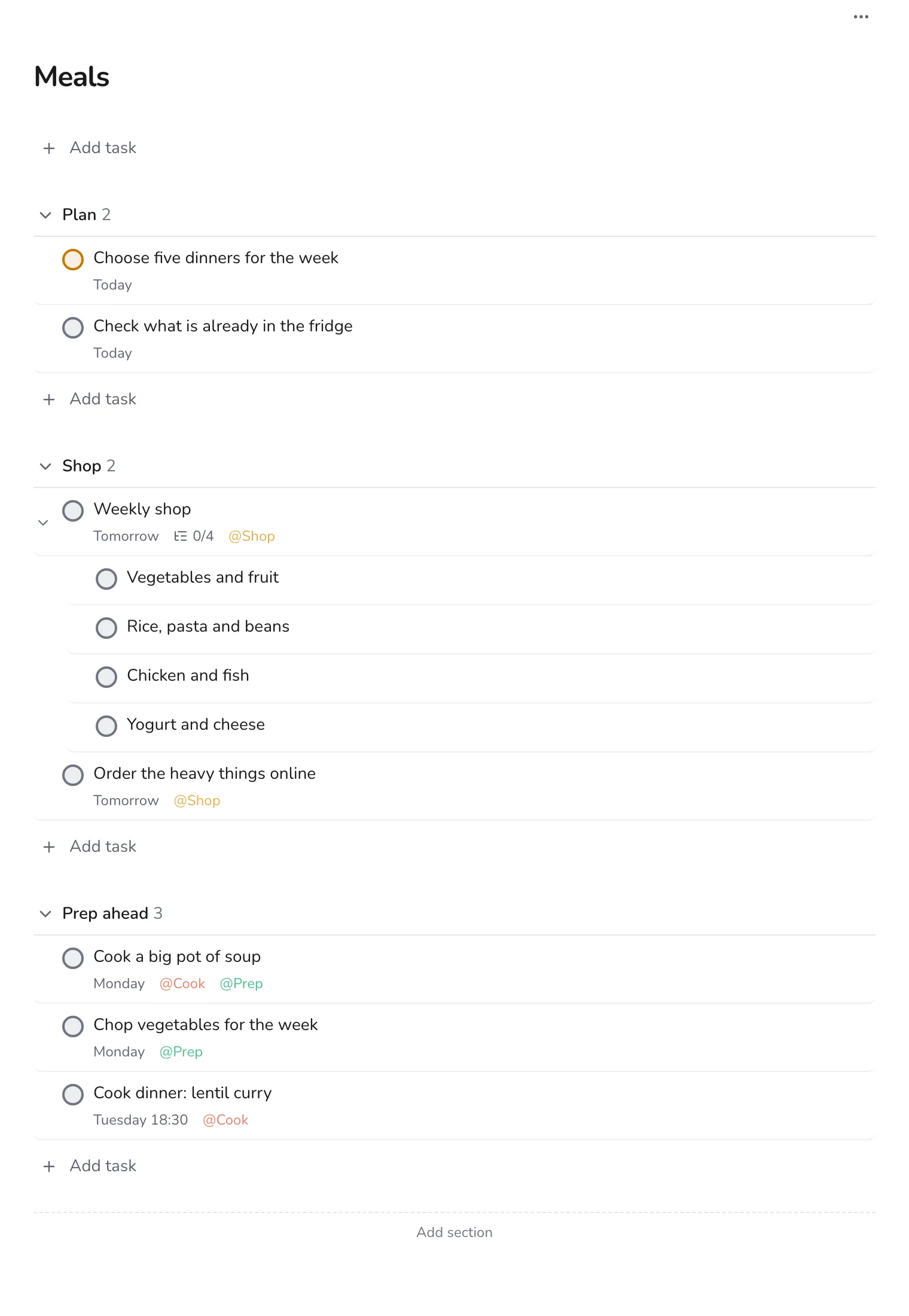
Plan meals and groceries for the week
Plan the week's dinners, write the shopping list as subtasks, and prepare ahead so weeknights stay easy.
Work
Clients, job searches, launches and meetings.
Work · 6 min
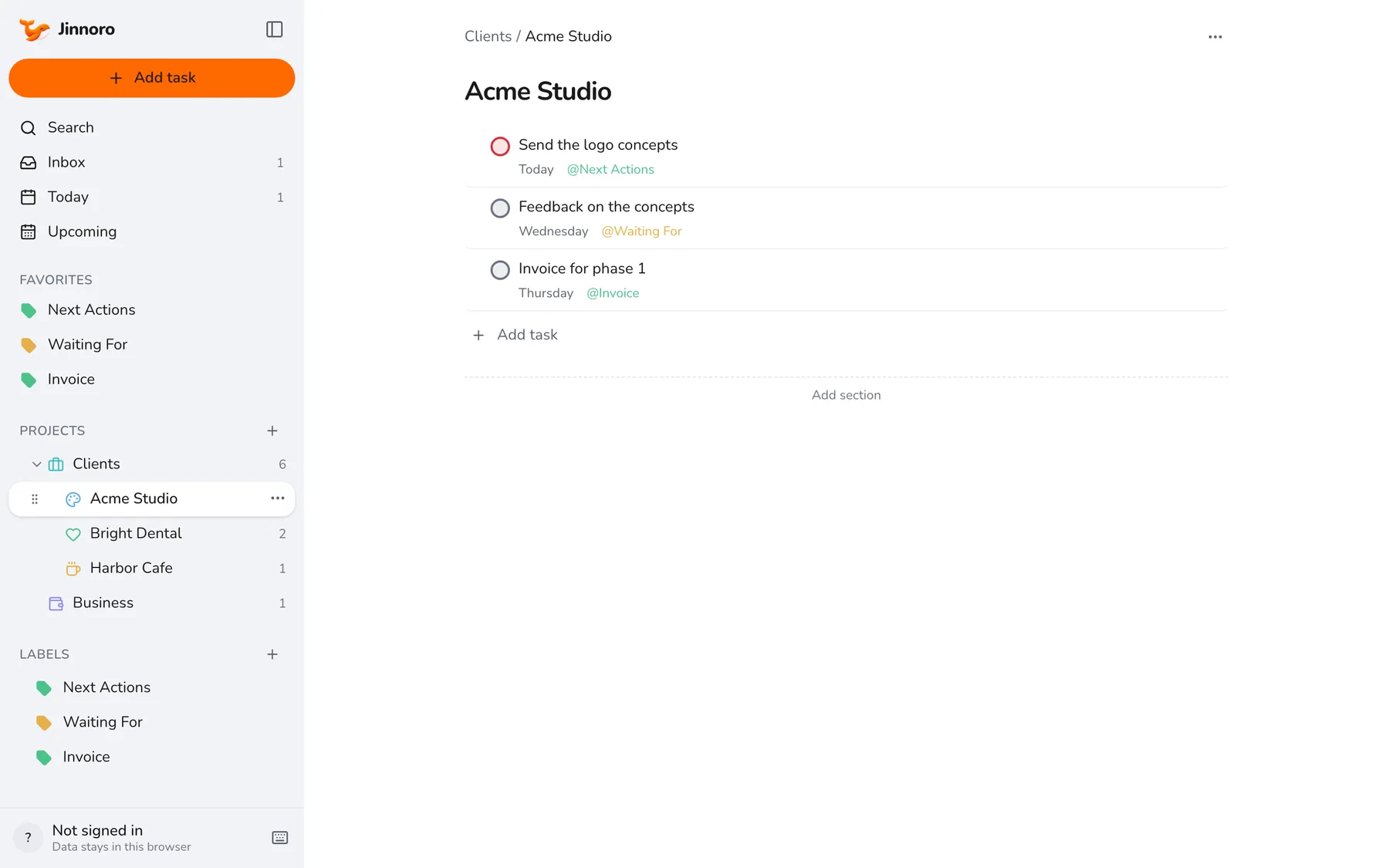
Run client work as a freelancer, with a Waiting For list
Give every client a project, track what you owe and what you are owed with labels, and never forget an invoice.
Work · 5 min
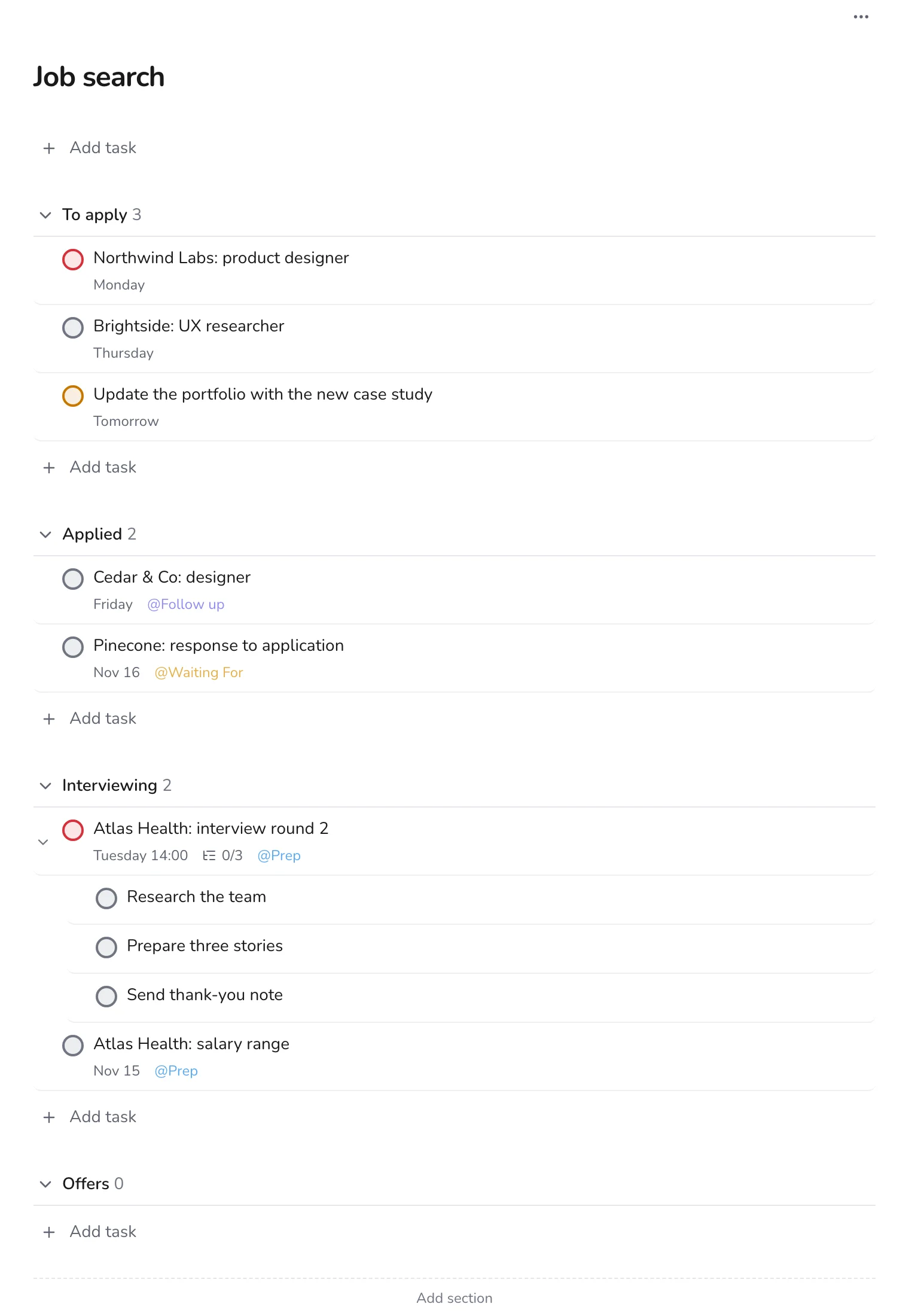
Track a job search from first application to offer
Use sections as stages, from To apply to Offers, and labels to remember interview prep and follow-ups.
Work · 6 min
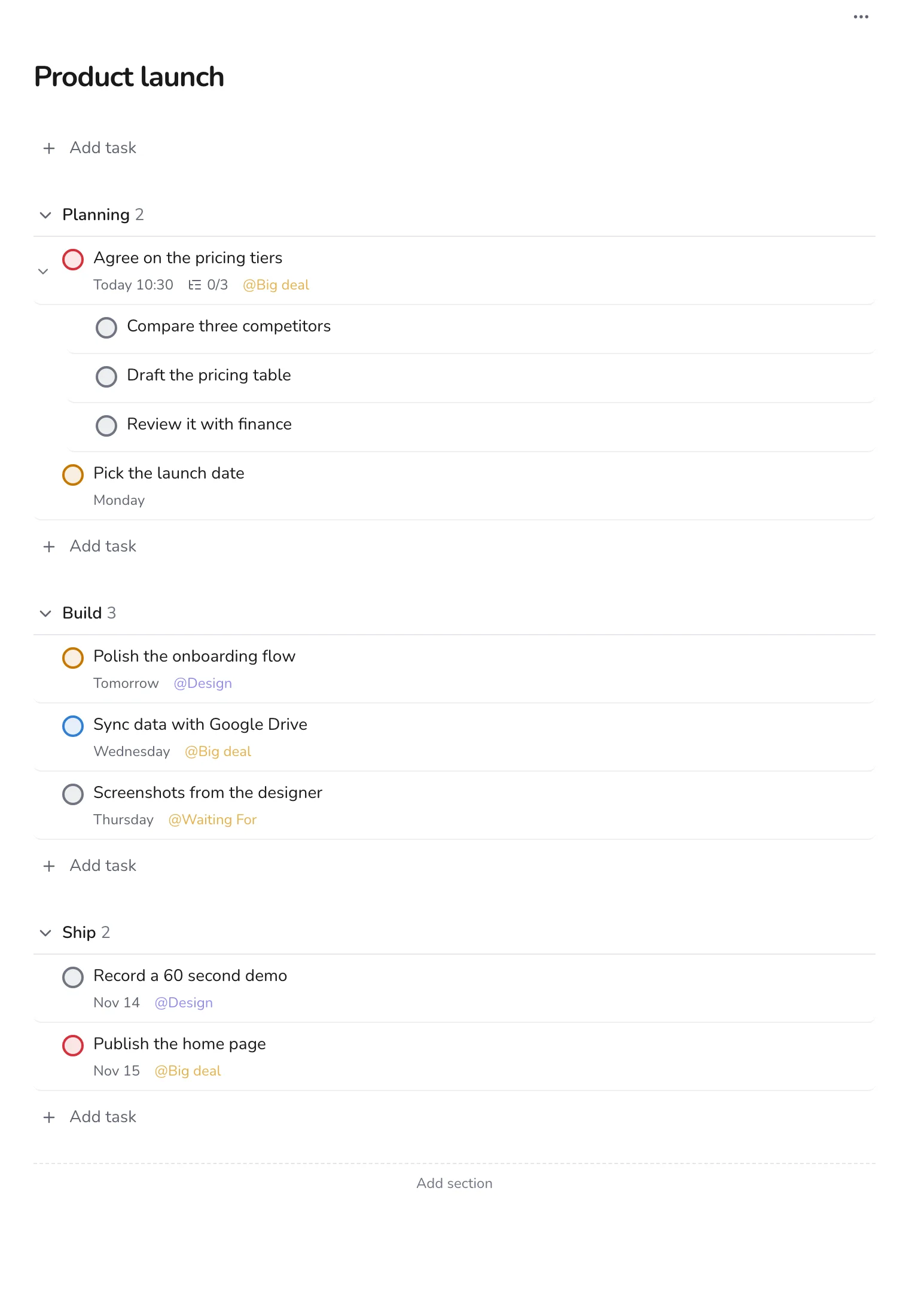
Plan a product launch with Planning, Build and Ship sections
Take a product from brief to launch day with three sections, subtasks for big decisions, and labels for design and big deals.
Work · 4 min
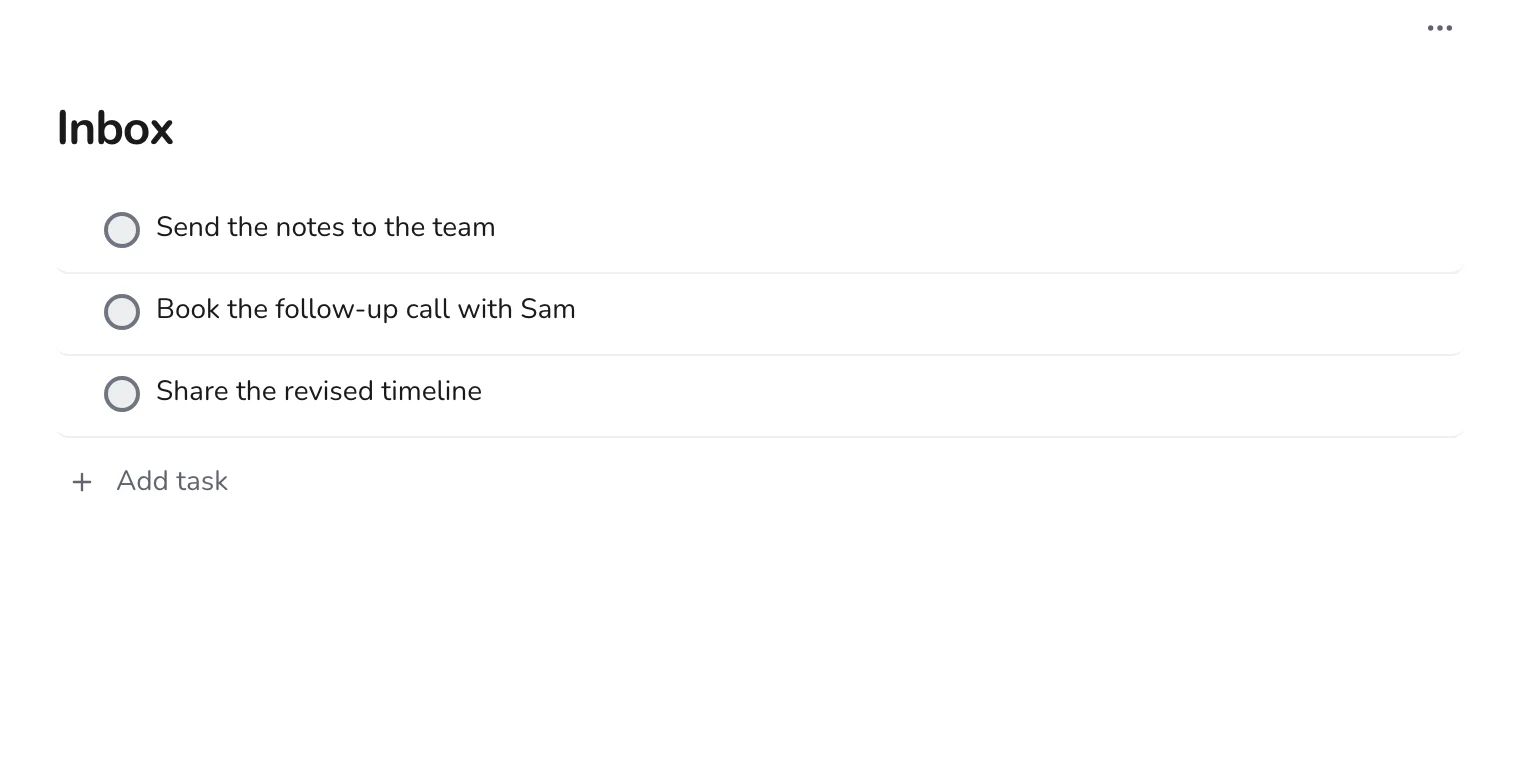
Turn meetings into tasks
Capture action items in the Inbox during a meeting, then sort them into projects, with Next Actions and Waiting For labels.
Work · 5 min
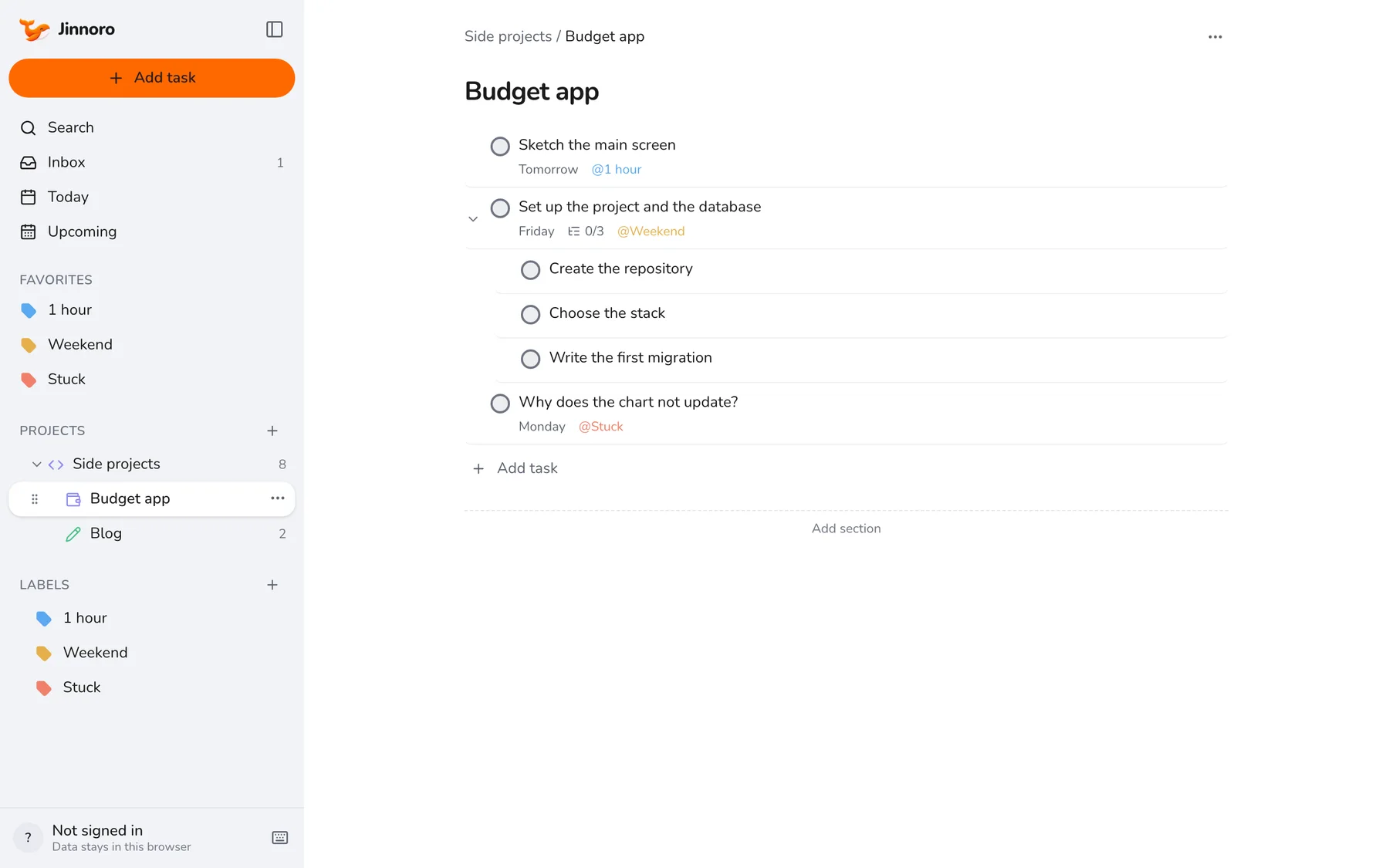
Ship a side project in your spare hours
Plan a side project in steps that fit into an evening or a weekend, and mark where you are stuck.
Using Jinnoro
Quick Add, shortcuts, sync and backups.
Using Jinnoro · 4 min
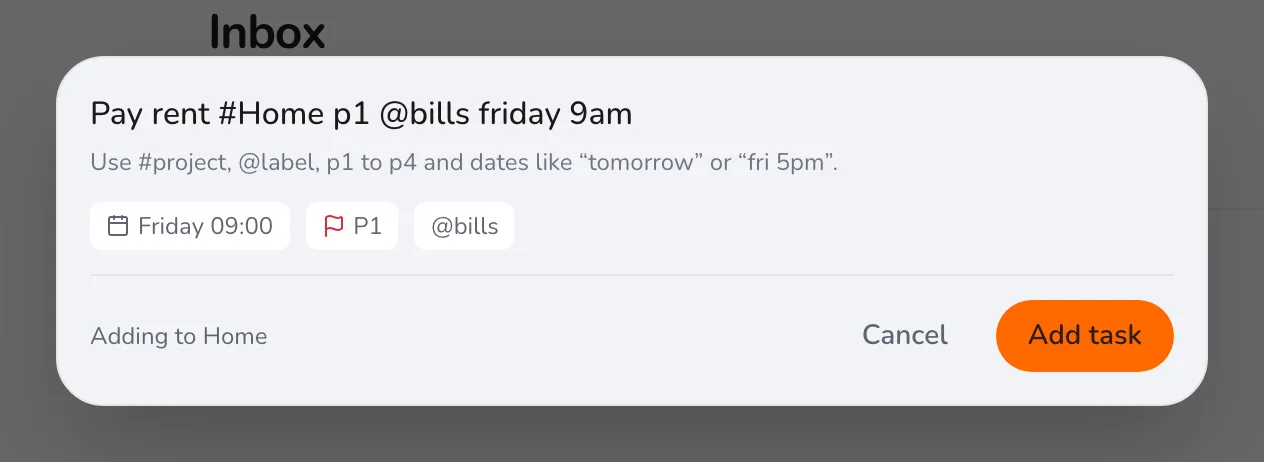
Add tasks fast with Quick Add
Type one line and Jinnoro fills in the project, label, priority and date. Here is everything Quick Add understands.
Using Jinnoro · 3 min
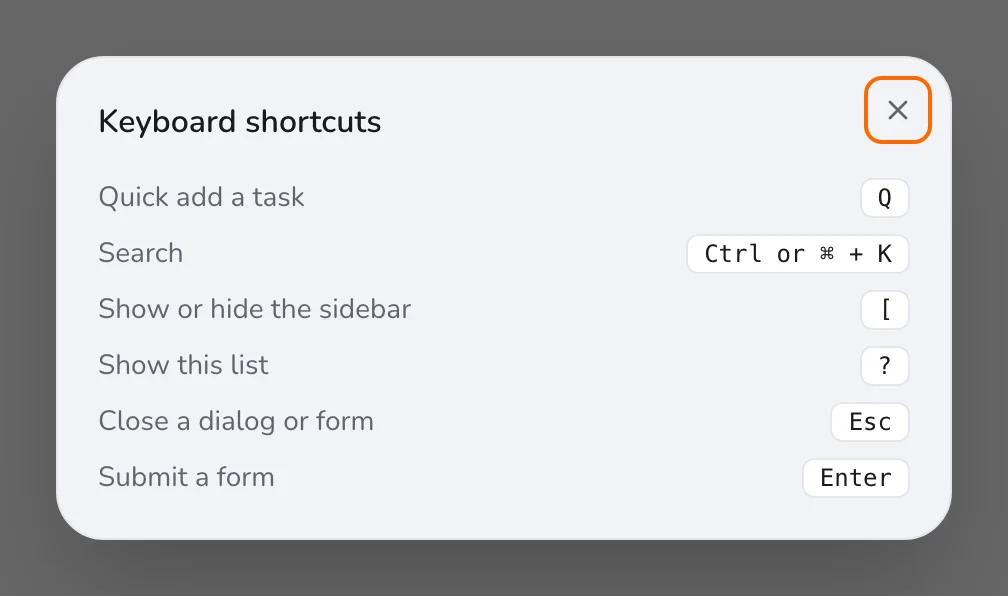
Work faster with the keyboard
The few shortcuts that matter: add a task, search everything, hide the sidebar and close anything with Escape.
Using Jinnoro · 4 min
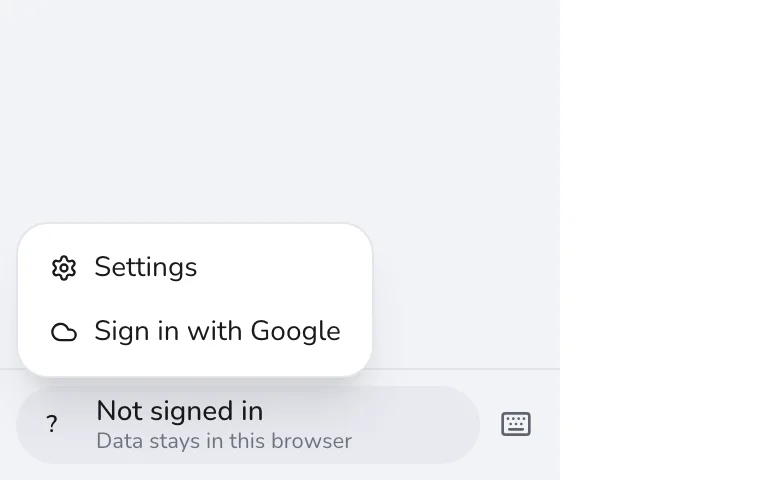
Keep every device in sync with Google Drive
Sign in with Google and your tasks follow you to every device, stored in your own Drive.
Using Jinnoro · 3 min
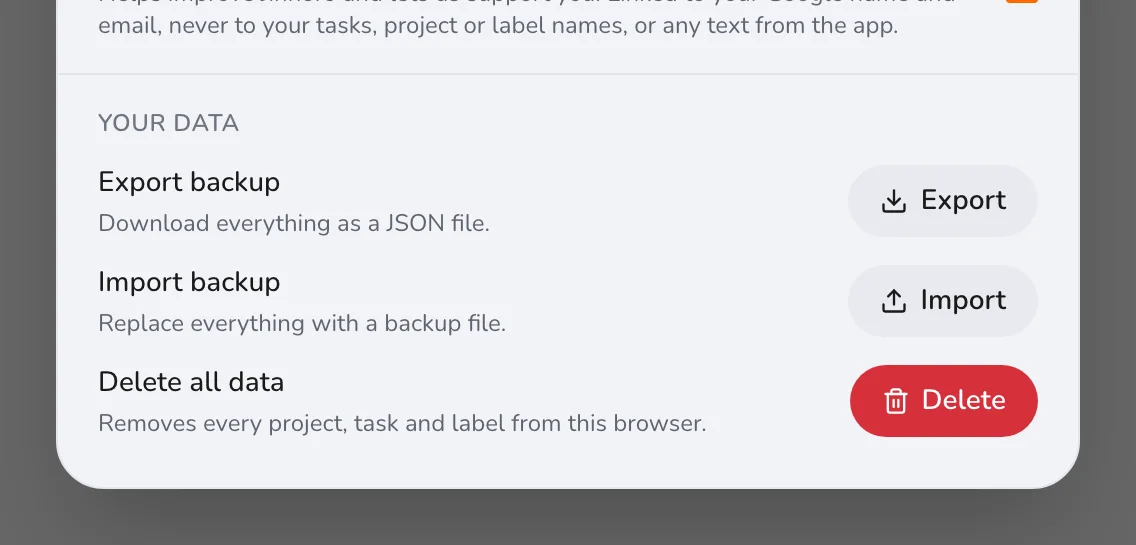
Back up and export your tasks
Download everything as a file, restore it later, and know what each option in Settings does.