Jinnoro
Guides · Personal · 5 min read
Plan meals and groceries for the week
Plan the week's dinners, write the shopping list as subtasks, and prepare ahead so weeknights stay easy.
Deciding what to eat is a small decision made every day, and it is draining. Making it once a week, with a list, makes the rest of the week much easier.
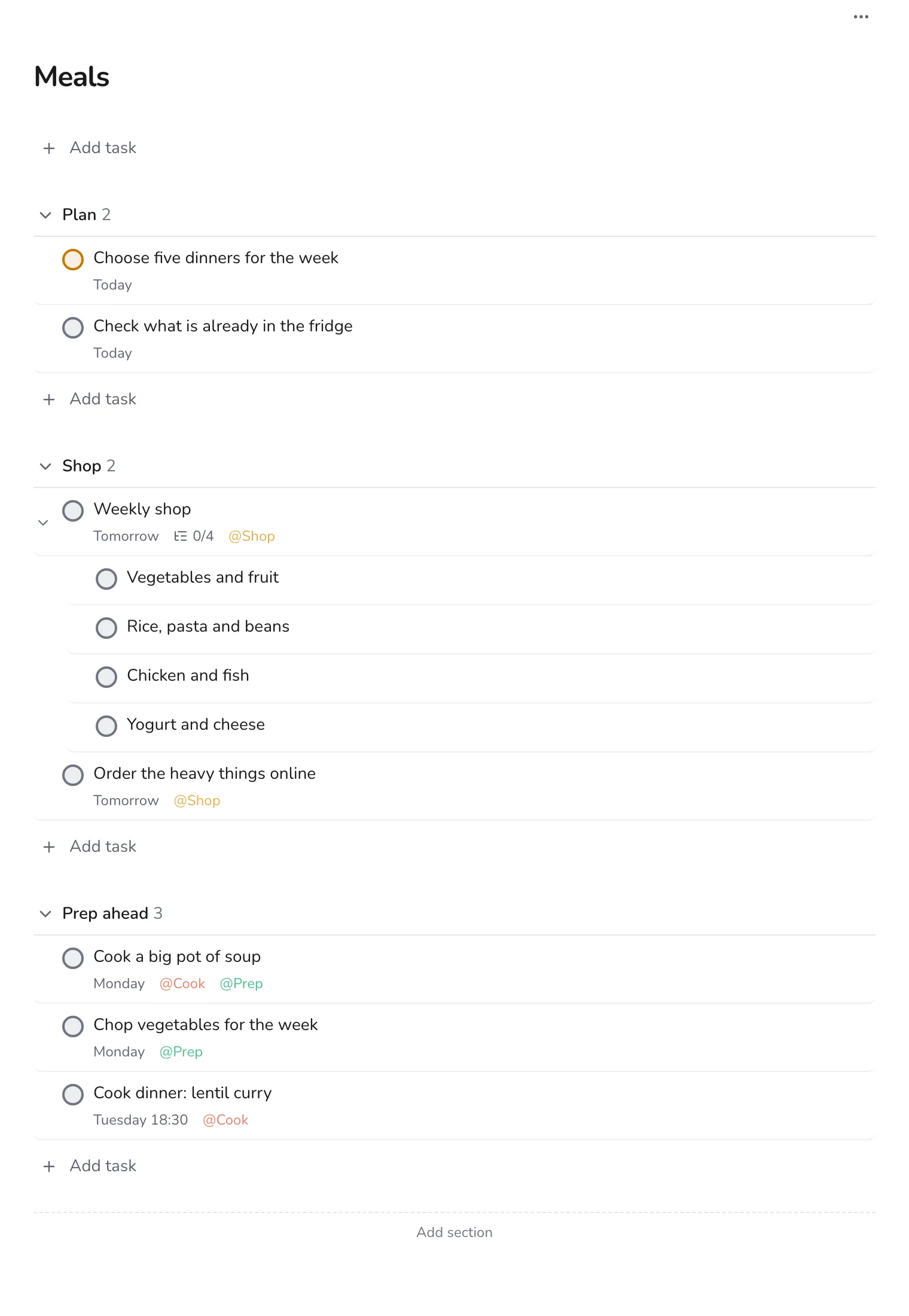
This guide uses one project with three sections, Plan, Shop and Prep ahead, and the labels Shop, Cook and Prep.
Step 1
Create the project and its sections
Make a project called Meals with the sections Plan, Shop and Prep ahead. They follow the order of the work: decide, buy, prepare.
Step 2
Plan around what you have
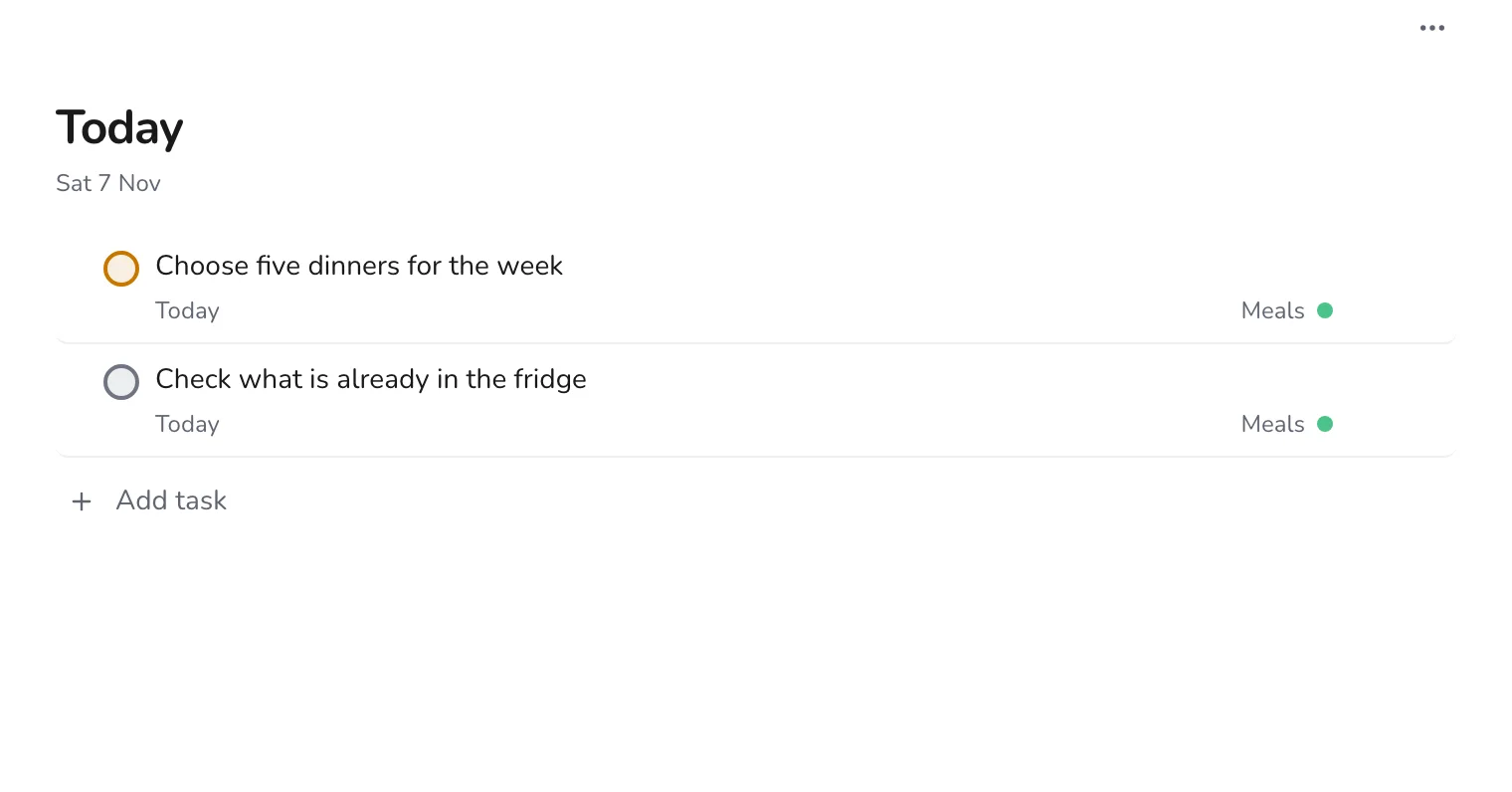
Check the fridge first, then choose four or five dinners. Write them as tasks with the day, such as “Cook dinner: lentil curry”, so that they appear in Today when needed.
Step 3
Make the shopping list a task
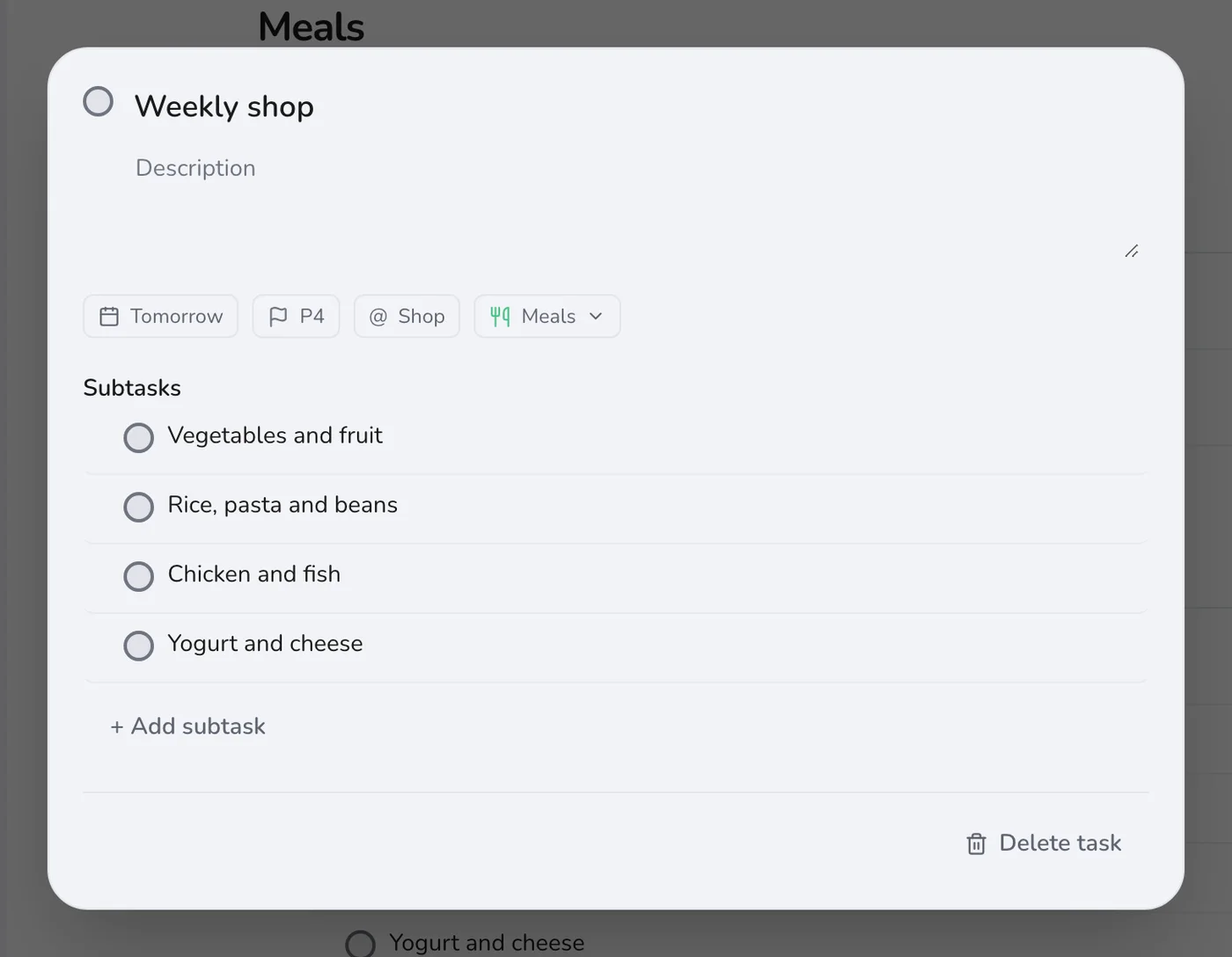
Add a task called Weekly shop and put each group of items in a subtask: vegetables, staples, protein, dairy. On the phone in the shop, tick them as you go.
Step 4
Prepare ahead on a quiet day
An hour of preparation on Sunday, such as a pot of soup or chopped vegetables, makes weeknights easy. Add those as tasks with the Prep label.
Step 5
Add things as you run out of them
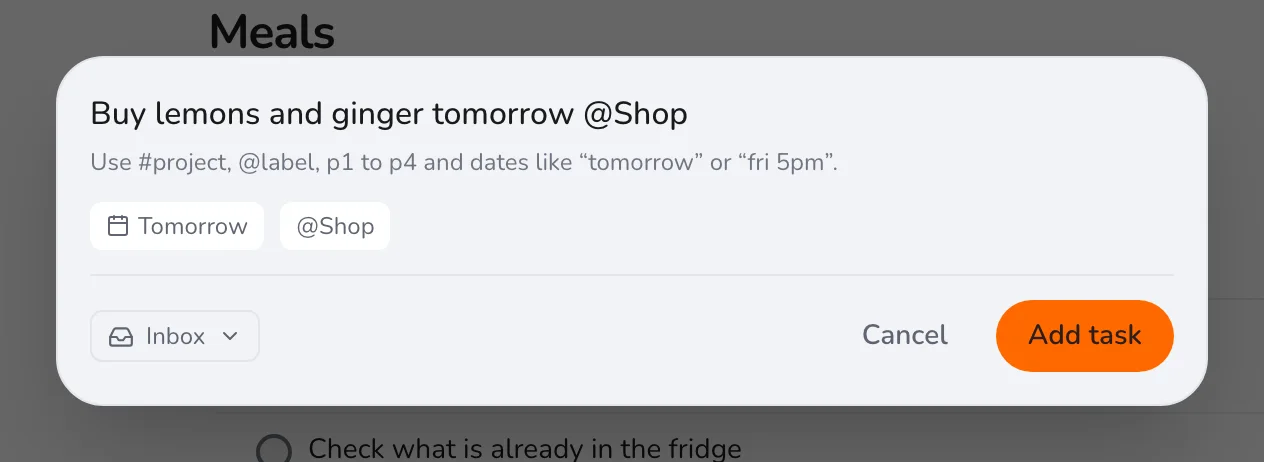
When something runs out, press Q and add it with the Shop label.
After a few weeks, you will have a set of dinners you like. Keep them in a note, and the planning step takes five minutes. For other routines, see building a fitness plan.