Jinnoro
Guides · Students · 4 min read
A 15-minute weekly review for students
Once a week, empty the Inbox, check Upcoming, and follow up on everything you are waiting for.
A to-do list only works if it is current. A weekly review is a short, regular habit that keeps it current: you look at everything once, fix what is out of date, and plan the week.
For a student, 15 minutes on Sunday is enough. Here is the routine, in four steps.
Step 1
Empty the Inbox
Open Inbox and sort everything into a course or delete it. The goal is zero. When it is empty, Jinnoro rewards you with the whale.

Step 2
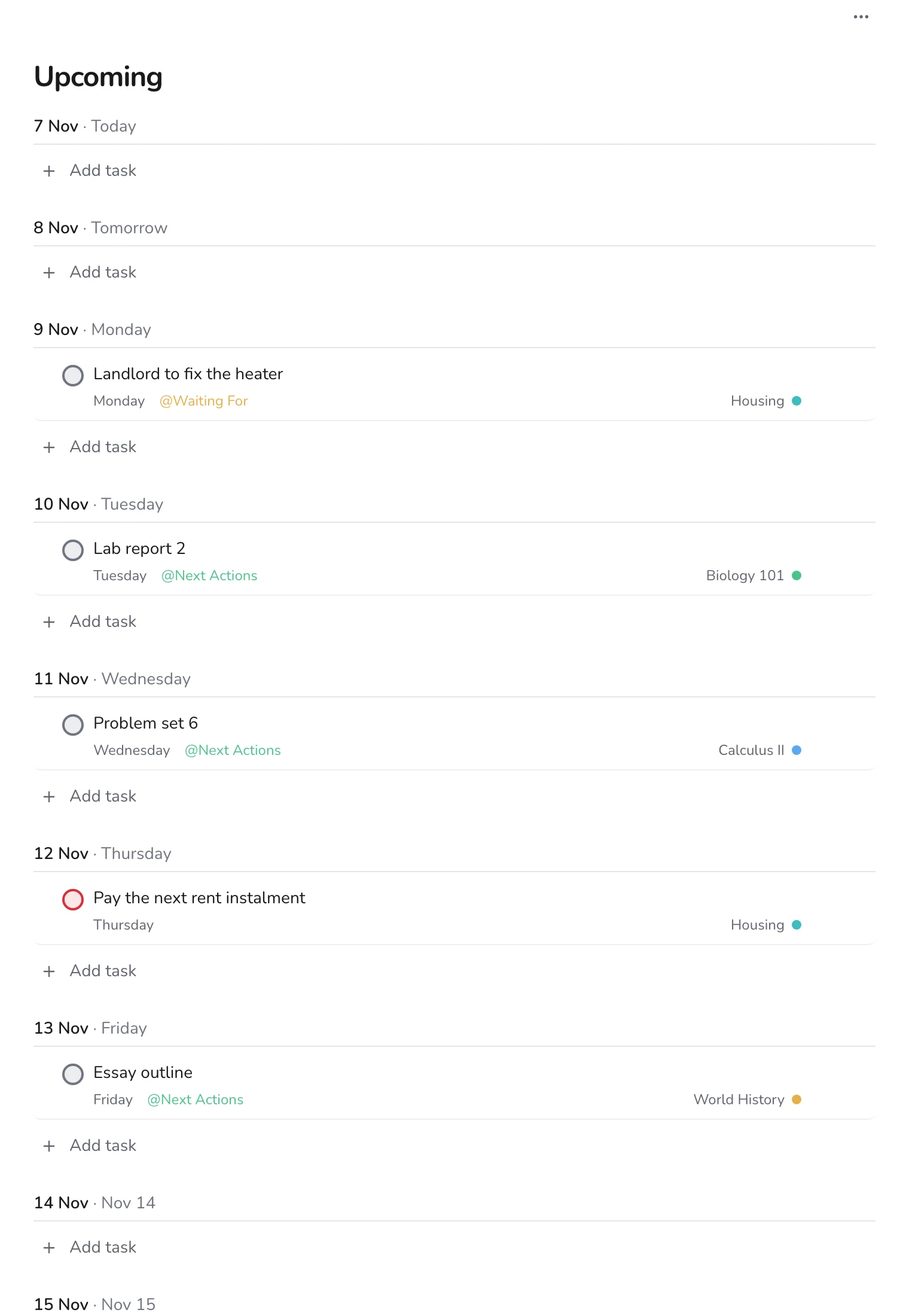
Look at the week ahead in Upcoming
Open Upcoming and scan the next seven to ten days. Look for days with several tasks and days with none. Move things so the load is even, and start early on anything big.
Step 3
Choose your Next Actions
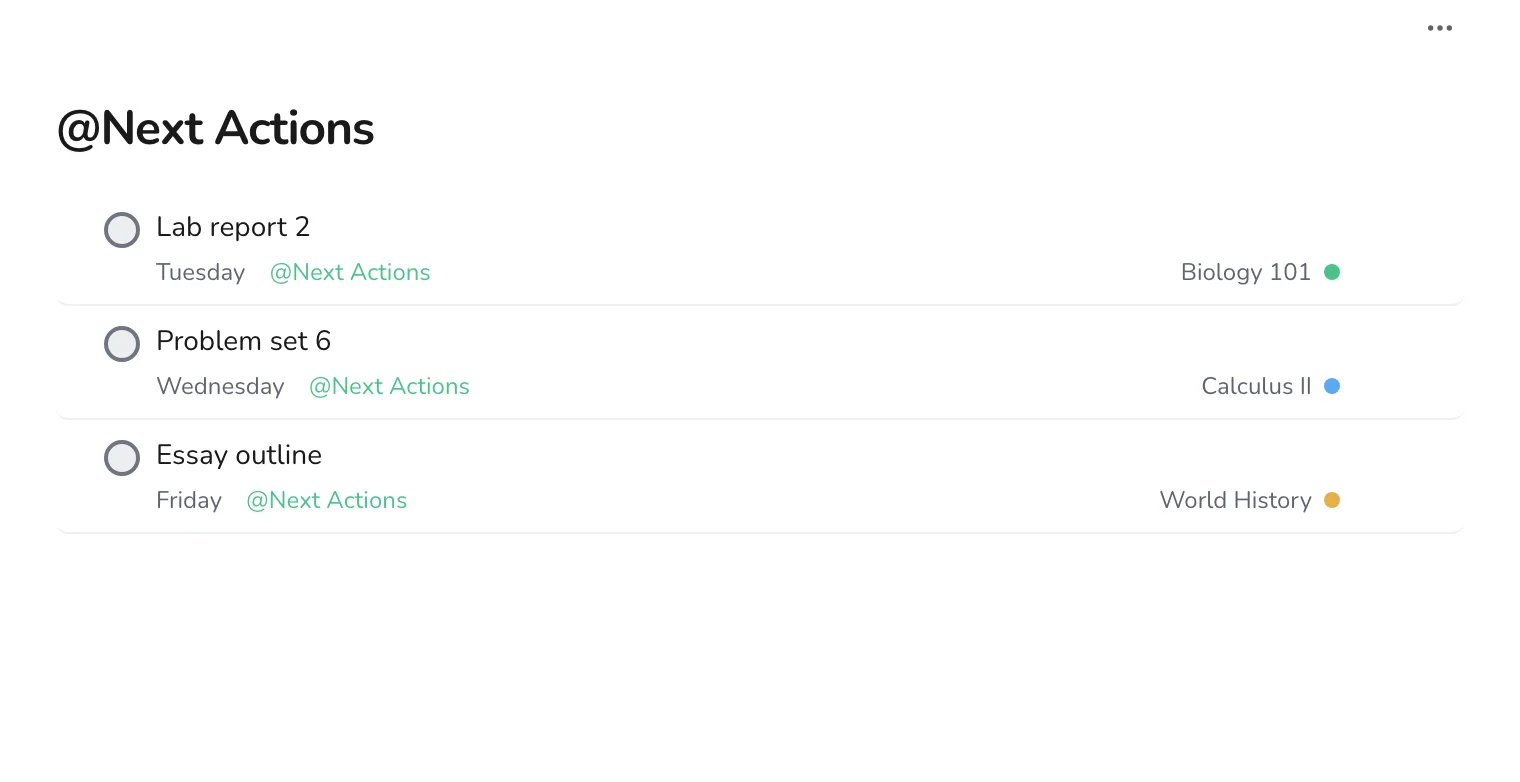
Create a label called Next Actions and put it on the next step of each project: the one task you would do if you sat down now. Then open the label to see your working list for the week.
Step 4
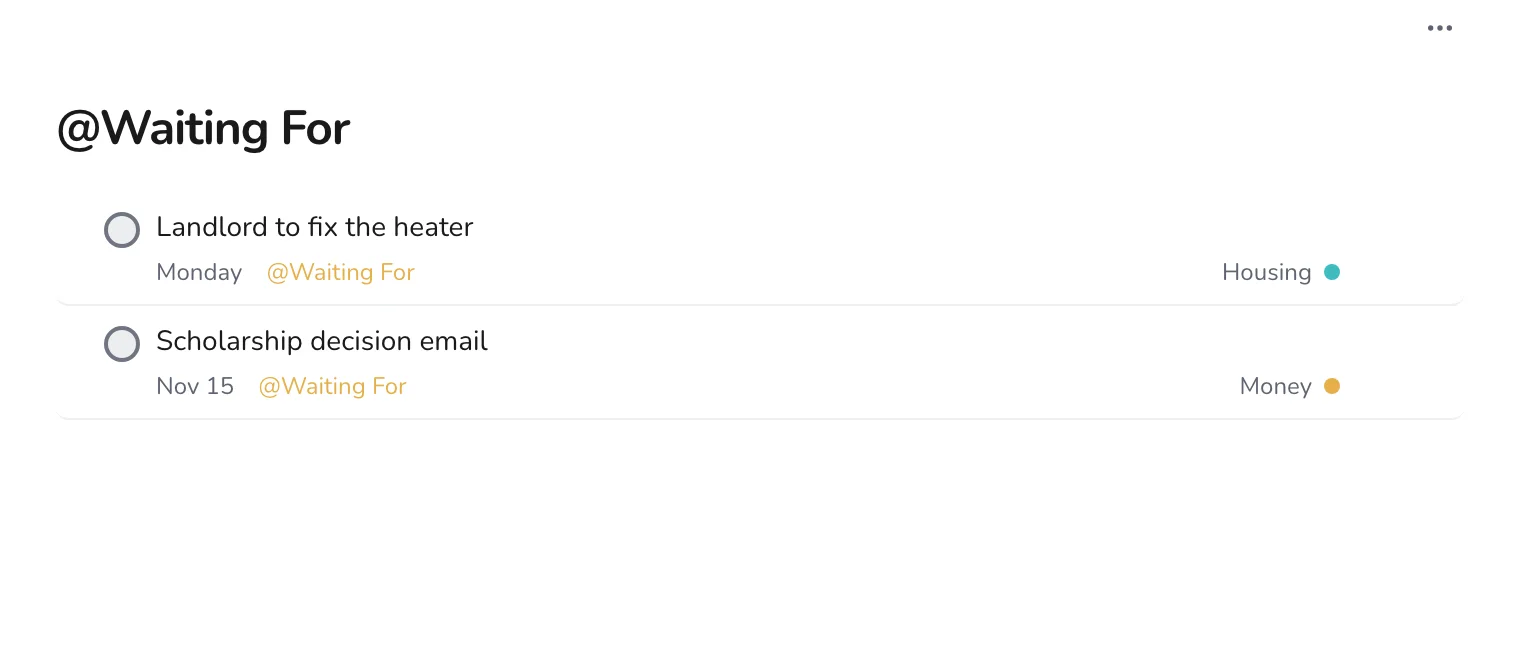
Follow up on everything you are waiting for
Open Waiting For. Anything past its date gets a message. Anything that arrived gets checked off, or changed to Next Actions.
That is the whole review. It takes less time than a coffee, and the rest of the week runs on it. For the full method behind the two labels, read a calm task system in Jinnoro.