Jinnoro
Guides · Work · 5 min read
Ship a side project in your spare hours
Plan a side project in steps that fit into an evening or a weekend, and mark where you are stuck.
Side projects live in the margins of your life: an hour after dinner, a Saturday morning. What kills them is not a lack of ideas but a lack of a next step that fits the time you have.
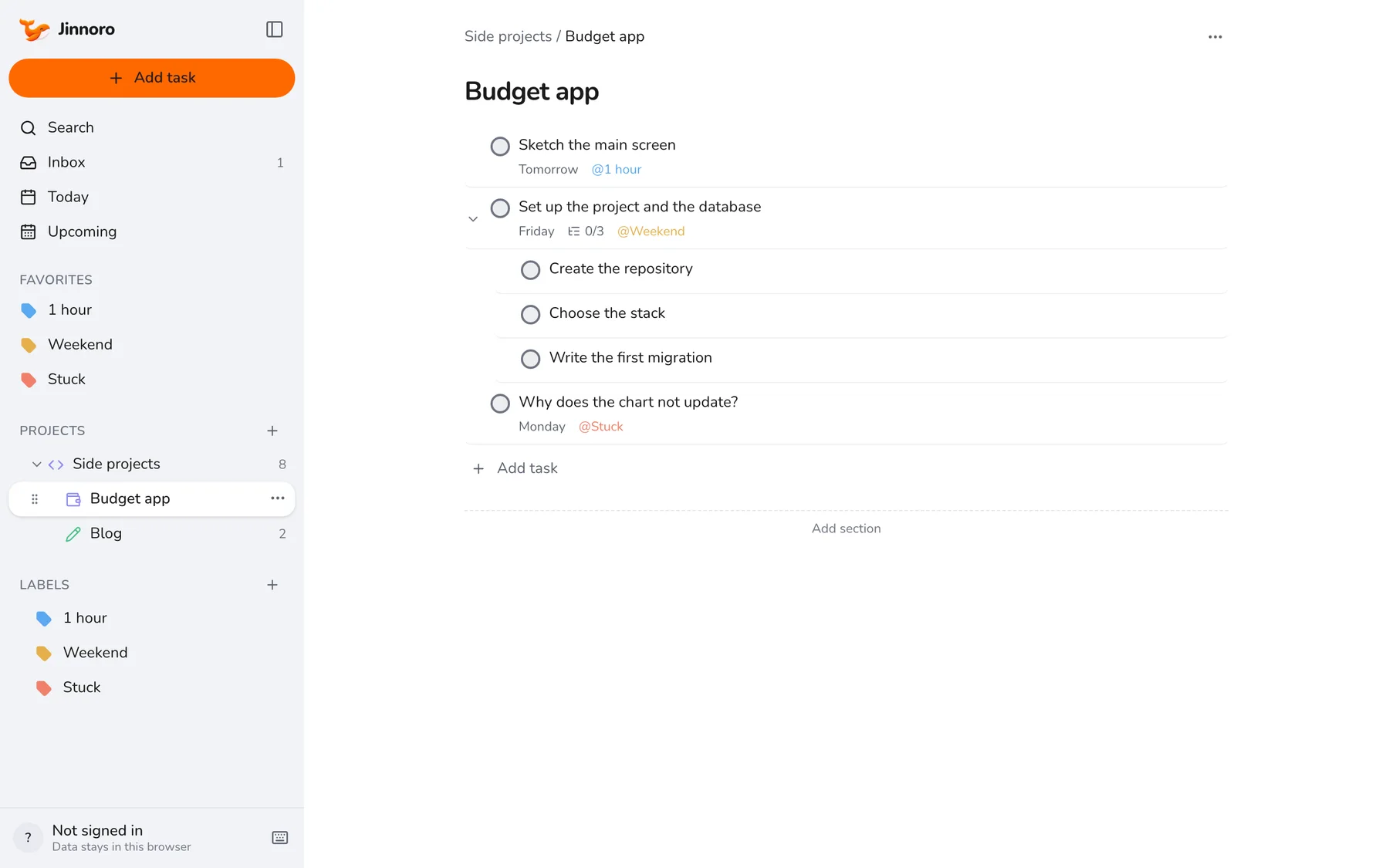
This guide uses a folder for your side projects, a project for each, and labels 1 hour, Weekend and Stuck.
Step 1
Make a folder and a project for each idea
Create Side projects and one subproject per idea. Add a few tasks to each, and keep an Ideas task in the Inbox for the ones that are not yet projects.
Step 2
Size every task to the time you have
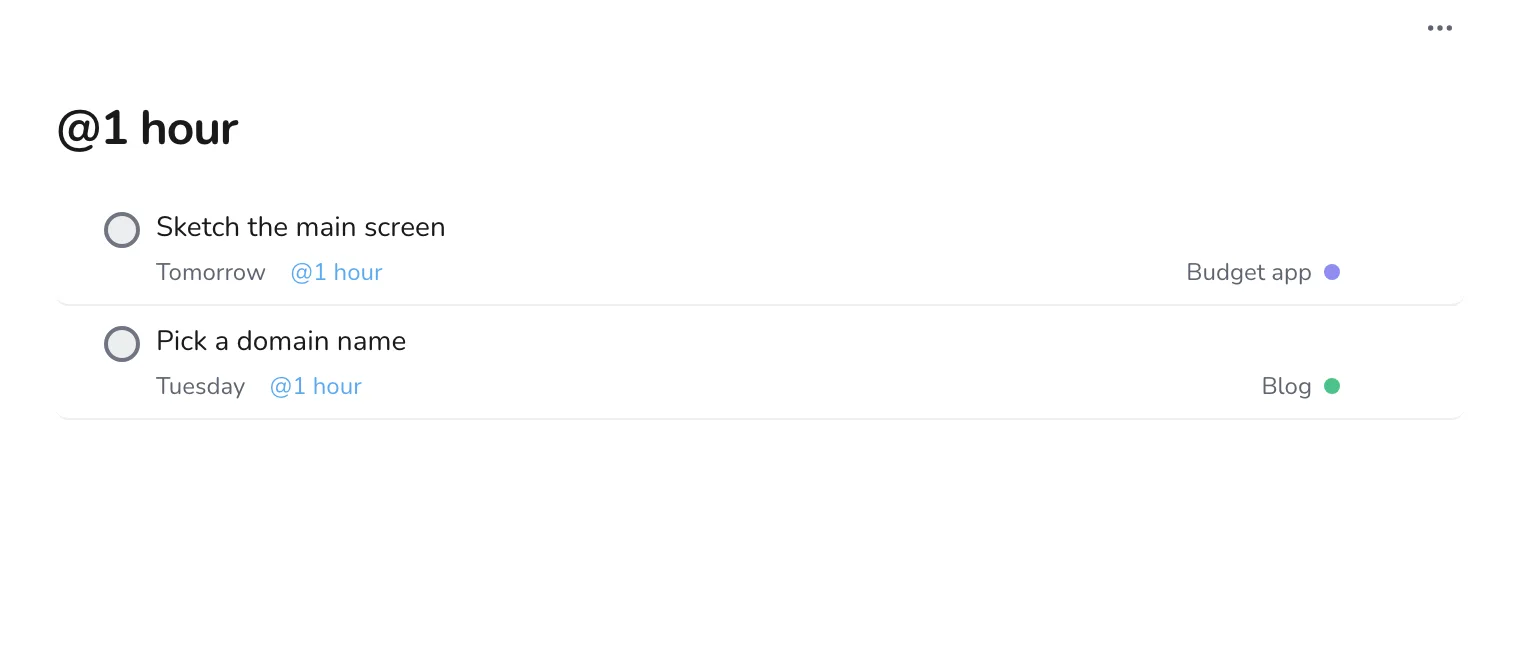
Label tasks 1 hour if they fit in an evening, and Weekend if they need a longer stretch. When you sit down, open the matching label and pick from it, instead of staring at the whole project.
Step 3
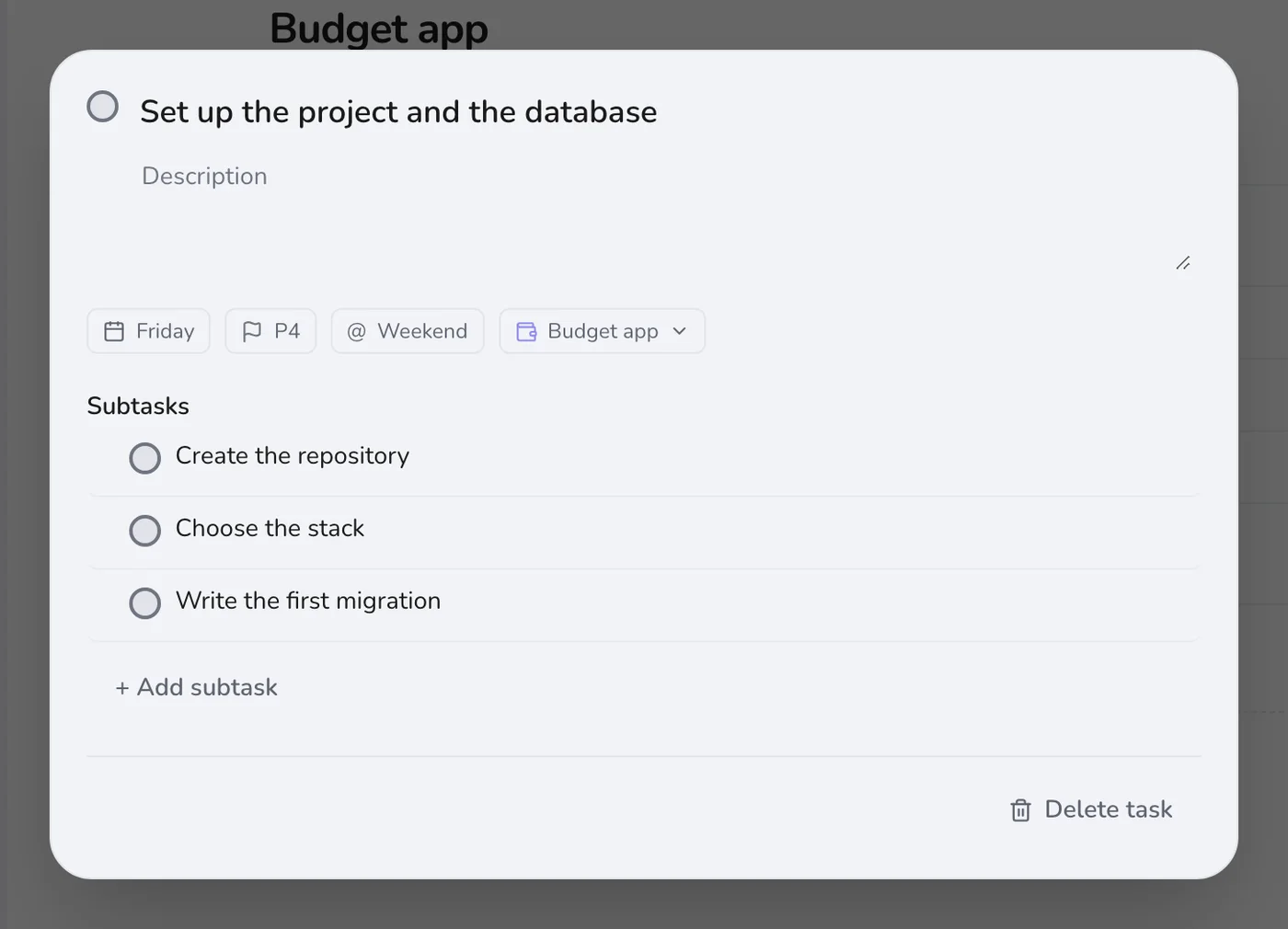
Break the big starts into subtasks
“Set up the project” hides a lot of decisions. Open it and write the steps: create the repository, choose the stack, write the first migration. Pick one at a time.
Step 4
Mark where you are stuck
When something blocks you, add the Stuck label instead of leaving it on your mind. Next time you have free time, start with that label: often a fresh look is all it takes.
Tip. Write the question as a task: “Why does the chart not update?”. A question is easier to start on than a vague problem.
Step 5
Capture ideas without leaving your work
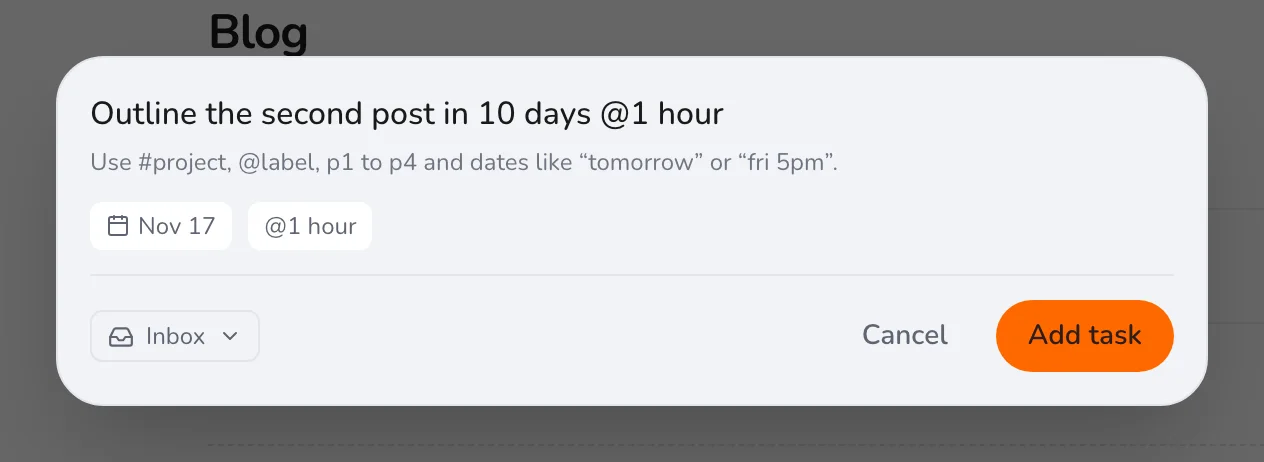
While you work, new ideas come. Press Q, add the idea with the project and a label, and go back to what you were doing.
The aim is to keep a project alive, not to finish it in a week. Check the folder once a week, and drop a project on purpose if you no longer care about it. For a more formal plan, see planning a product launch.