Jinnoro
Guides · Work · 4 min read
Turn meetings into tasks
Capture action items in the Inbox during a meeting, then sort them into projects, with Next Actions and Waiting For labels.
Meetings produce promises: things you will do, and things others will do. If you do not write them down in the right place within an hour, most of them become lost.
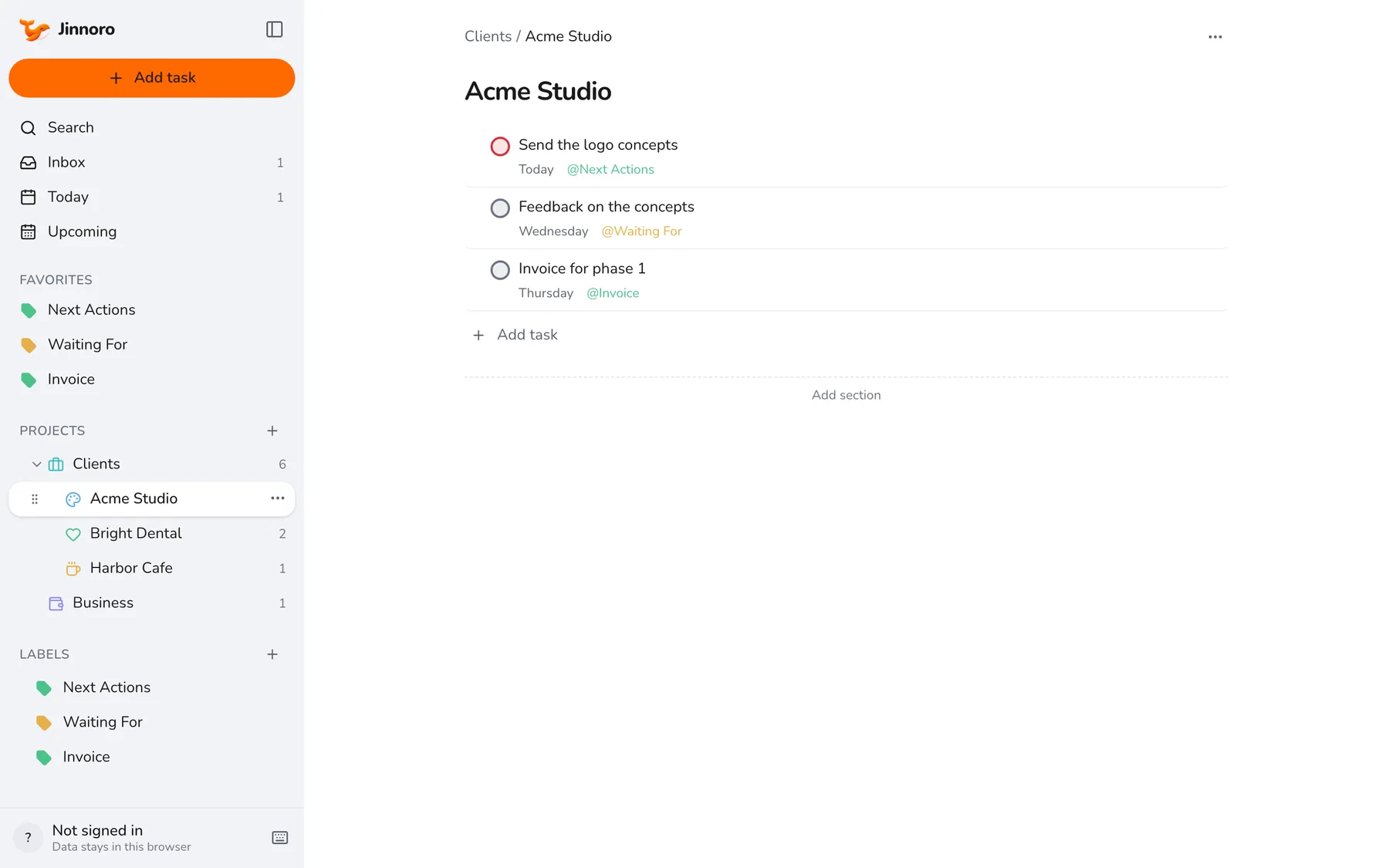
This guide shows a lightweight routine: capture in the Inbox during the meeting, sort straight after, and use Next Actions and Waiting For to keep the two kinds of promises apart.
Step 1
Capture during the meeting
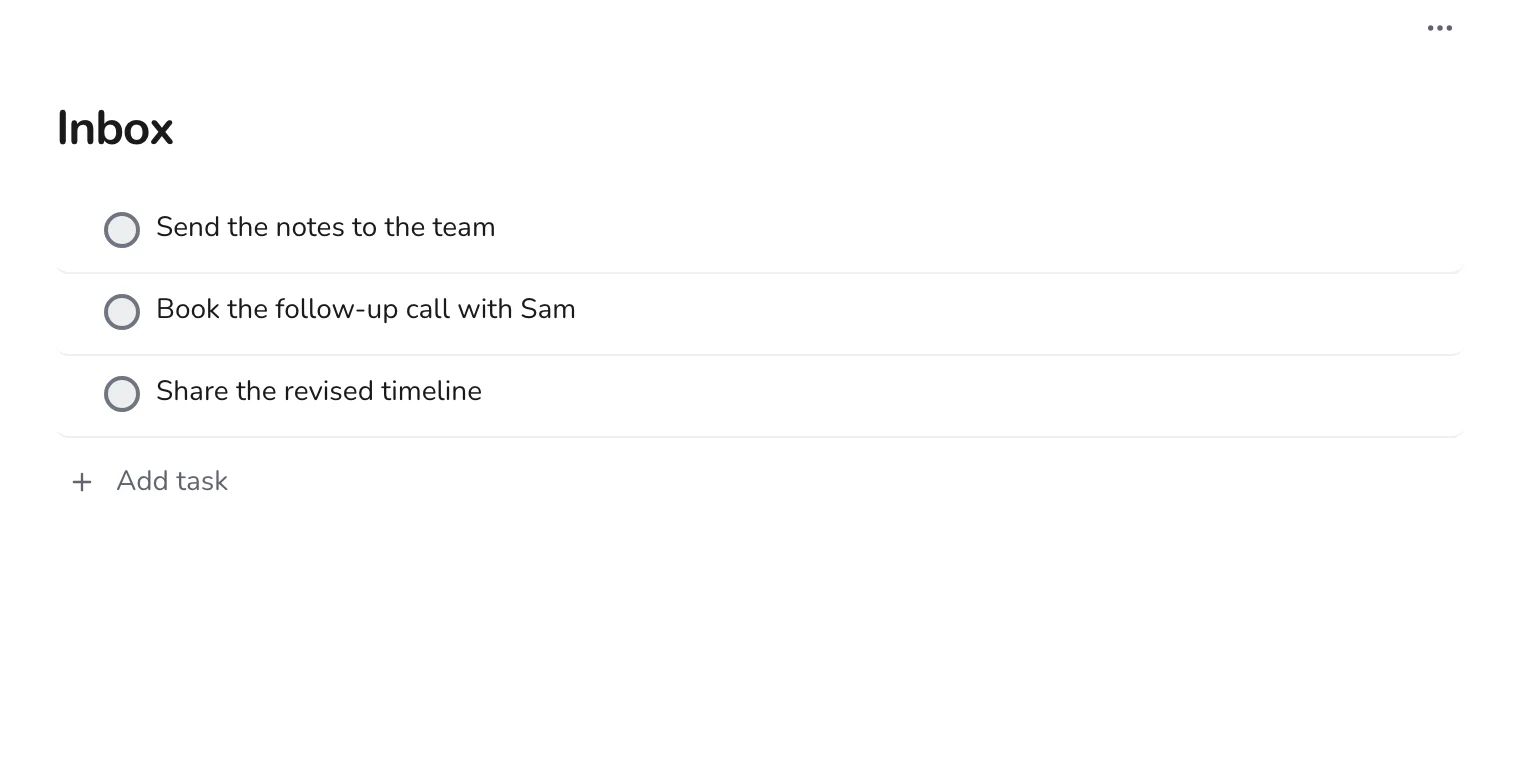
Keep Jinnoro open. Whenever you hear a to-do, press Q, type a short line and press Enter. Do not sort anything yet.
Step 2
Sort straight after the meeting
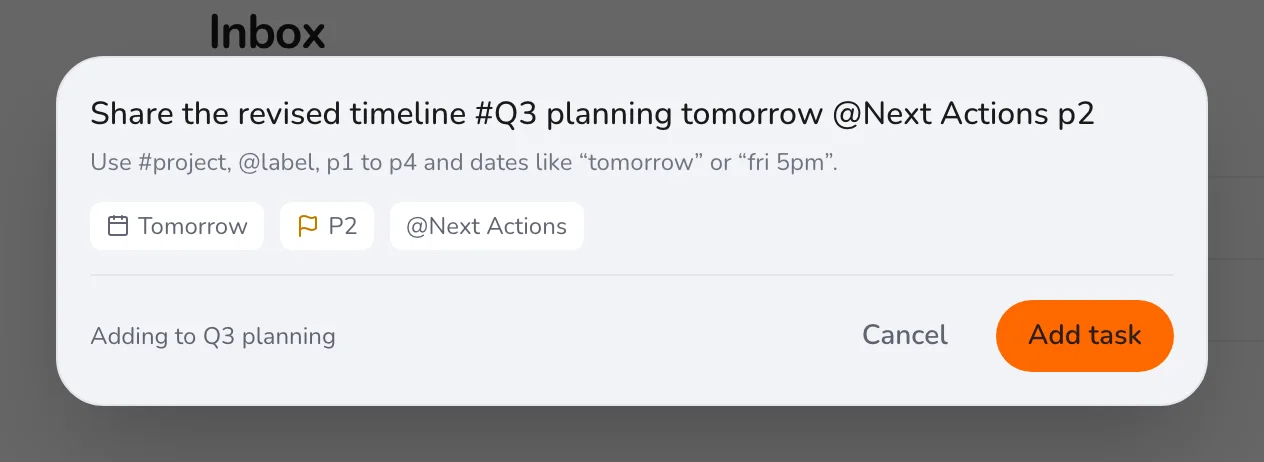
Right after, while it is fresh, go through the new items. Give each a project, a date, and a label. If you would do it in two minutes, do it now.
Step 3
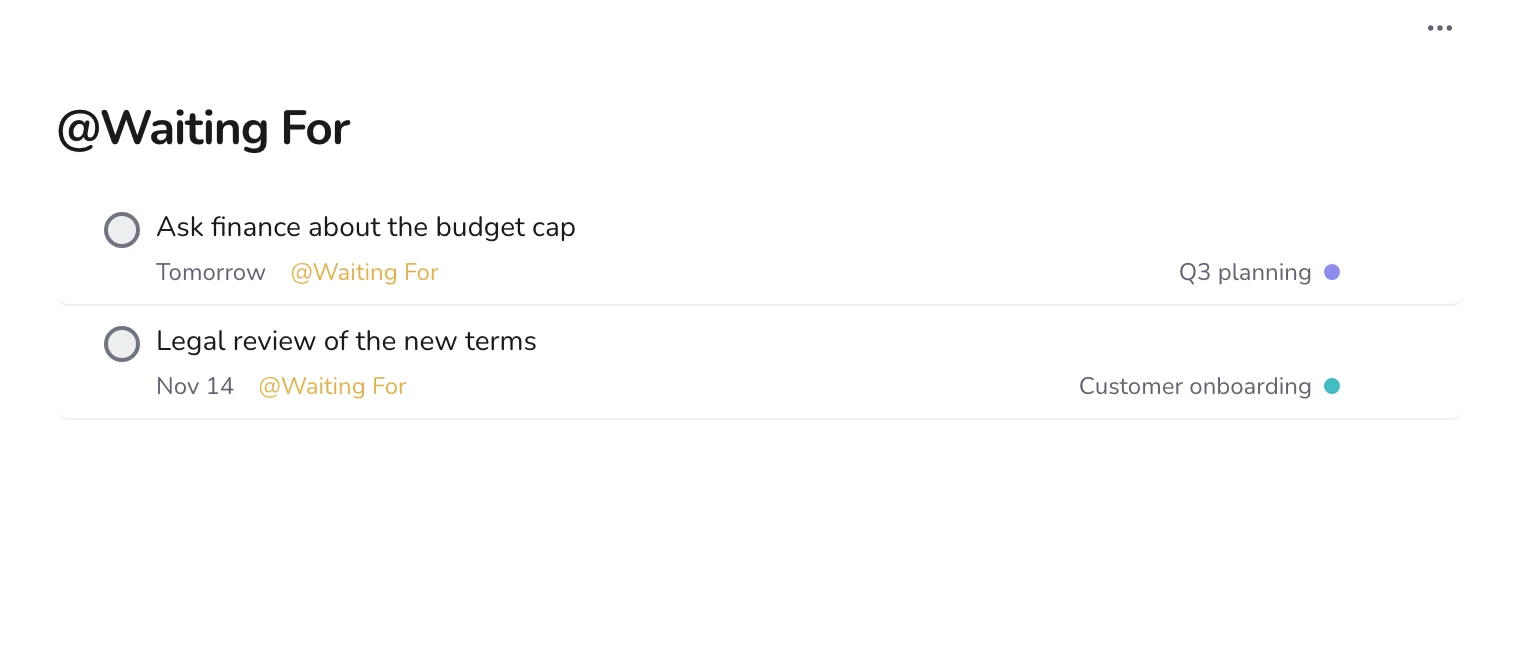
Separate what you do from what others do
Use Next Actions for your promises and Waiting For for what other people promised you. Write the second kind from your point of view: “Legal review of the new terms”.
Step 4
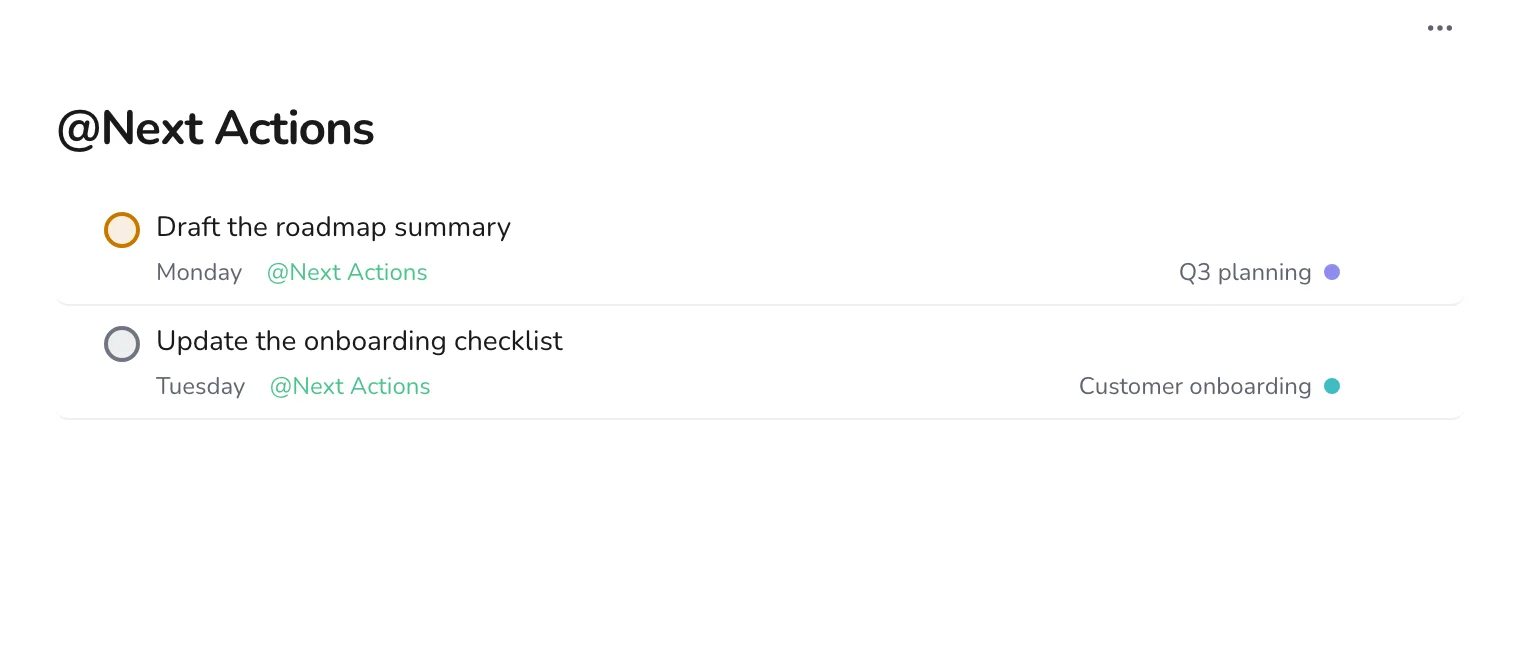
Work from Next Actions
Open Next Actions each morning. The list contains your own promises from every meeting, and nothing else.
If you only do one thing, do the sorting step within an hour of the meeting. It takes about two minutes and makes the difference between a meeting that changes something and one that does not. See also a weekly review to catch what slips.