Jinnoro
Guides · Teachers · 5 min read
Set up the school year before it starts
Plan the weeks before school and the first month in one project, so the start of term is calm.
The start of the school year has a rush of tasks: class lists, rooms, handouts, emails, names to learn. If you plan it ahead, you walk in with a clear list instead of a pile.
This guide builds one project with three phases, and adds the labels Prep, Print and Admin.
Step 1
Create a project with the three phases
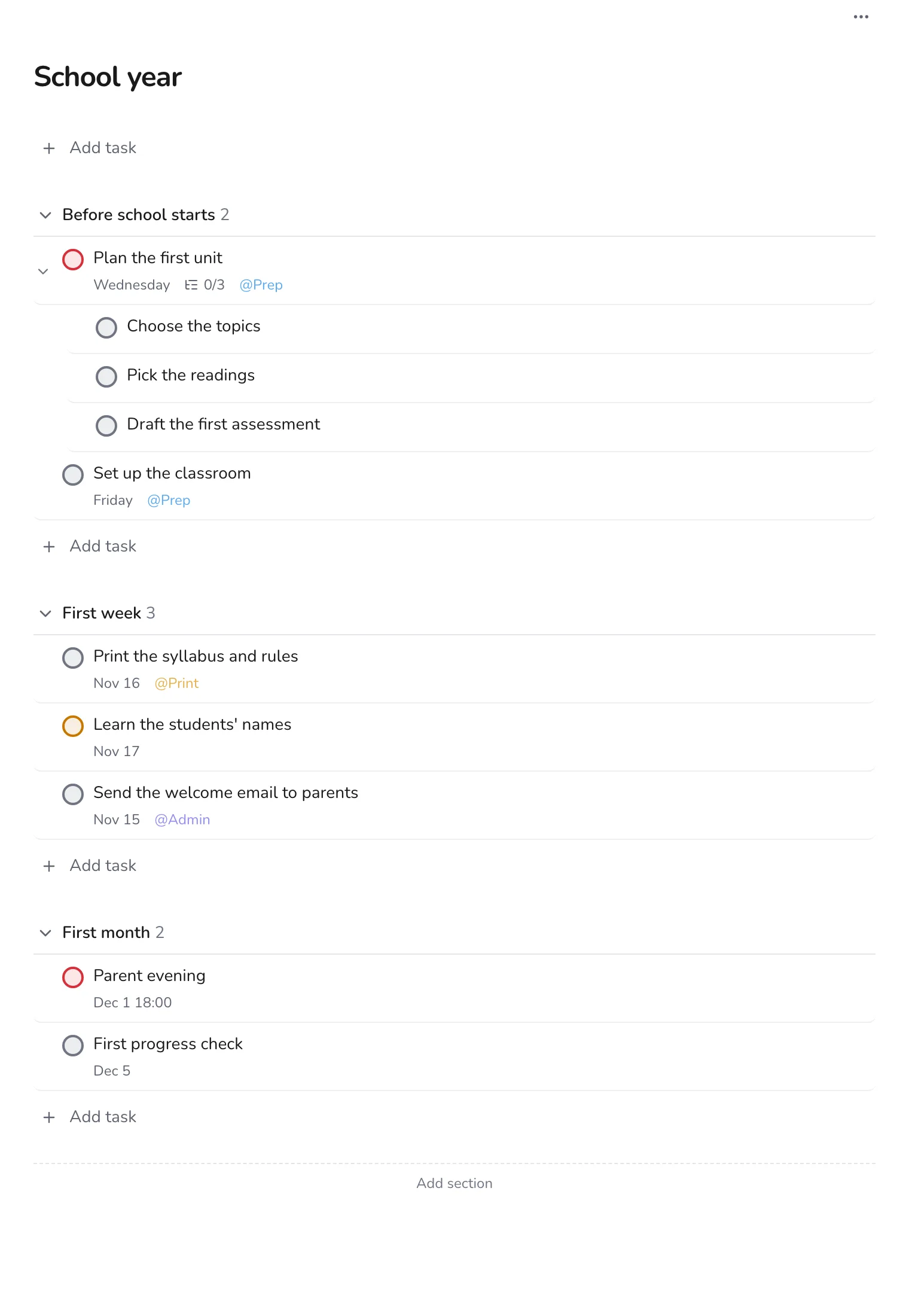
Make a project called School year with sections Before school starts, First week and First month. Add everything you can think of, then sort it by dragging.
Step 2
Break the first unit into subtasks
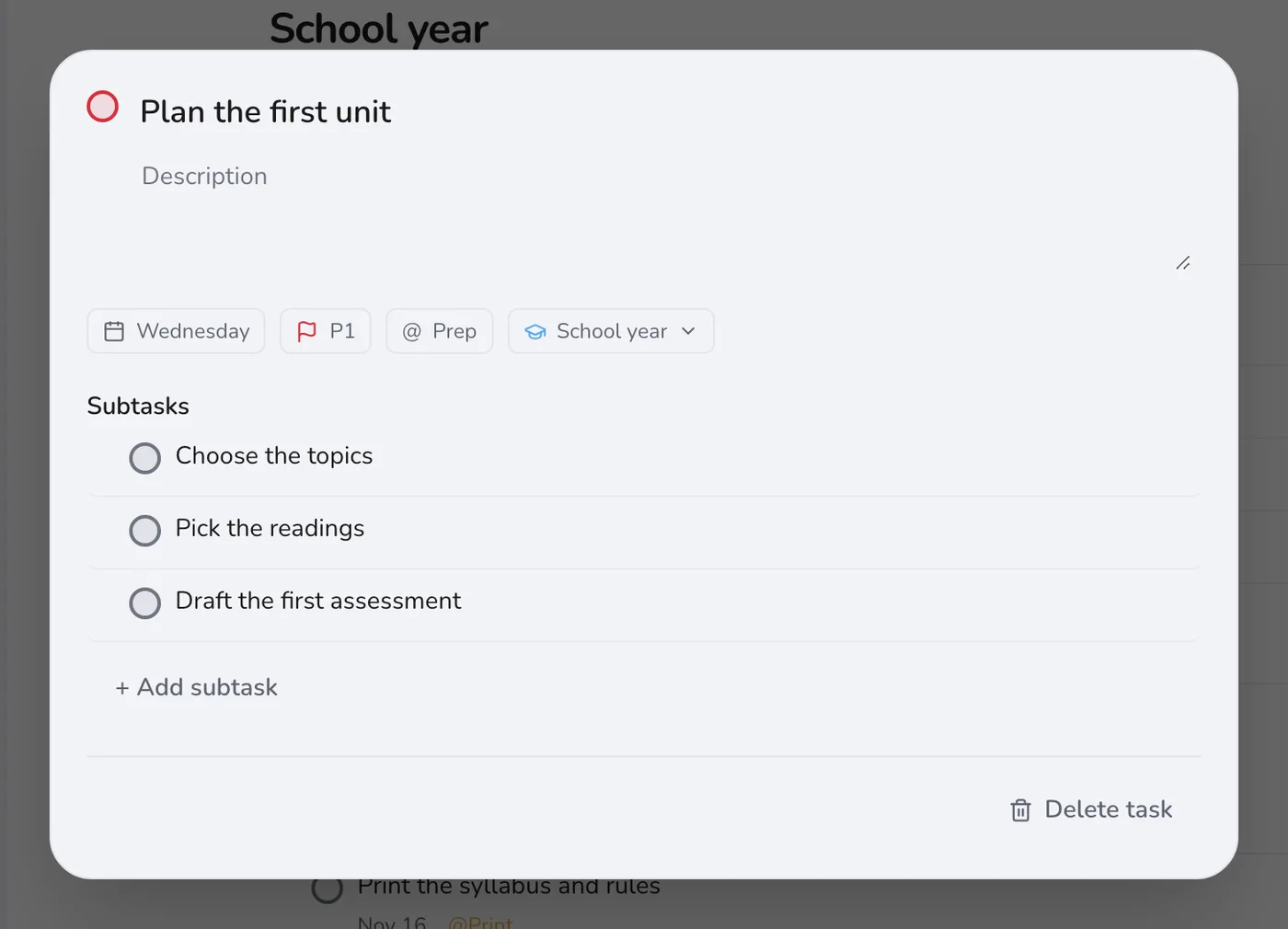
The first unit sets the tone, and it takes planning. Give it a task with subtasks: choose the topics, pick the readings, draft the first assessment.
Step 3
Group by kind of work
Use Prep for planning, Print for copying and Admin for emails and forms. When you go to the copy room, open Print and take everything in one trip.
Step 4
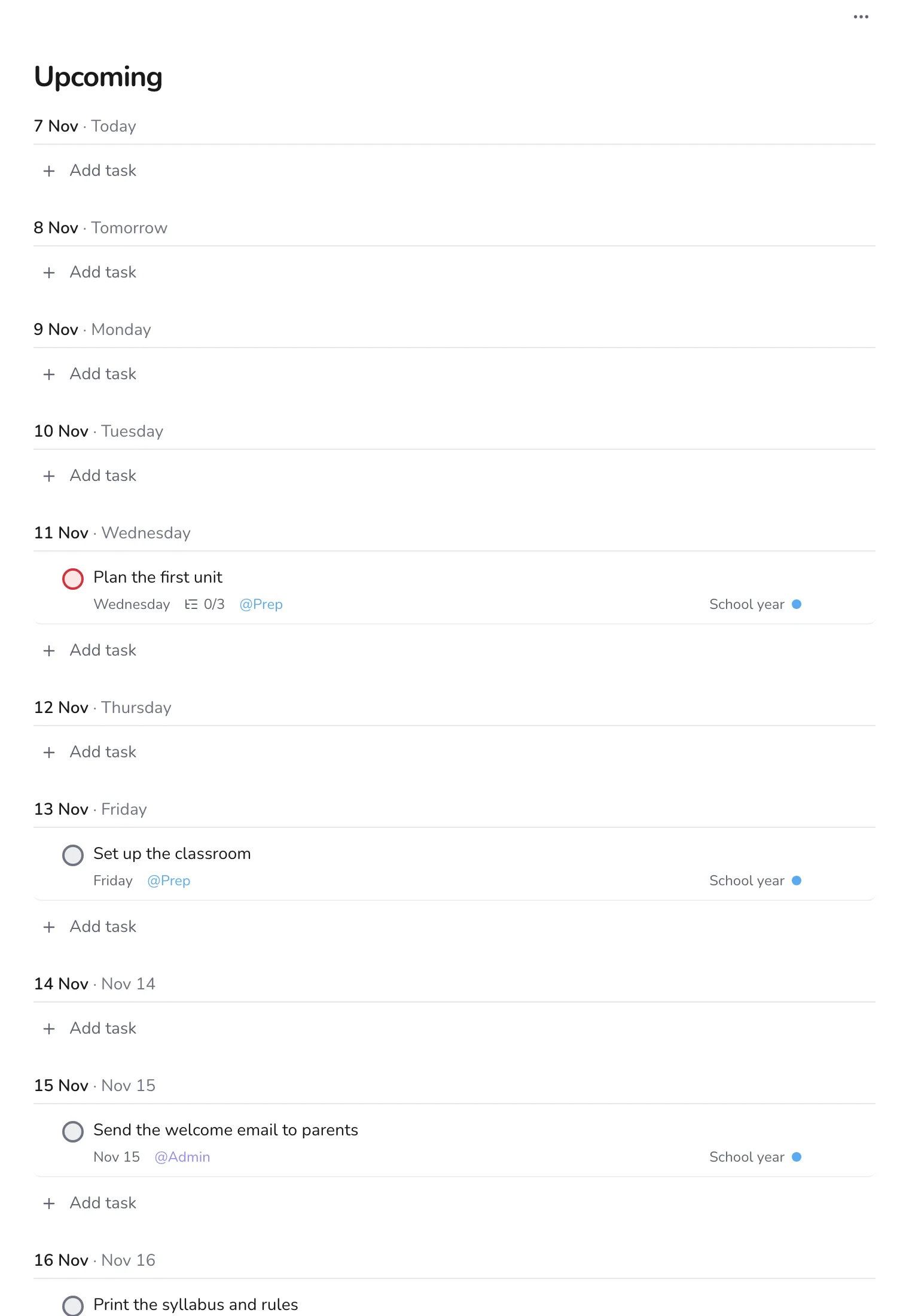
Check Upcoming at the end of each week
Upcoming shows the next ten days or so. In the weeks before school, it tells you whether the days are balanced.
Step 5
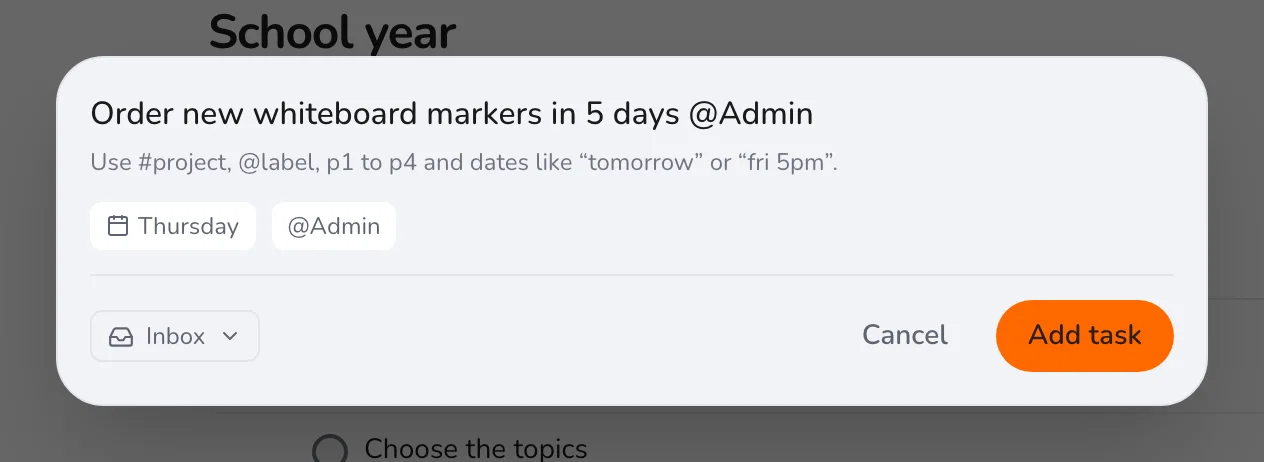
Add things as they arrive
New requests arrive from the office, from colleagues and from parents. Press Q, name the project, set a date and add a label.
When school starts, move your focus to a weekly routine: see planning lessons, grading and parent messages. Next summer, make a new project with the same sections.