Jinnoro
Guides · Students · 4 min read
Catch lecture follow-ups in the Inbox before you forget
Capture questions and to-dos in seconds during class, then sort them into courses after.
In a lecture, your mind produces to-dos: a question for the professor, an example to redo, a sign-up you should not forget. You cannot stop to organize them, and if you trust your memory, most are gone by dinner.
The fix is to capture each one in the Inbox in a few seconds, and sort them later. This guide shows both halves.
Step 1
Capture without deciding anything
Press Q in the app, type one line, and press Enter. That is all. Do not pick a course, a date or a priority. In class, speed matters more than structure.
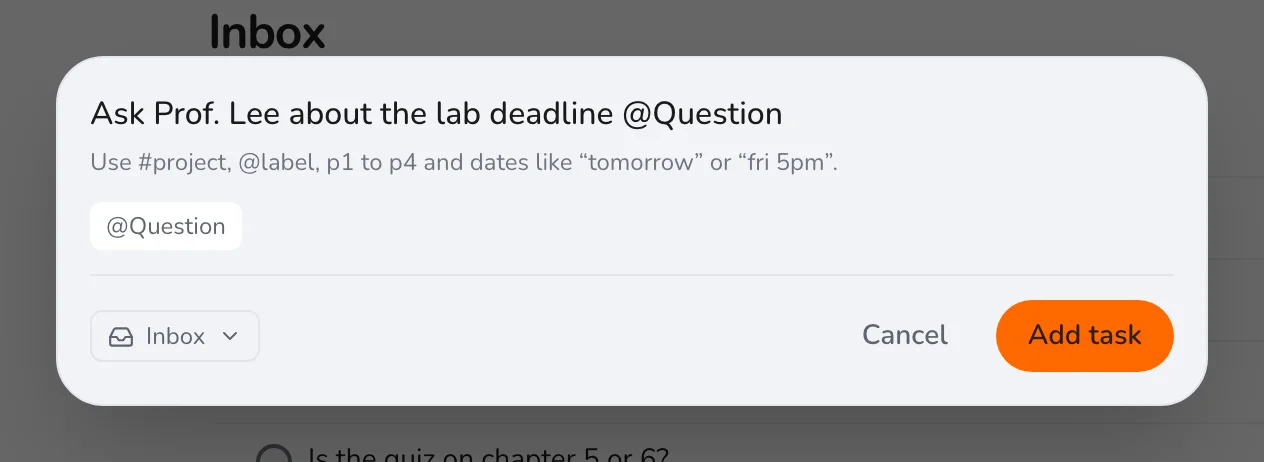
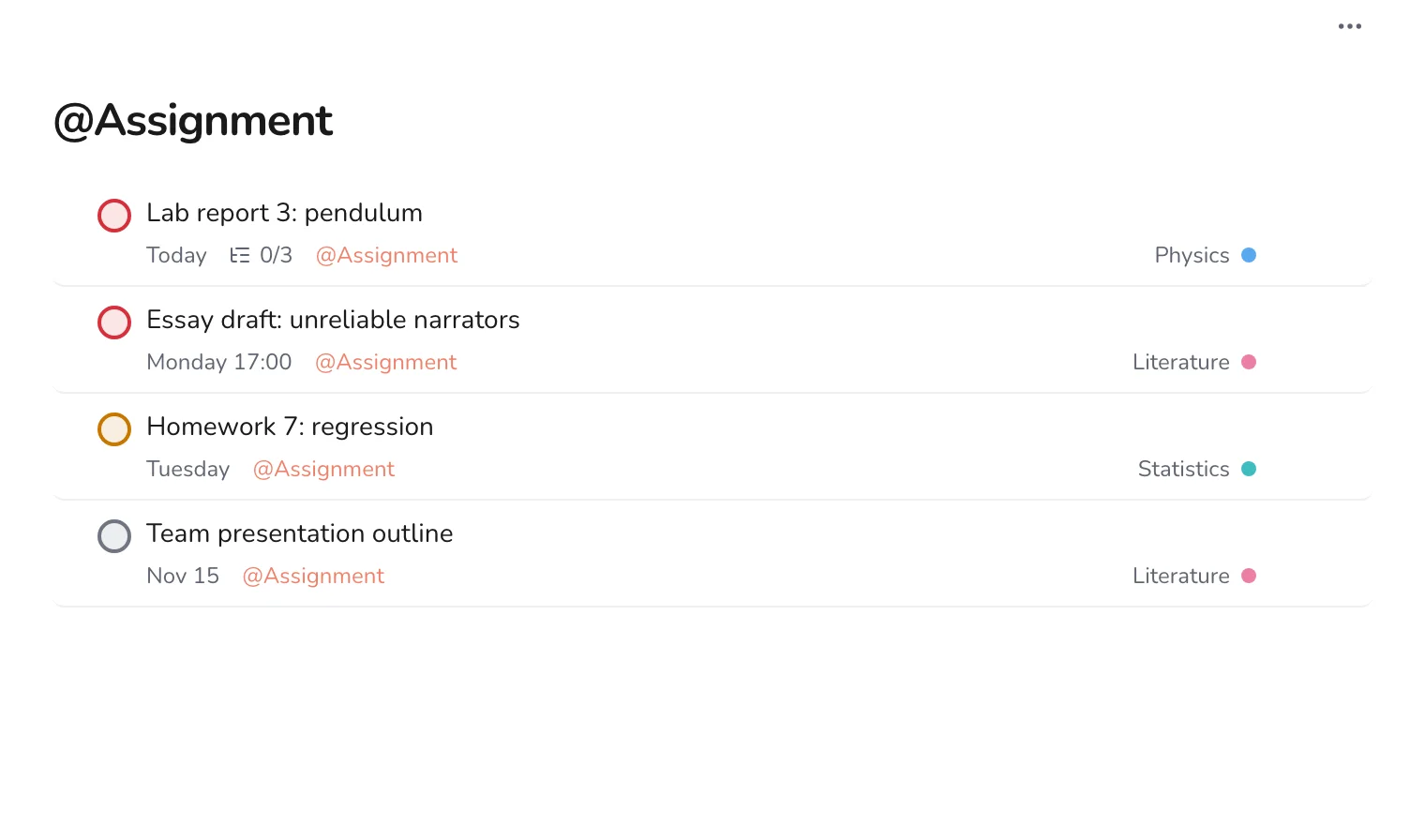
Tip. If you capture many questions, create a Question label and add @Question. Later you can see all of them in one list for office hours.
Step 2
Let the Inbox fill up
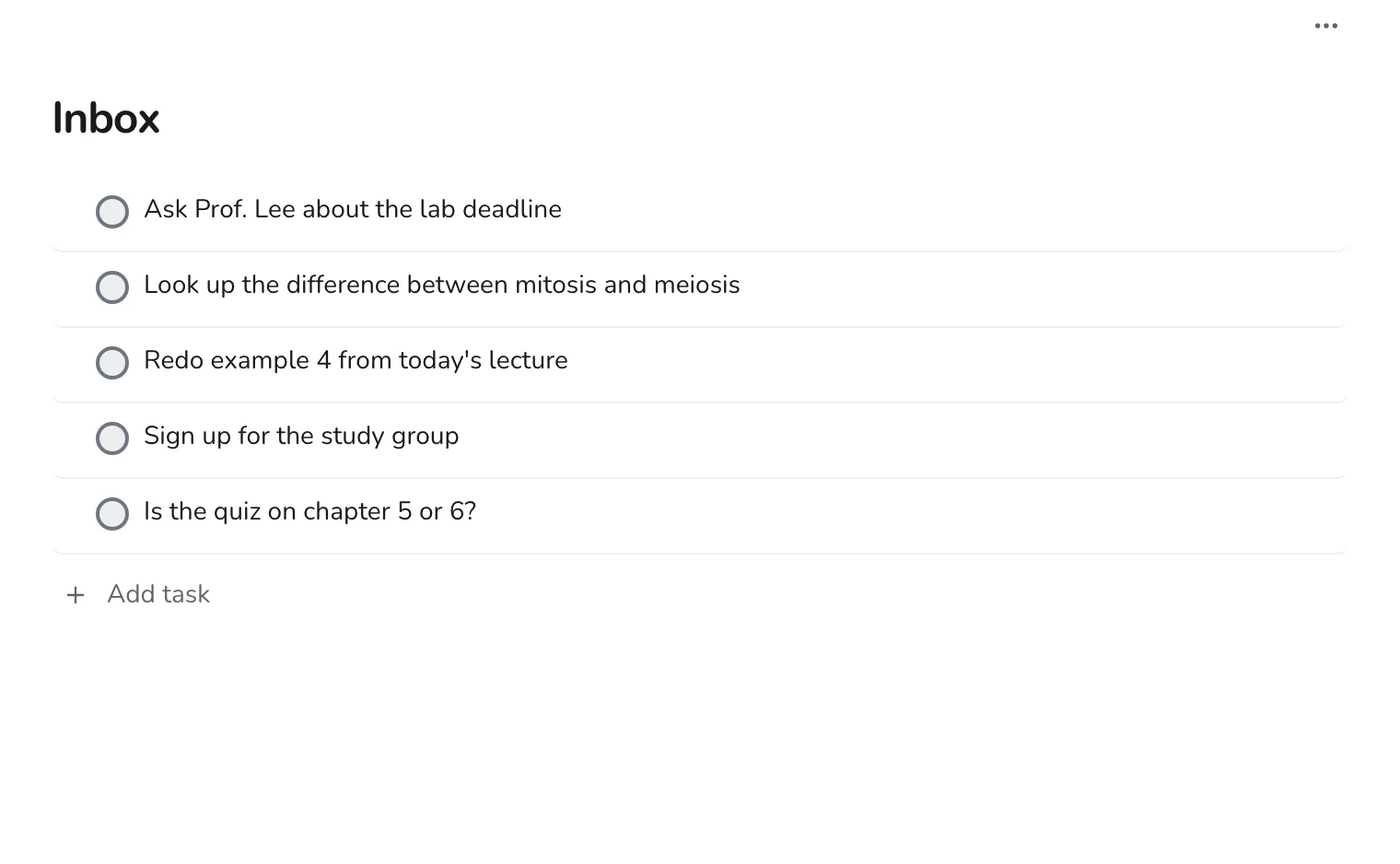
By the end of a day of classes, the Inbox will hold a handful of loose items. This is not a mess. It is a list of things you would have forgotten.
Step 3
Sort the Inbox in the evening
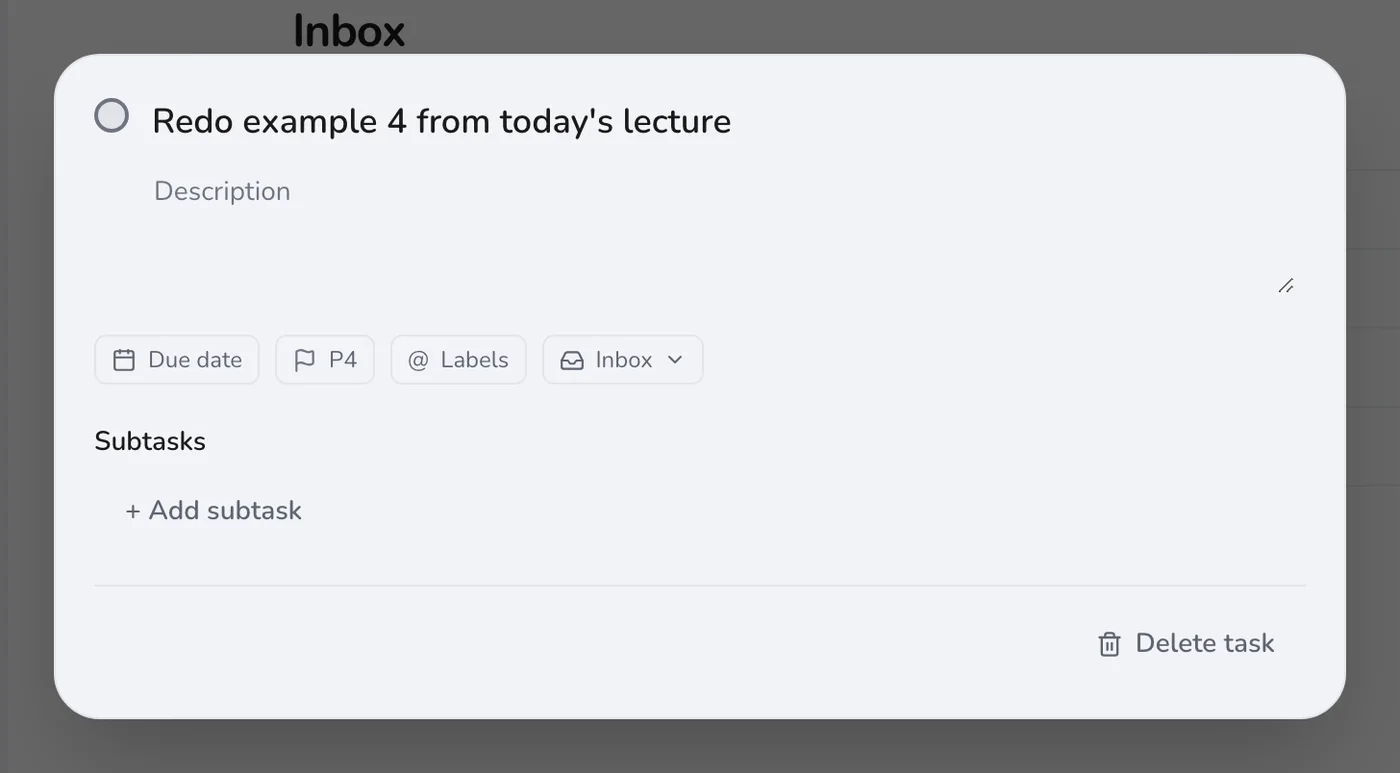
Once a day, take the items from the top, one at a time. For each, decide:
- Takes two minutes? Do it now and check it off.
- Belongs to a course? Open it and move it to the project.
- Needs a date? Set one.
- Not worth doing? Delete it.
Step 4
Find them in the course
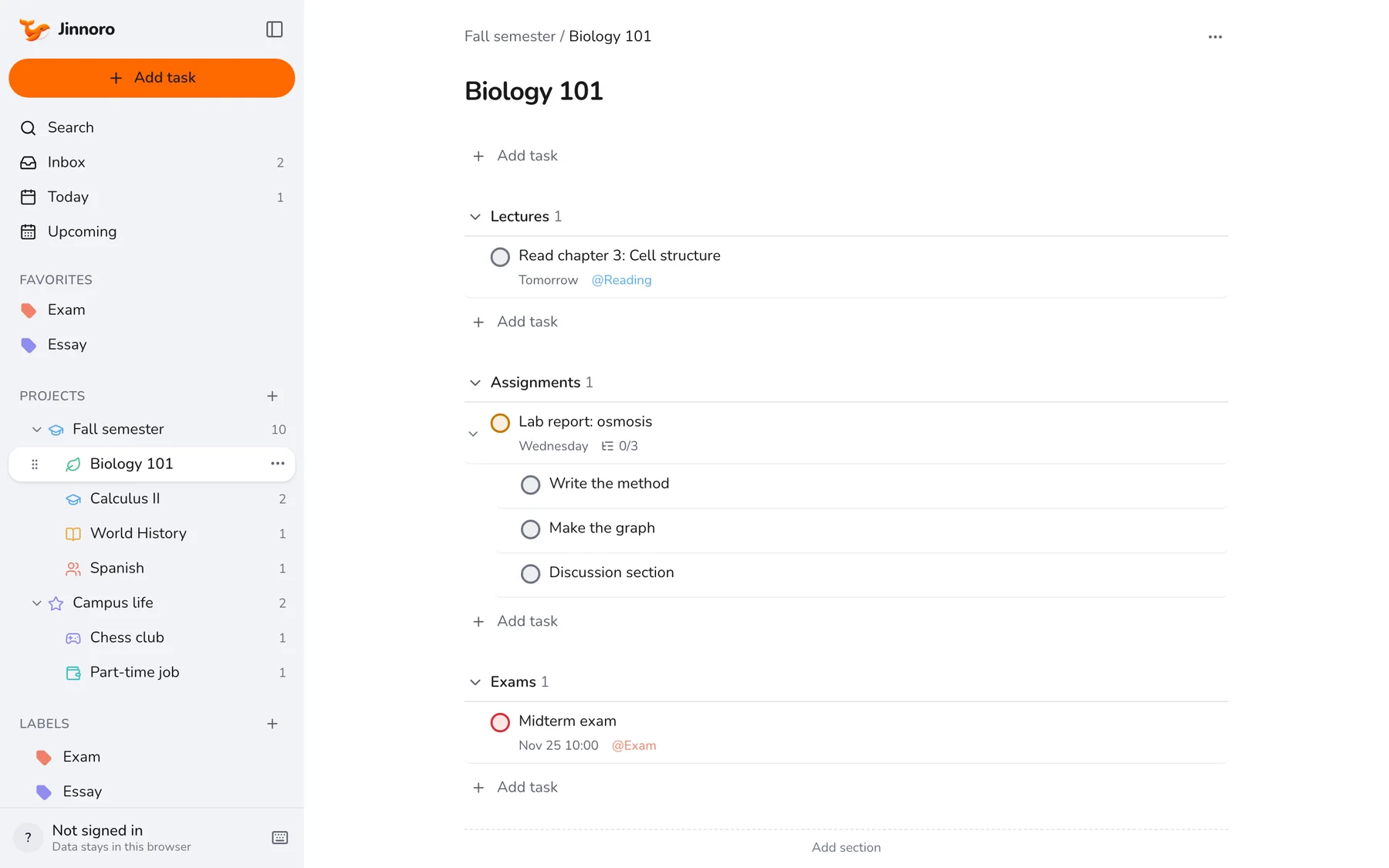
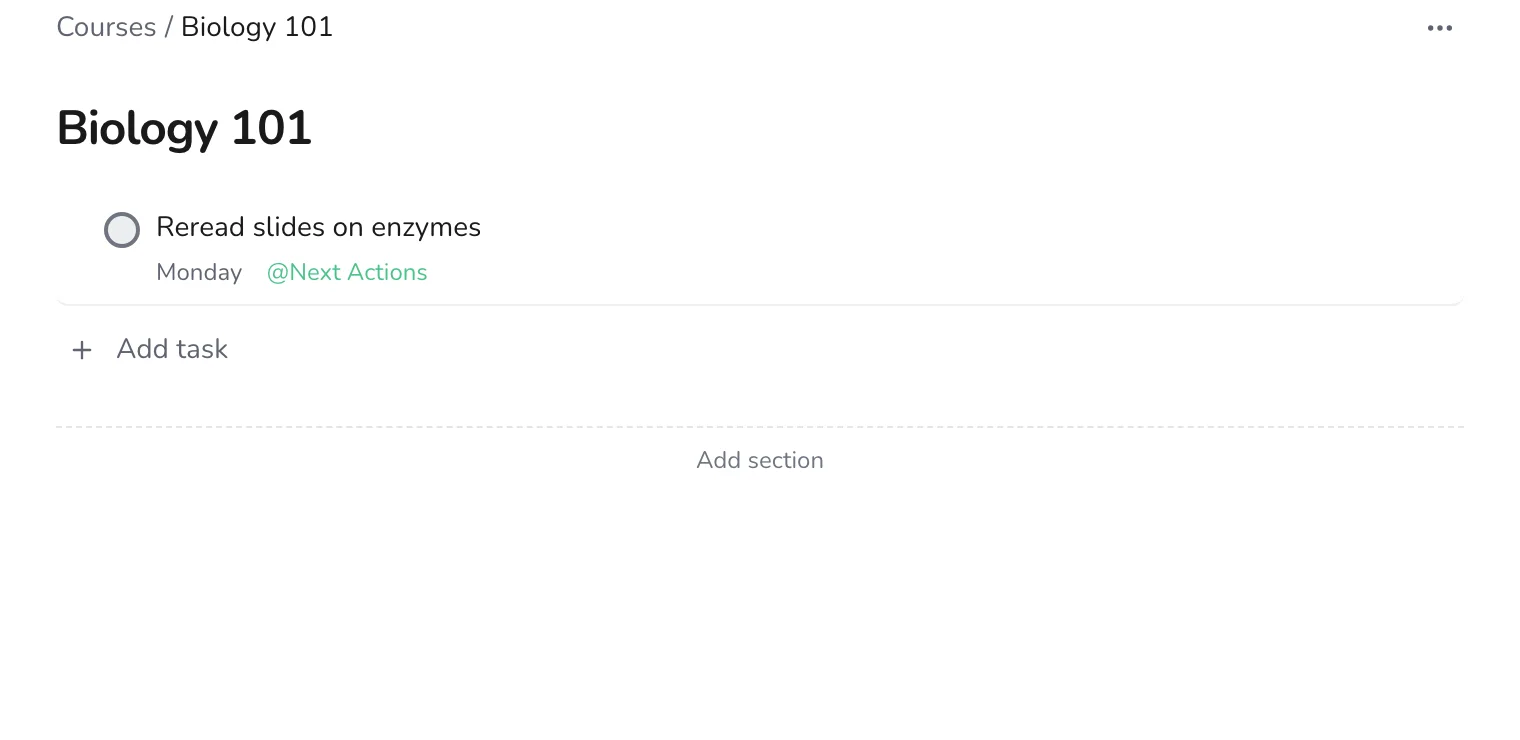
After sorting, each task is in its course, where it belongs with the readings and assignments.
Aim for an empty Inbox before you go to bed. If you do this for a week, it becomes automatic, and you will stop worrying about what you forgot. To plan the sorted items, see setting up a semester planner.